LatLonGO
iOS Universel / Productivité
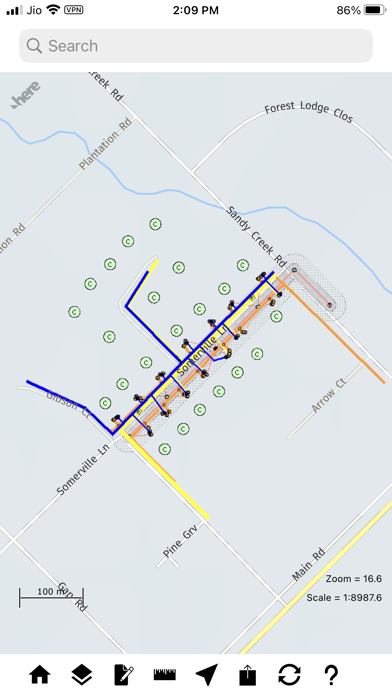
LatLonGO provides users with a system for distributing GIS information seamlessly to any mobile tablet. The simple user interface is ideal for mobile workers who require access to an up-to-date copy of corporate data both online or offline.
LatLonGO can process data from many GIS formats and serve it from any in-house or external (cloud) server. Smallworld, ArcGIS and QGIS process data natively (WYSIWYG). nfoldROI provides global 24-hour time-zone support and a local partner network for implementation and support of back-end architecture.
Key Product Features & Benefits
* 100% app availability online or offline
* Incremental mobile updates of office GIS changes
* Redline back-to-office notifications
* Editing capability (Create new features, Edit attributes & geometry of existing features, Delete features)
* Unlimited view scaling; no loss of cartographic detail
* Displays user’s data over HERE map (or user’s own landbase)
* Single search across user’s mobile database
* Sophisticated data compression and encryption
* Mobile server license available plus Smallworld, ArcGIS and QGIS extractors
* SAP Certified
Quoi de neuf dans la dernière version ?
Fixed tiling issue where tile fragments were shown instead of transparent tiles when zooming to higher zoom levels in an area close to the extract boundary