• KultureGeek
  • Comparateur de prix
       
iPhoneAddict
 iAddictv5Notre Application iPhone/iPad
  • Accueil Apps
  • Actualité Apple
  • Keynote Apple
  • Firmwares & iTunes
  • Contactez-nous
Accueil » Liste des Apps » Apps Universelles » Productivité » Live Emoji - sending GIF Emoji
L'application n'est plus disponible sur l'App Store français
3.0 iOS €Gratuit Kyungman Kim 1 1 Free for limited time!!! Don't miss this chance! Gif Animation Emoticons Can Copy to Clipboard & Send to SMS - Copy to Clipboard Support Messages ( iMessage ) FREE of charge by sending GIF Animation by iMessage iMessage is only applicable for...
Live Emoji - sending GIF Emoji

Live Emoji - sending GIF Emoji

iOS Universel / Productivité

Gratuit
Obtenir sur l'App Store

Free for limited time!!!
Don't miss this chance!

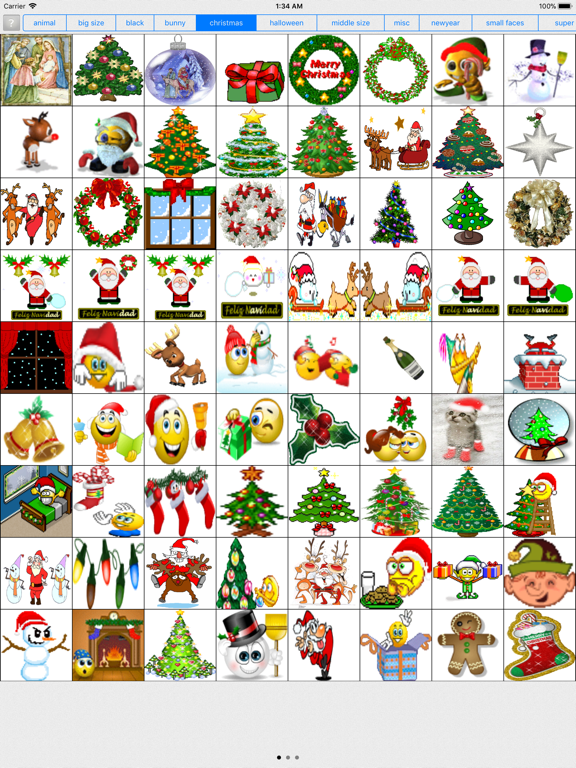
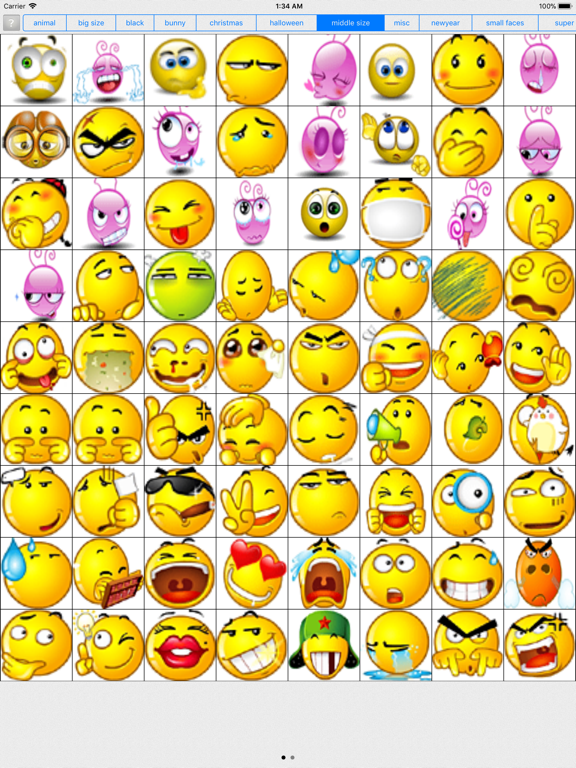
Gif Animation Emoticons Can Copy to Clipboard & Send to SMS
- Copy to Clipboard Support Messages ( iMessage )

FREE of charge by sending GIF Animation by iMessage

iMessage is only applicable for iPhone with iOS 5.0 or above.

User Guide:
1. Start up the app "Live Emoji"
2. Choose one picture for the category you like
3. Choose any animation you want
4. open "Messages" app
5. Find a recipient who has activated the function of iMessage
6. Tab content bar once
7. Select "Paste" to paste the saved animation
8. Press "Send" button

>> There are more and more people chatting with friends on phone by using some social contacting apps.

>>However, they are troubling with some common points.

>>While greeting to stranger, don’t know what good words to accost;
>>While chatting with lover, you feel the text message could not express your mood in deep;
>>While on your friends’ birthdays and meets some important festivals, you don’t know to type what to send your wishes with the phone holding on your hand.

* While meeting the problems above, do you know how to solve?

>>It’s very simple that all you need is to click the button FREE. Download this app and turn it on. You will find you fall in love with it and all the troubles above would have been solved.

>> It is very simple to use this app. It could be said that although you were no familiar with iPhone, as long as you can play it for several minutes and then you could totally master this app!

En voir plus...

Quoi de neuf dans la dernière version ?

This app has been updated by Apple to display the Apple Watch app icon.

Support for iPhone X

  • Screenshot #1 pour Live Emoji - sending GIF Emoji
  • Screenshot #2 pour Live Emoji - sending GIF Emoji
  • Screenshot #3 pour Live Emoji - sending GIF Emoji
  • Screenshot #4 pour Live Emoji - sending GIF Emoji
  • Screenshot #5 pour Live Emoji - sending GIF Emoji
  • Screenshot #6 pour Live Emoji - sending GIF Emoji

Note

(1 notes)

Détails sur l'application

Version
3.0
Taille
54.8 Mo
Version minimum d'iOS
8.0
Dernière mise à jour
27/11/2017
Publié par
Kyungman Kim

Newsletter App Store

Recevez chaque jour les meilleures promos

Actualité Apple

Image Les Apple Watch ont dominé les ventes de montres connectées en 2025
Les Apple Watch ont dominé les ventes de montres connectées en 2025
Image Apple propose Xcode 26.3 intégrant Claude Agent et OpenAI Codex pour l’IA
Apple propose Xcode 26.3 intégrant Claude Agent et OpenAI Codex pour l’IA
Image Les iPhone et iPad sont désormais certifiés par l’OTAN pour traiter des informations classifiées
Les iPhone et iPad sont désormais certifiés par l’OTAN pour traiter des informations classifiées
Image Apple TV s’associe à Netflix pour diffuser « Formula 1 : Drive to Survive »
Apple TV s’associe à Netflix pour diffuser « Formula 1 : Drive to Survive »
Partenaires : Actualité iPhone - Culture Geek
©2009-2026 i2CMedia | A propos |