ManualBook
iOS Universel / Productivité
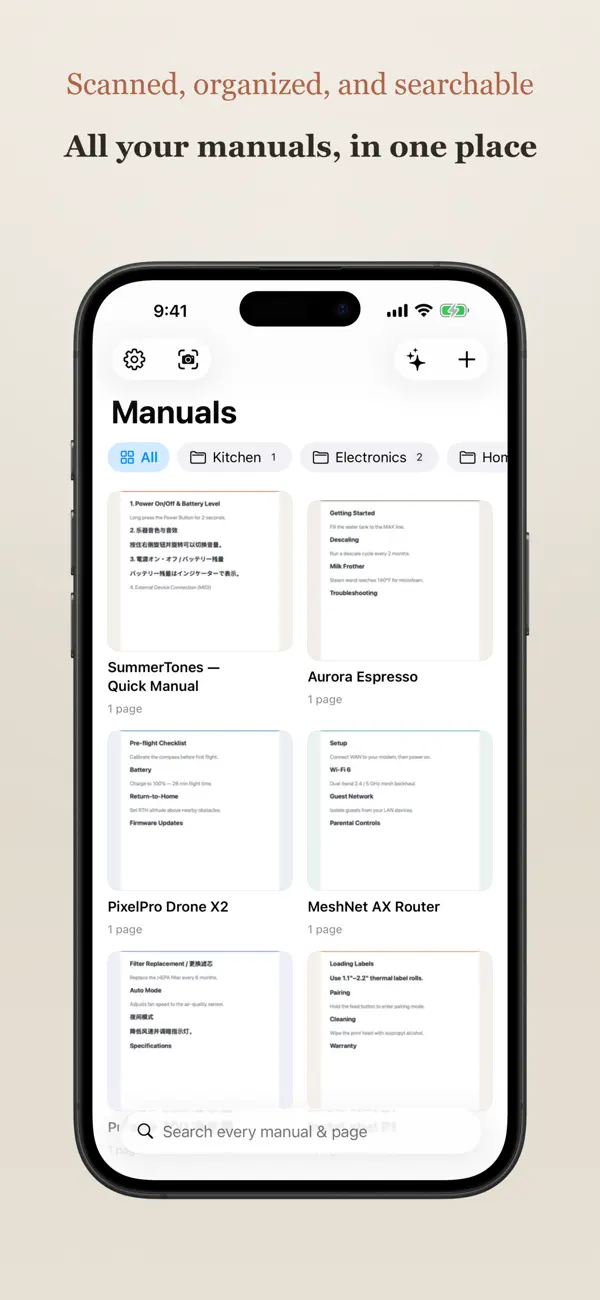
Paper manuals pile up in drawers — and the one you need is never there. ManualBook turns that pile into a searchable library on your phone.
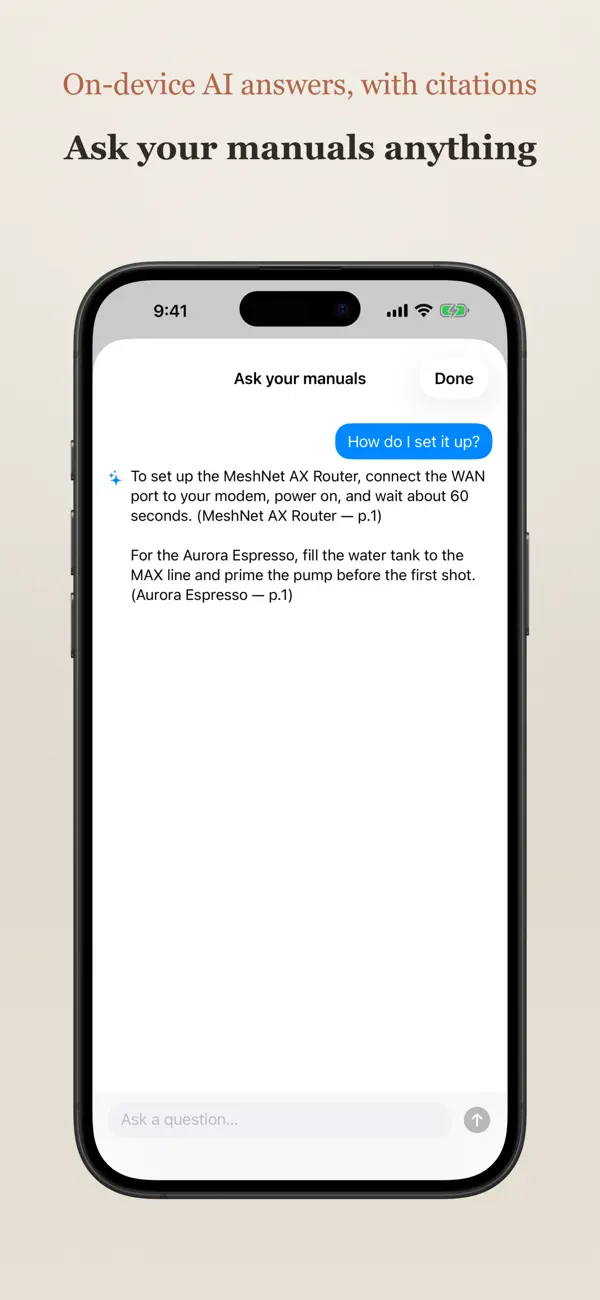
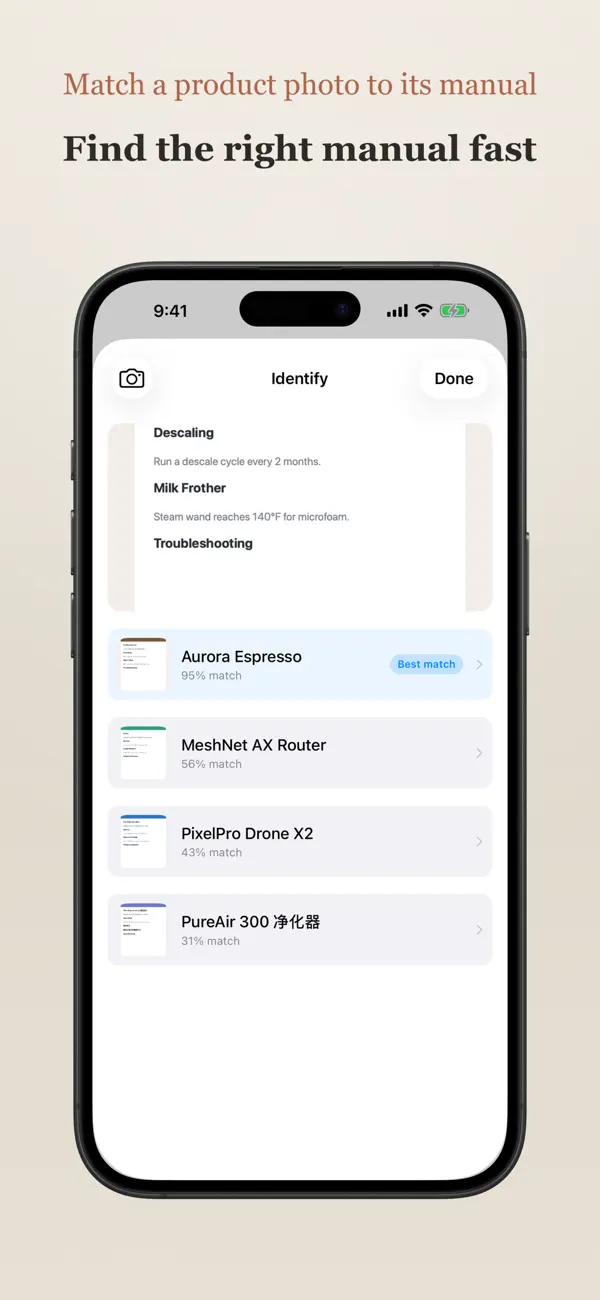
Scan a manual with your camera, snap a photo, or import a PDF. ManualBook reads every word on the page — in English, 简体/繁體中文, and 日本語 — entirely on your device, so you can find any detail in seconds.
How it works
• Capture: the built-in document scanner auto-detects edges and straightens the page. Or import straight from Photos or Files — images and PDFs alike.
• Recognize: on-device text recognition reads each page, including mixed English / Chinese / Japanese, with no internet and nothing uploaded.
• Search: full-text search across every manual and every page, with matches highlighted and a tap to jump right to the page.
• Organize: group manuals into folders, add tags, and keep brand and notes together.
• Share to ManualBook: send a PDF or photo from any app — Safari, Files, Mail, Photos — straight into your library, scanned and filed automatically.
• Export: turn any manual back into a shareable PDF.
Private by design
• Everything runs on your iPhone. Text recognition happens on-device — your manuals are never uploaded to us, and there are no accounts, servers, analytics, or trackers.
• Optional iCloud Sync keeps your library in your own private iCloud, encrypted by Apple, so it's there on all your devices. We never see it.
Stop hoarding paper. Scan it once, find it forever.