mDone
iOS Universel / Productivité
Take control of your tasks with mDone — a beautifully designed task manager built for your self-hosted Vikunja server.
If you run your own Vikunja instance and want a polished, native iOS experience to manage your tasks, mDone is made for you. Inspired by the clean design of TickTick, mDone brings a thoughtful, focused interface to your self-hosted productivity setup.
KEY FEATURES
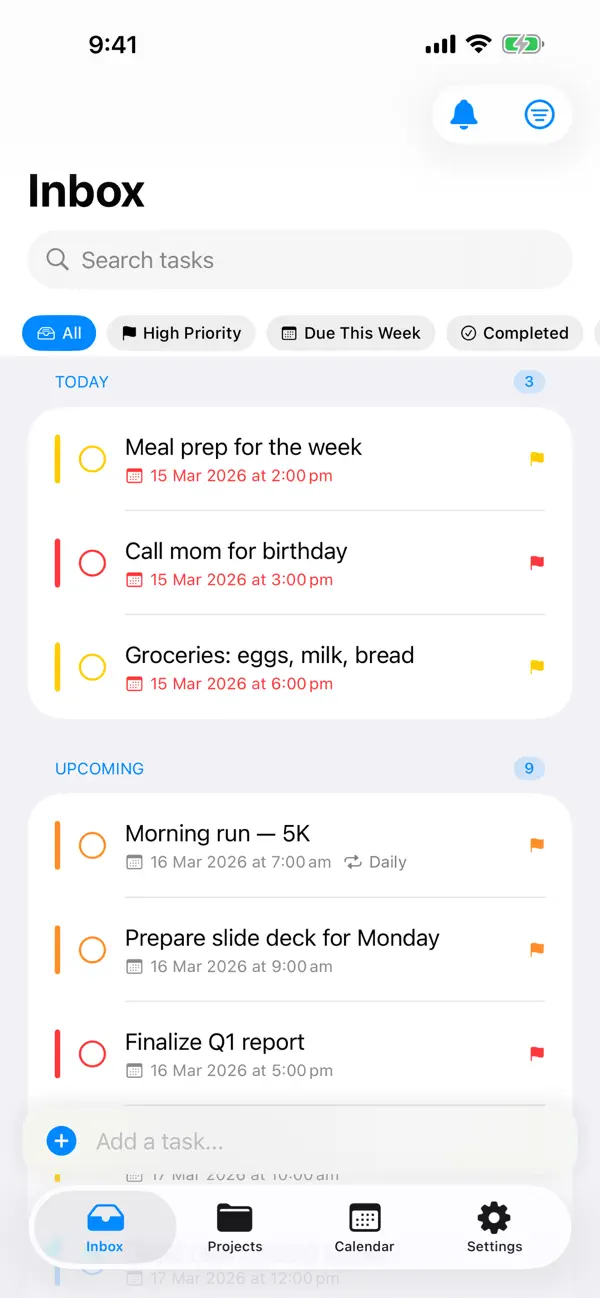
Smart Lists
Stay on top of what matters. mDone organizes your tasks into smart views — Today, Upcoming, and Overdue — so you always know what to focus on next.
Projects & Favorites
Organize tasks into projects and mark the ones you use most as favorites for quick access from the sidebar.
Home Screen & Lock Screen Widgets
See your tasks at a glance without opening the app. Widgets show your upcoming tasks, today's agenda, and overdue items right on your home screen or lock screen.
Focus Timer with Live Activities
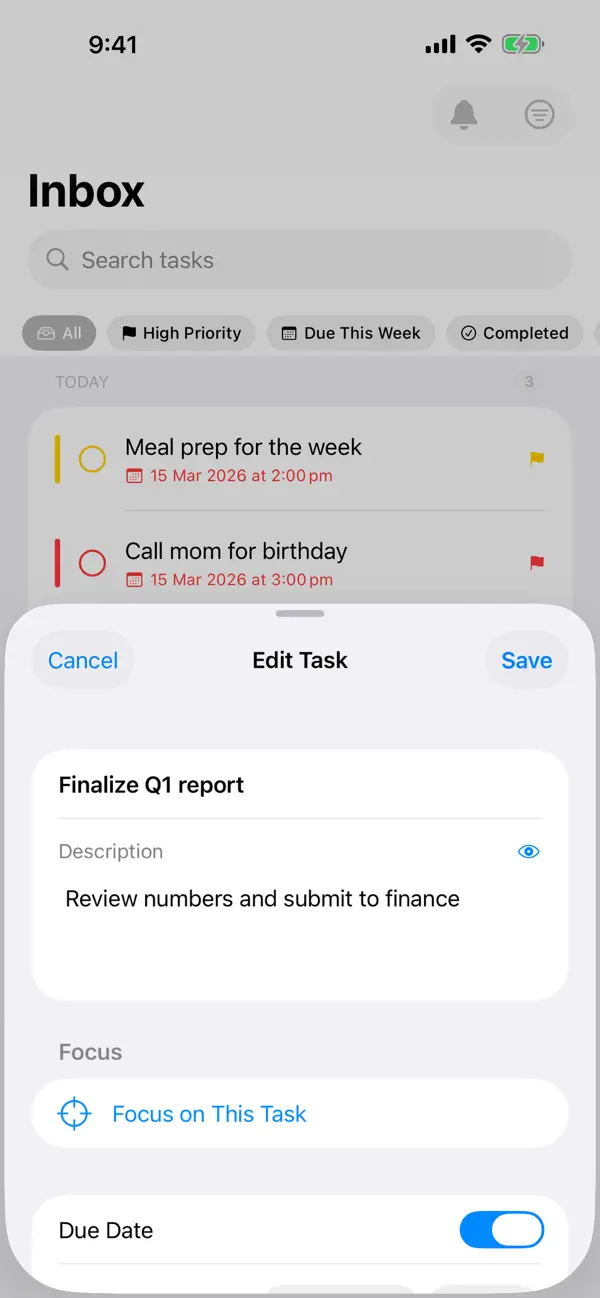
Use the built-in focus timer to work through your tasks with purpose. Live Activities keep your current timer visible on your lock screen and Dynamic Island.
Repeating Tasks
Set tasks to repeat on your schedule — daily, weekly, monthly, or custom intervals. Completed repeating tasks automatically generate their next occurrence.
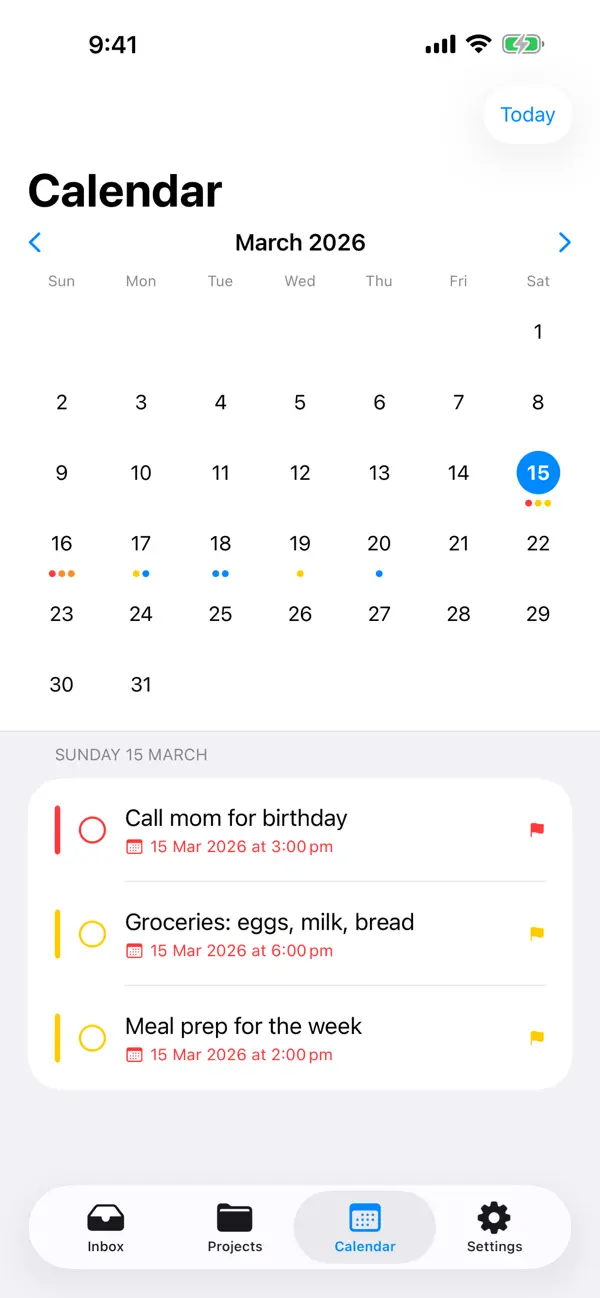
Calendar View
Visualize your tasks across days and weeks with an integrated calendar view. Spot gaps, plan ahead, and stay balanced.
Offline Support
mDone caches your tasks locally so you can view and work with them even when you are offline. Changes sync back to your Vikunja server when connectivity is restored.
Privacy First
mDone contains zero analytics, zero tracking, and zero third-party SDKs. The app talks only to your Vikunja server — nothing else. Your data stays entirely under your control.
REQUIREMENTS
- A self-hosted Vikunja server (vikunja.io)
- An account on that server
mDone is open source. Visit the GitHub repository to report issues, request features, or contribute.
Quoi de neuf dans la dernière version ?
Hide all-day calendar events, plus a Kanban fix.
- New setting to hide all-day calendar events: Settings > Calendar > "Show all-day events". Turn it off to keep day-long events out of your Calendar and Today views. It stays on by default, so nothing changes unless you flip it.
- The Kanban board shows your tasks again on current Vikunja servers (v0.24 and later). Columns previously loaded but sat empty.
- Available on both iPhone and Mac.