iPhoneAddict Apps
  • Actualités
  • Accueil Apps
  • iPhone
  • iPad
  • Universelles
  • Mac
  • Apple TV
KG KultureGeek
App
iPhone / iPad Télécharger iAddict v5 Mac Télécharger iAddict Mac
  • Actualités
  • Accueil Apps
  • iPhone
  • iPad
  • Universelles
  • Mac
  • Apple TV
  • Archives keynotes
  • Firmwares & iTunes
  • Contactez-nous
  • Comparateur de prix
  • KultureGeek
Accueil » Liste des Apps » Apps Universelles » Productivité » Nippon Paint
L'application n'est plus disponible sur l'App Store français
1.3 iOS €Gratuit Joe Lenora 0 0 Nippon i-Colour Visualizer app is unique app that helps you visualize the colours of your walls before you buy the paint. With of the Nippon i-Colour Visualizer app you can get an idea of the type of Nippon colours that will suit your surface the...
Nippon Paint

Nippon Paint

iOS Universel / Productivité

Gratuit
Obtenir sur l'App Store
Facebook X E-mail

Nippon i-Colour Visualizer app is unique app that helps you visualize the colours of your walls before you buy the paint. With of the Nippon i-Colour Visualizer app you can get an idea of the type of Nippon colours that will suit your surface the most. With the app you will feel like having a Nippon colour card at home at the touch of your fingertips.
 
If you are an interior designer or an architect, the Nippon i-Colour Visualizer will save you time and money because you can demo the client instantly how the colour selected will look against the furniture placed in the room.

The 5 easy steps of how to use the Nippon i-Colour Visualizer app. 

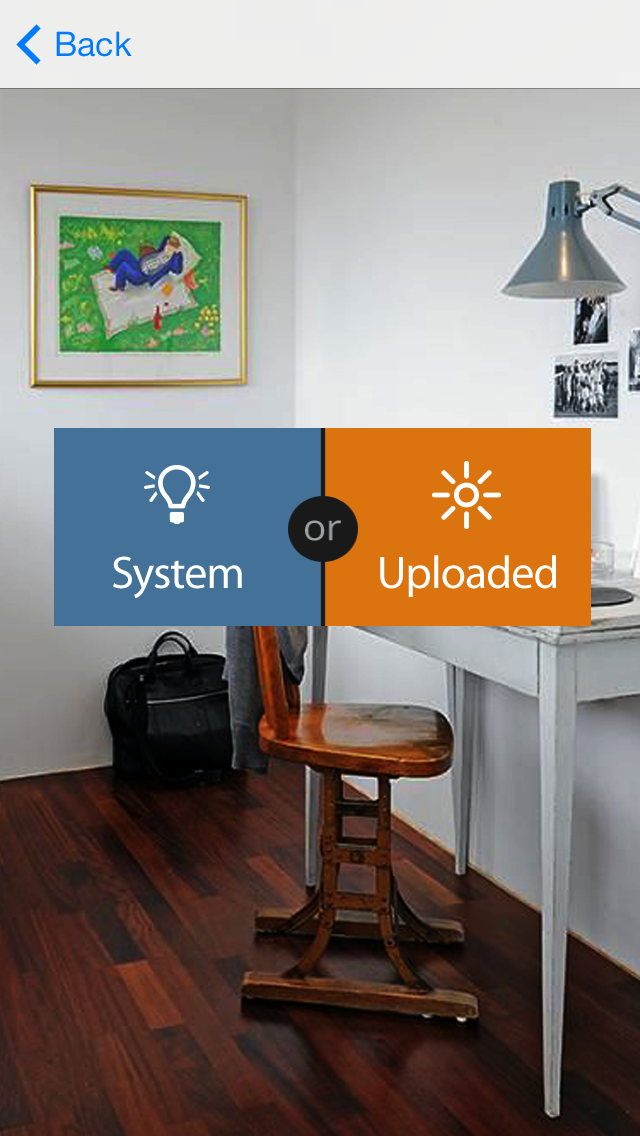
Step 1 – Take a photo from your camera or select a photo from the gallery.
Step 2 -  Choose either "Interior" or "Exterior" to specify the scene in your picture.
Step 3 – Select the colour you want to apply from the colour swatch tool.
Step 4 – Mark the area of the wall you wish to paint in the photo using the given "Pen" or the "Brush" tools.
Step 5 – Save the customize image to compare with other images later.

En voir plus...

Quoi de neuf dans la dernière version ?

analysis
  • Screenshot #1 pour Nippon Paint
  • Screenshot #2 pour Nippon Paint
  • Screenshot #3 pour Nippon Paint
  • Screenshot #4 pour Nippon Paint
  • Screenshot #5 pour Nippon Paint
  • Screenshot #6 pour Nippon Paint

Note

(0 note)

Détails sur l'application

Version
1.3
Taille
41.1 Mo
Version minimum d'iOS
7.0
Dernière mise à jour
04/08/2014
Publié par
Joe Lenora

Newsletter App Store

Recevez chaque jour les meilleures promos

Actualité Apple

Image Les États-Unis ne veulent pas qu’Apple achète de la RAM chinoise
Les États-Unis ne veulent pas qu’Apple achète de la RAM chinoise
Image Apple retire sa pub polémique avec un enfant et un iPhone en Italie
Apple retire sa pub polémique avec un enfant et un iPhone en Italie
Image L’iPhone Ultra pliable va-t-il résoudre les défauts du Galaxy Z Fold 8 ?
L’iPhone Ultra pliable va-t-il résoudre les défauts du Galaxy Z Fold 8 ?
Image Mac : des hackers exploitent la faille du partage d’écran avec un mineur de cryptomonnaie
Mac : des hackers exploitent la faille du partage d’écran avec un mineur de cryptomonnaie
iPhoneAddict Apps

Le catalogue iPhoneAddict pour suivre les nouveautés, mises à jour et baisses de prix de l’App Store.

Apps

Toutes les apps iOS iPhone iPad Universelles Mac Apple TV

iPhoneAddict

Actualité Apple Archives keynotes Contact À propos KultureGeek

Suivez-nous

©2009-2026 i2CMedia. Tous droits réservés.