NoteMap 2
iOS Universel / Productivité
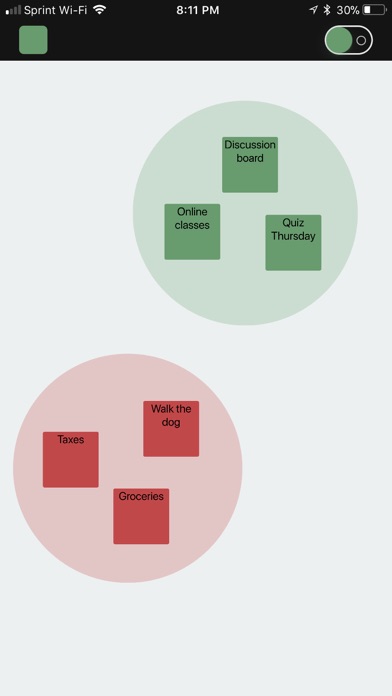
Double tap with one finger to create a note of the selected color. Double tap with two fingers to delete a note
Use the button in the top left to change your selected color
Use the keyboard color picker when typing to change the note's color
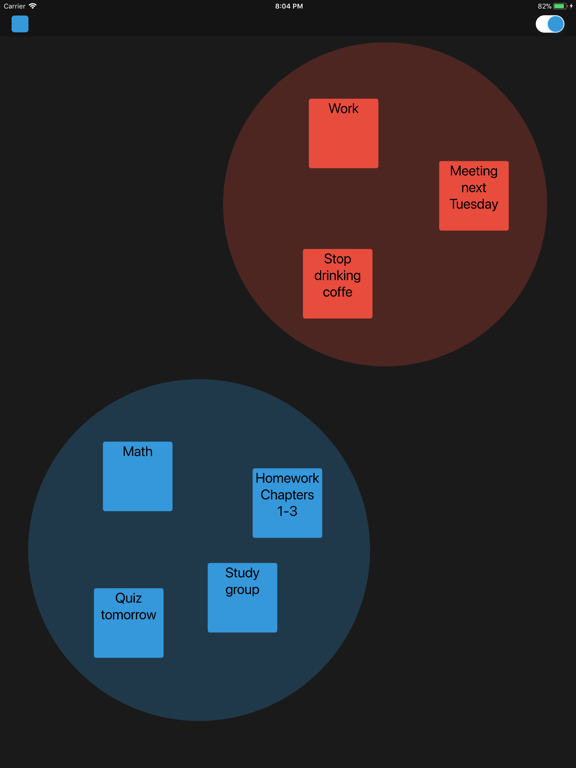
Drag notes of the same color together to make a cluster. Triple tap with two fingers to delete
Pinch to zoom in and out. Your position and zoom will be saved
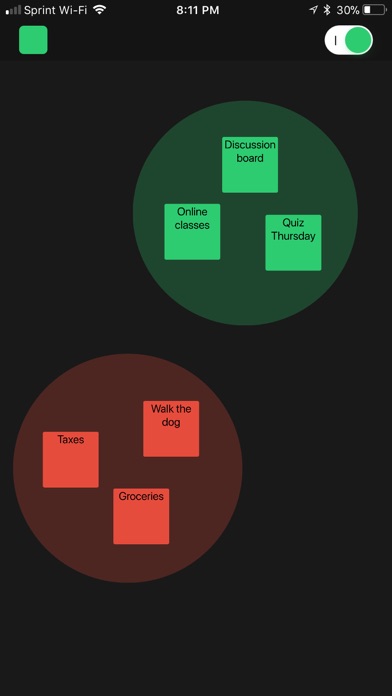
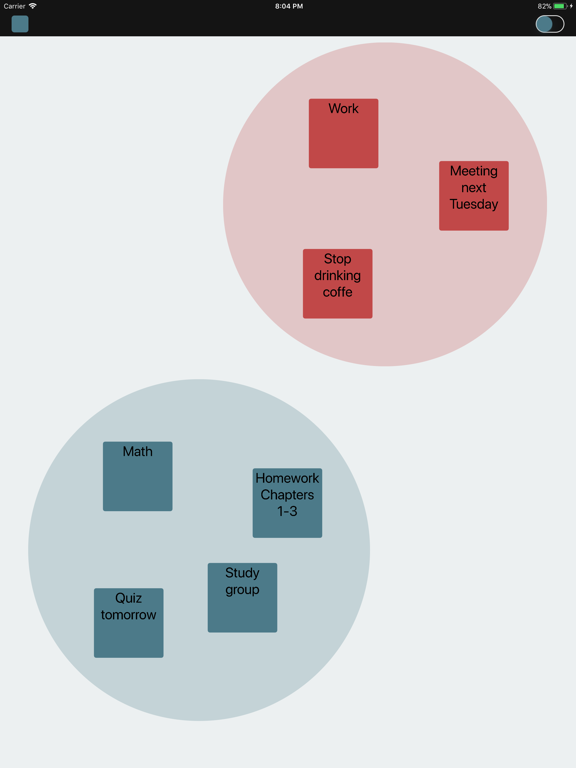
Flip the switch in the top right to change the theme. NoteMap will auto save
En voir plus...
Quoi de neuf dans la dernière version ?
This update from Apple will improve the functionality of this app. No new features are included.
- Minor bug fixes