Photo en PDF : Scanner Doc
iOS Universel / Productivité
Photo to PDF Converter and Scanner - turn paper into perfect PDFs in seconds.
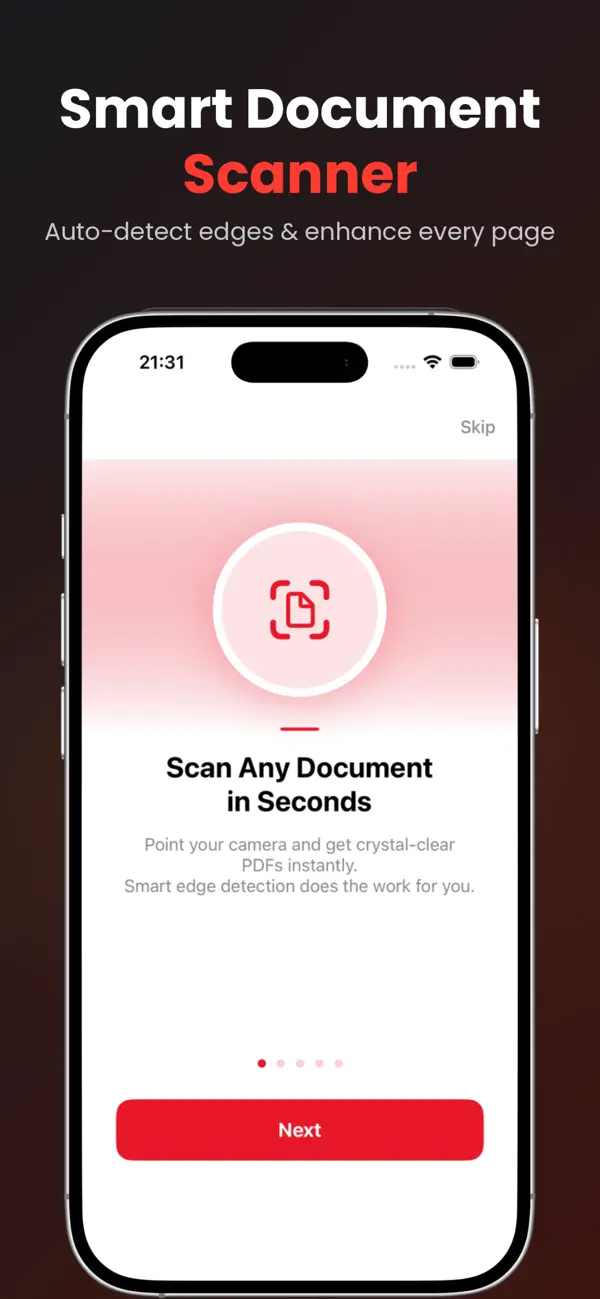
Point your camera at any document, receipt, ID, or whiteboard, and Photo to PDF instantly creates a sharp, crystal-clear PDF. Smart edge detection, auto-enhancement, and pro-grade tools - all in one beautifully simple app.
QUICK AND EASY DOCUMENT SCANNING
- Auto edge detection - captures the page edges in real time
- Auto-enhancement - clean, readable scans every time
- Multi-page scanning - scan a stack in one session
- Import from Photo Library or Files - turn existing images into PDFs
PROFESSIONAL PDF TOOLS
- Sign PDFs - draw your signature with your finger or stylus
- Add Text - annotate any document
- Merge PDFs - combine multiple files into one
- Compress PDF - three quality levels to shrink file size
- Split PDF - break a document into separate files
- Reorder Pages - drag-and-drop arrangement
- Add Watermarks - protect your documents
- Password Protect - encrypt sensitive PDFs
- Apply Filters - brightness, contrast, B and W
- OCR (Text Recognition) - extract text from scanned pages
ORGANIZE LIKE A PRO
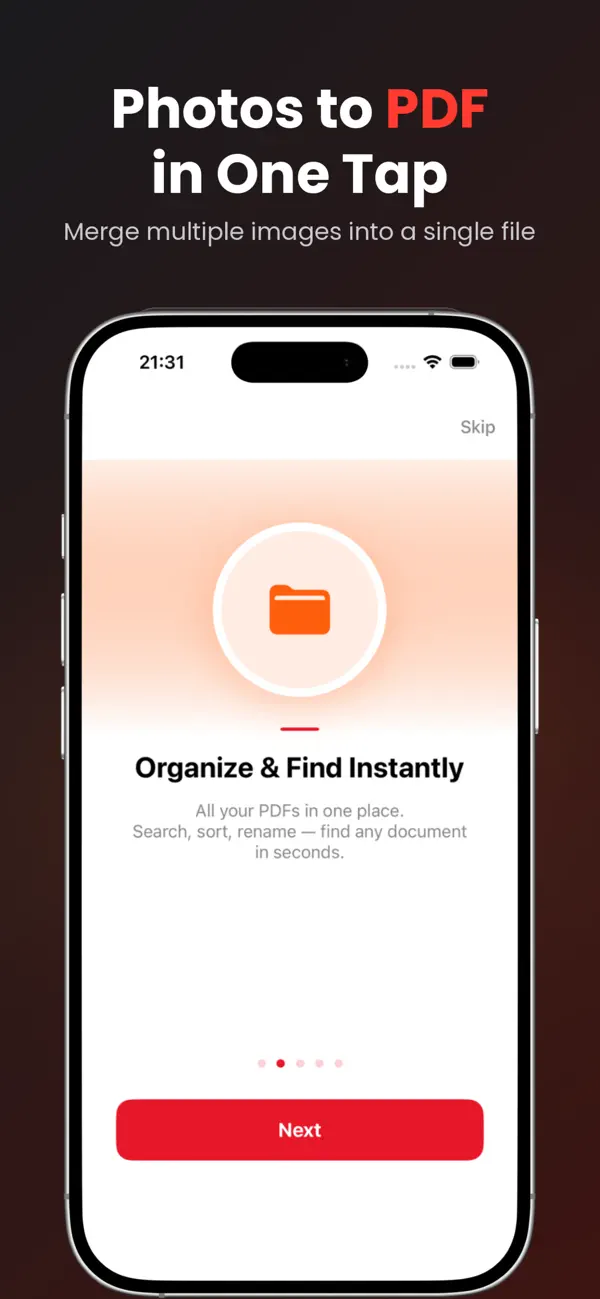
- Search any document instantly
- Sort by name, date, size, or page count
- Rename, duplicate, delete with a swipe
- iCloud Sync across iPhone and iPad (Pro)
SHARE EVERYWHERE
- Share via Email, Messages, AirDrop, and other installed apps
- AirPrint to any wireless printer
- Save to the Files app or your preferred cloud storage
- Export as PDF or images
AVAILABLE IN 24 LANGUAGES
English, Thai, Chinese (Simplified and Traditional), Japanese, Korean, Spanish, French, German, Portuguese (Brazil), Russian, Arabic, Hindi, Vietnamese, Indonesian, Malay, Italian, Dutch, Turkish, Polish, Ukrainian, Swedish, Danish, Finnish, and Norwegian.
Note: OCR text recognition is available in selected languages supported by Apple's Vision framework.
SIRI AND SHORTCUTS
Scan documents hands-free - just say "Scan a document with Photo to PDF."
FREE vs PRO
The Free version includes basic scanning with ads.
Upgrade to Photo to PDF Pro to unlock everything:
- Unlimited scanning - no daily limits
- All PDF tools (Merge, Sign, OCR, Compress, and more)
- 100 percent ad-free experience
- iCloud Sync across all your devices
- Password protection and watermarks
- Priority support
Start with a 3-day free trial. Cancel anytime.
SUBSCRIPTION PLANS
- Annual - Best Value (Save up to 33 percent)
- Monthly
- Lifetime - One-time payment, no subscription
See current pricing in your region inside the app.
Subscriptions auto-renew at the end of each billing period unless canceled at least 24 hours before. Payment is charged to your Apple ID account. Manage or cancel any
Quoi de neuf dans la dernière version ?
Welcome to the all-new Photo to PDF Converter & Scanner!
We've rebuilt the app from the ground up to make converting your photos faster, cleaner, and more private than ever.
What's included:
• Smart document scanner with automatic edge detection
• Convert single or multiple photos to PDF in one tap
• Merge images into a single organized file
• Edit, reorder, and rename pages with ease
• Add signatures to your documents
• No account or sign-up required — start instantly
• No tracking. Your files stay on your device
Thank you for using our app. We'd love your feedback — please leave a review to help us keep improving!