PowerFolder
iOS Universel / Productivité
With PowerFolder you can access, edit, and share your data and documents from anywhere - even together with other users, who are easily and securely invited into folders you have shared. The data is automatically encrypted for transport and stored and synchronized to German servers in the cloud in accordance with the European Data Protection Directive, so that it is always up to date and available everywhere.
Features:
• Automatically transfer data between your devices via Wi-Fi or Bluetooth
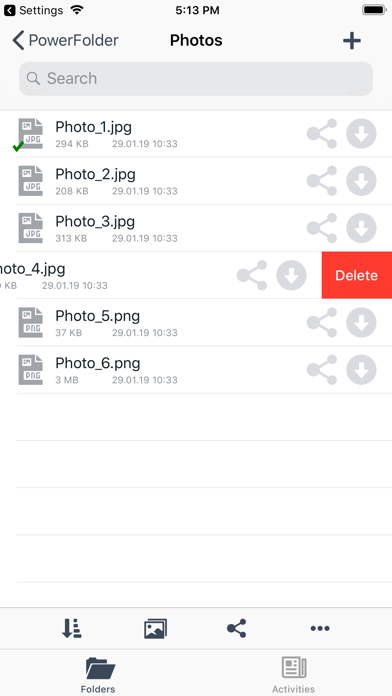
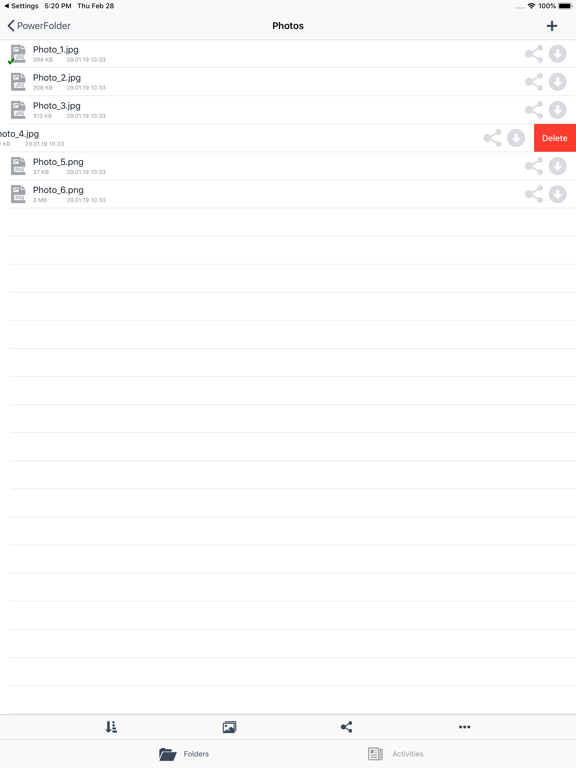
• Manage your files in the file browser
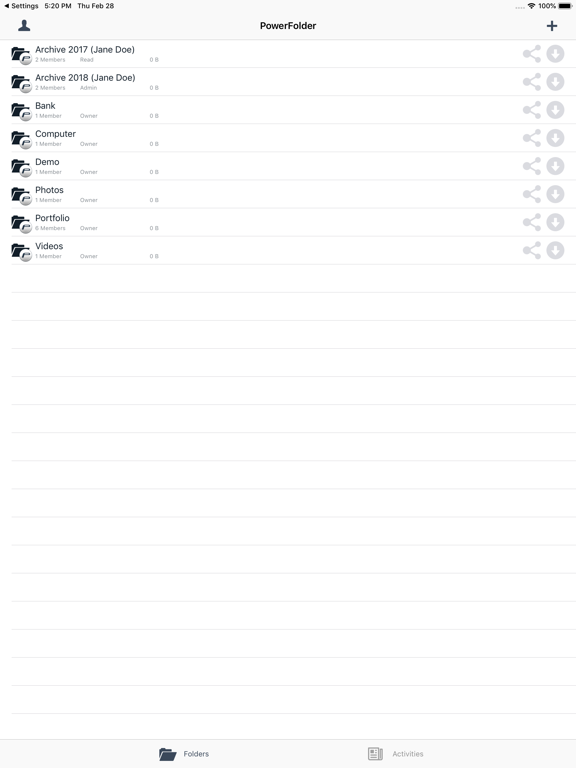
• Organize your team and set access rights for all your shared folders
• Have secure mobile access to your current data wherever you are
• Log in using Touch-ID
• Selection mobile data or WLAN for app usage
• Automatic photo upload from device gallery
Quoi de neuf dans la dernière version ?
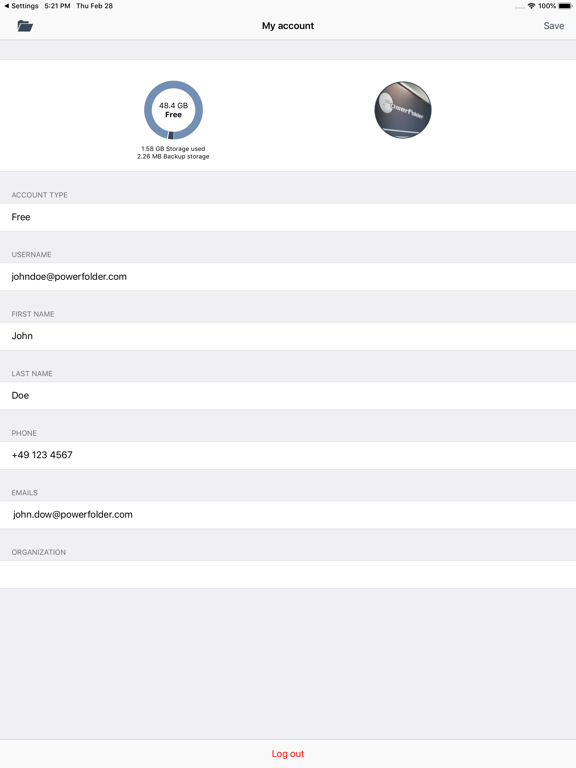
PFIOS-278: Adjust the text with buttons in the my account using iOS 26.1
PFIOS-279: Adapt color of tabs same as the icons