Push to Watch
iPhone / Productivité
► Push to Watch ◄
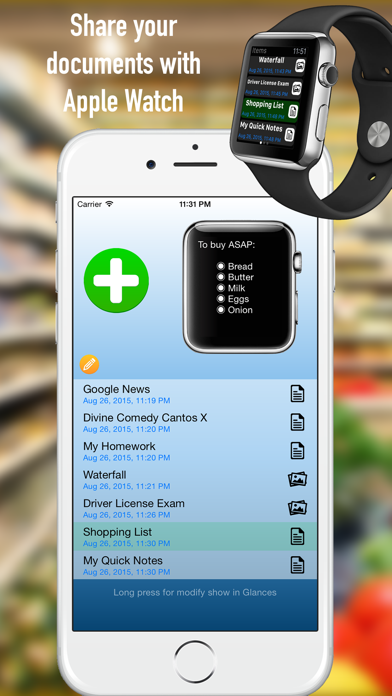
Leave your iPhone in your pocket and view your documents directly to your wrist.
Push to Watch allows you to share files between iPhone and Apple Watch.
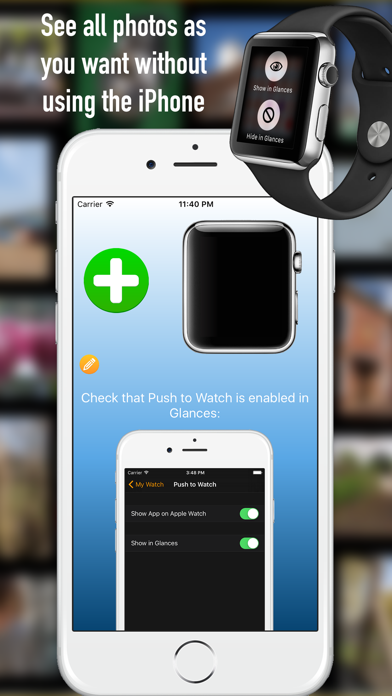
You can create text documents or images and photos to be displayed on your Apple Watch!
You can write directly the text, copy it from the clipboard or retrieve it from an internet link.
This allows you to download the text of an entire website to read it later on Apple Watch.
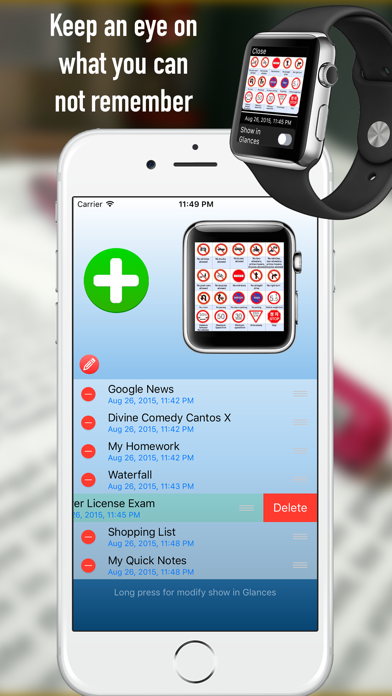
You can add, move and delete documents and choose from iPhone or Apple Watch, which document you want to see or delete.
You can set directly from Apple Watch the font size to display the text as you like.
Zoom your pictures on you Apple Watch in order to see a small details!
The update of documents is instantaneously and to read them you do not need to unlock the iPhone.
Push to Watch have all your documents on your wrist!
Quoi de neuf dans la dernière version ?
• Fixed a misleading "File transfer timed out" message that appeared even when the item (PDF, photo or text) was still being delivered in the background.
• Added a local notification when a queued item finally arrives on your Apple Watch (great for Series 3 and other slower Bluetooth pairings).
• New Diagnostics menu (long-press the tip label at the bottom) with an "Export logs" action to help us troubleshoot your reports faster.
• Improved handling of the free 1-item limit: items still in flight now count toward the limit correctly.