TimePanda
iOS Universel / Productivité
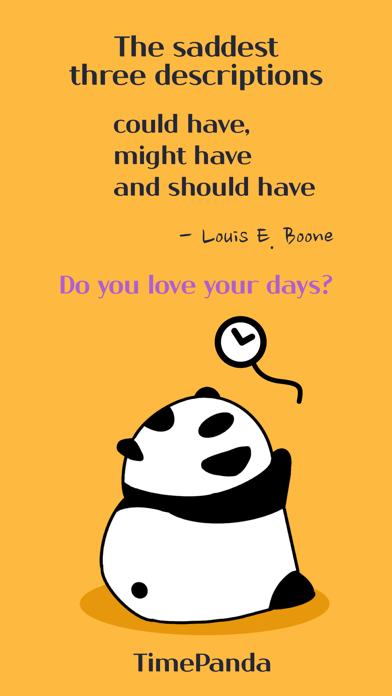
could have, might have and should have.
Do you have these thoughts again today?
Time Panda contains three special things that make our days no regrets.
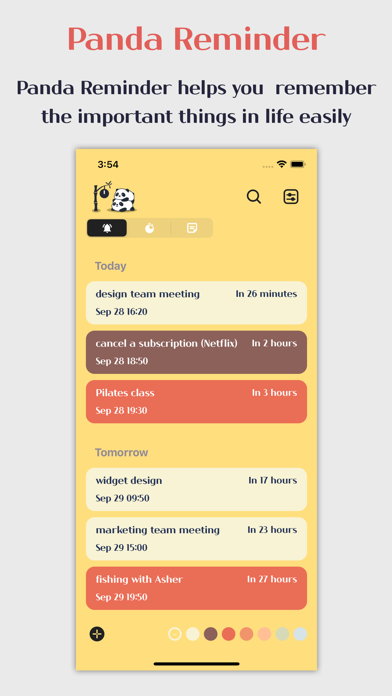
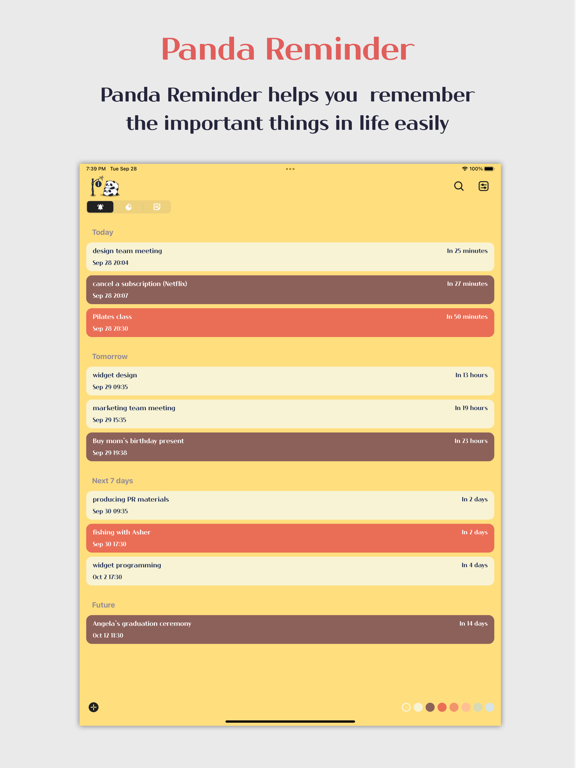
#Panda Reminder
Never Forget anything
#Panda Timer
Improving your time management skill
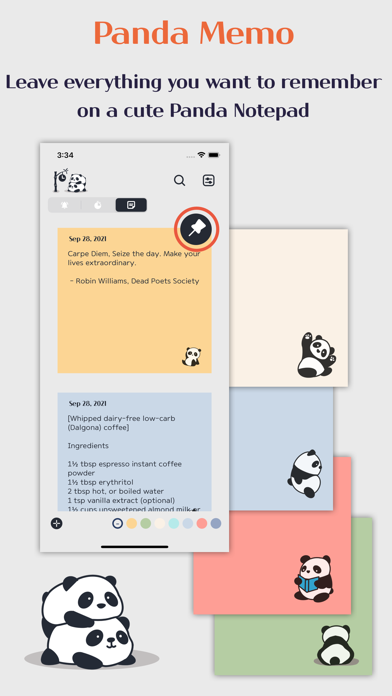
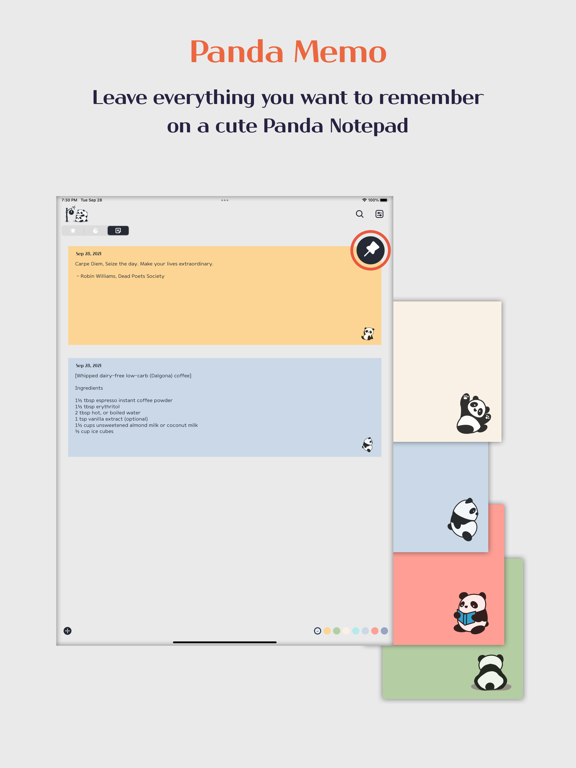
#Panda memo
Write something you want to remember
How to use Time Panda
◼ Panda Reminder ◼
#How to register an event
Use the bottom left + icon to register your schedule on Panda Reminder. Panda Reminder notifies you of everything entered at the scheduled time
ex) schedules, to-do, things to prepare, etc.
#How to change the time options
Time options help you quickly reset time when you can't do things right away. The time option can be changed at any time with the user's preferred time pattern. (settings > Time options)
ex) in 10 min, in 30 min, in 3 hours, etc.
#Automatic time arrangement
Registered schedules are automatically sorted and displayed in the order of the earliest.
ex) Today, Tomorrow, Next 7days, Future
#Quick search function
If there are many schedules registered in the reminder, you can quickly find them using keywords.
#View schedule by color
If you click the color palette at the bottom, you can see the registered schedules by color.
◼ Panda Timer ◼
#Staying focused.
We can focus on something or finish it easier when we set the time to perform our work than when we use time freely. Effective visual panda timers help boost concentration and manage time productively than before. Focus on what you have to do until the panda timer's disc disappears.
#Use for various activities
The Panda Timer can be used for a variety of purposes at work, school, gym and at home. For example, you can use the Panda Timer to effectively manage your brainstorming session operations at work, and even meditate or do homework at home or at school.
#Panda Timer Statistics.
Panda Timer Statistics shows the usage history of Panda Timer for one day, one week, and one month. You can check your time usage pattern, and delete anything entered incorrectly.
◼ Panda Memo ◼
You can leave anything you want to remember, such as a recipe, a grocery shopping list, or a good phrase, on the seven-colored panda memo.
#Search by keyword & view by color
You can view memo by color, and you can quickly find the memo you want by keyword.
#Pinned memo
You can pin important memo at the top
◼ Home Widget ◼
Time Panda provides three types of home screen widgets.
#small home screen widget
It is recommended to use the small size home screen widget when you want to view the registered schedule compactly.
#Medium home screen widget
You can see more registered schedules than the small size home screen widget. It also provides shortcut functions for timer, schedule registration, and schedule search.
#Calendar + Home screen widget.
On the home screen widget combined with the calendar, you can see the calendar and the registered schedule together.
#Home screen widget decoration
We provide twenty widget background designs for beautiful home screen widgets. You can decorate the home screen widget by using various font shapes and font colors, and you can also select a picture saved in your phone as a background image. (Settings > Widget Design)
◼ Additional features ◼
#Various app theme colors.
You can use seven app theme colors for free. (Settings > Colors)
#Completed schedule list
Schedules marked as completed in Panda Reminder are saved and can be used when you want to search for schedules in the past.
(Settings > Completed schedule list)
#Various alarm sounds.
Time Panda provides various alarm sounds for reminders and timers. (Settings > Reminder sounds / Timer sounds)
#Alarm function adjustment
You can adjust the number and interval of alarms. The alarm repeats up to 10 times depending on the user setting status. (Settings > Snooze)
Time Panda cheers for your successful days.
Quoi de neuf dans la dernière version ?
bug fixed