Remoter VNC - Remote Desktop
iOS Universel / Productivité
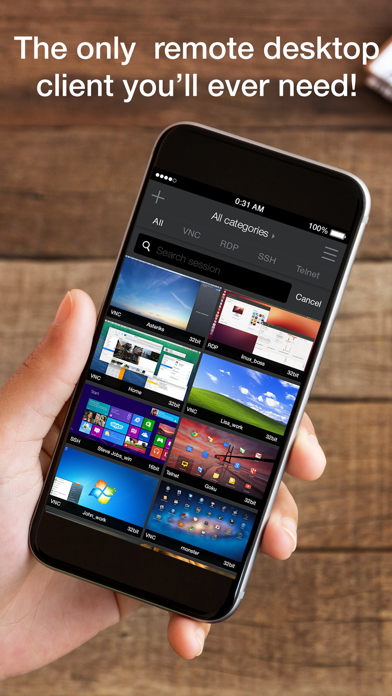
Remoter VNC turns your iPhone or iPad into a precise remote desktop client for VNC and macOS Screen Sharing.
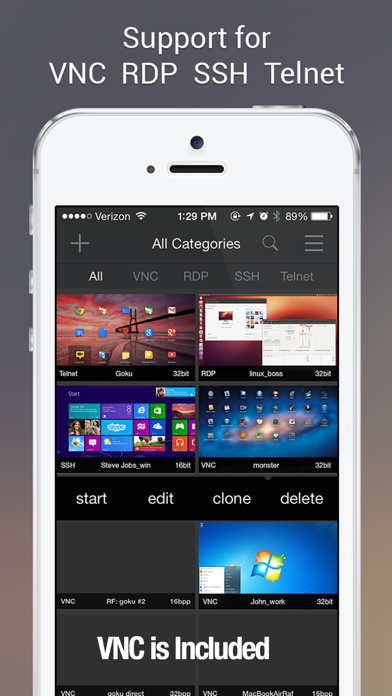
Connect to your Mac, PC, or Linux desktop over your local network or through your own remote-access setup. Remoter VNC is not a lite edition: VNC is fully included, with optional in-app purchases for RDP, SSH, Telnet, and RemoterFusion when you need more ways to connect.
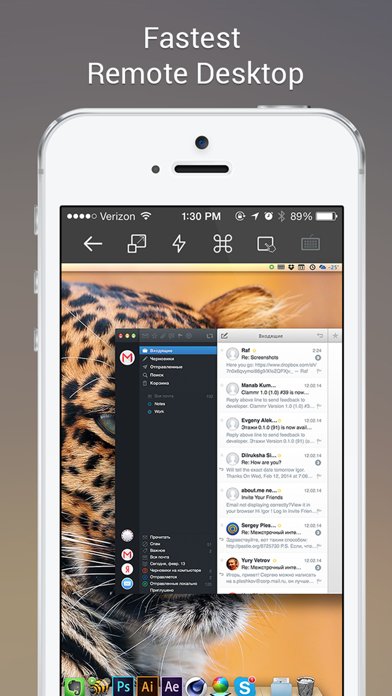
Designed for real remote work, Remoter combines fast screen control with a flexible input system: touch, virtual trackpad, hardware mouse/trackpad, Apple Pencil, special keys, pinch-to-zoom, and fullscreen viewing.
VNC and Screen Sharing
• VNC protocol 3.8 support
• Compatible with macOS Screen Sharing, UltraVNC for Windows, and common Linux VNC servers
• Multiple simultaneous connections
• Network computer discovery and Wake-on-LAN
• Server-side scaling and multiple monitor support
• Send Clipboard: copy text from your device to the remote computer, then paste it there
• Portrait and landscape orientations, fullscreen mode, fit width, fit height, and 1:1 zoom
Input and Workflow
• Precise virtual trackpad with right-click, dragging, and scrolling
• Hardware mouse and trackpad support
• Apple Pencil-aware pointer input
• Special keys including Esc, F1-F12, Control-Alt-Delete, Command, and Windows key
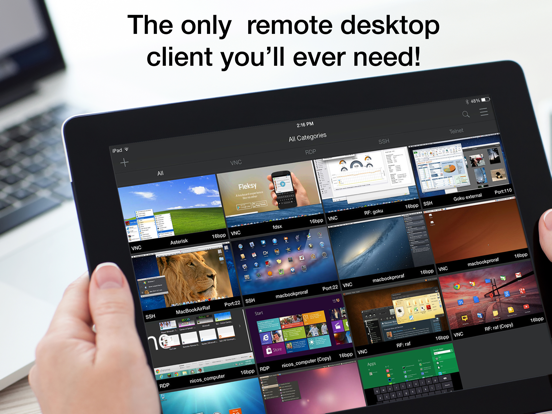
• Saved server cards with custom ordering
• International keyboard mappings for German, Swiss-German, Russian, French, Danish, and Spanish
Optional Add-ons
• RemoterFusion: easier setup without port forwarding or dynamic DNS, plus Mac audio streaming
• RDP: Windows Remote Desktop with RD Gateway, NLA, clipboard paste, and RDP over SSH
• SSH and Telnet: terminal sessions, public-key authentication, SSH key management, macros, VNC over SSH, RDP over SSH, and custom SSH tunnels
Remoter runs on iPhone and iPad.
Support: support@remoterlabs.com
Quoi de neuf dans la dernière version ?
Improvements:
- Localization: Completed full translations for German, Spanish, Italian, Norwegian, Czech, and Slovak
Added:
- Home Screen: Long-press and drag your server cards to arrange them in any order. Your custom order is saved automatically and appears as a new "Custom" sort option.
- VNC: New "Send Clipboard" option copies your device's clipboard to the remote computer so you can paste it there
Bug Fixes:
- Fixed a crash that could occur when restoring saved connections