• KultureGeek
  • Comparateur de prix
       
iPhoneAddict
 iAddictv5Notre Application iPhone/iPad
  • Accueil Apps
  • Actualité Apple
  • Keynote Apple
  • Firmwares & iTunes
  • Contactez-nous
Accueil » Liste des Apps » Apps Universelles » Productivité » Right Angle
6.0.0 iOS €Gratuit Jerry Mayers 5 1 Right Angle is a calculator built for carpenters, builders, surveyors, machinists, and engineers — anyone who needs to solve a triangle, a trapezoid, or a circle without reaching for a notepad and the law of sines. Enter any valid combination of...
Right Angle

Right Angle

iOS Universel / Productivité

Gratuit
Obtenir sur l'App Store

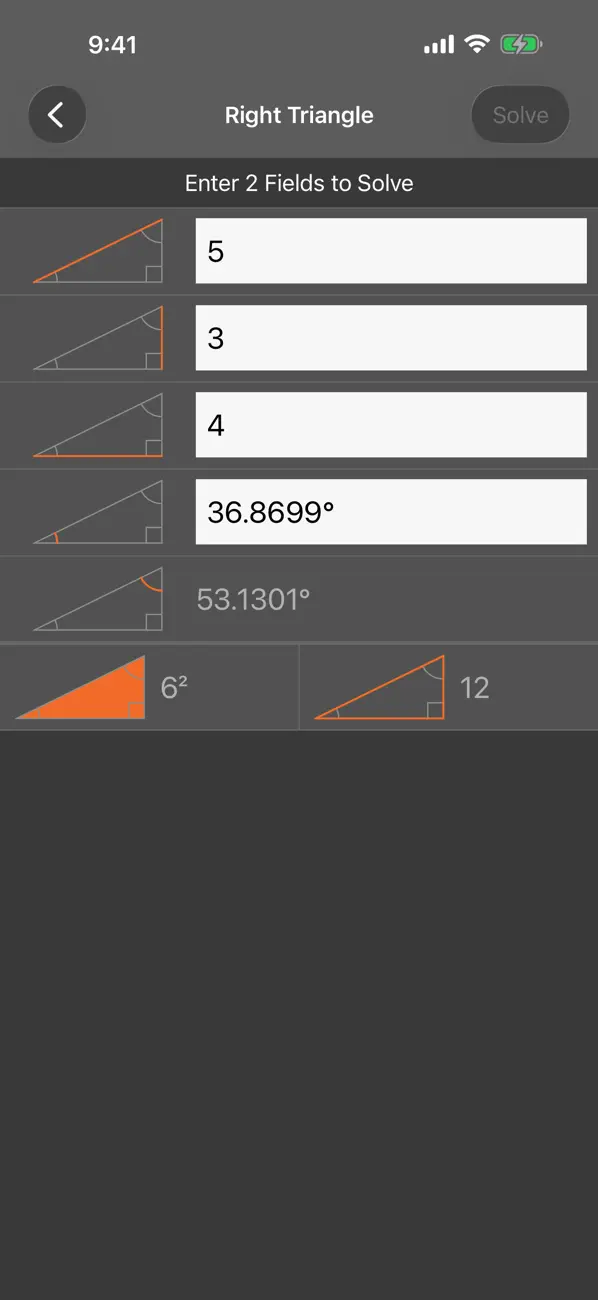
Right Angle is a calculator built for carpenters, builders, surveyors,
machinists, and engineers — anyone who needs to solve a triangle, a
trapezoid, or a circle without reaching for a notepad and the law of
sines.

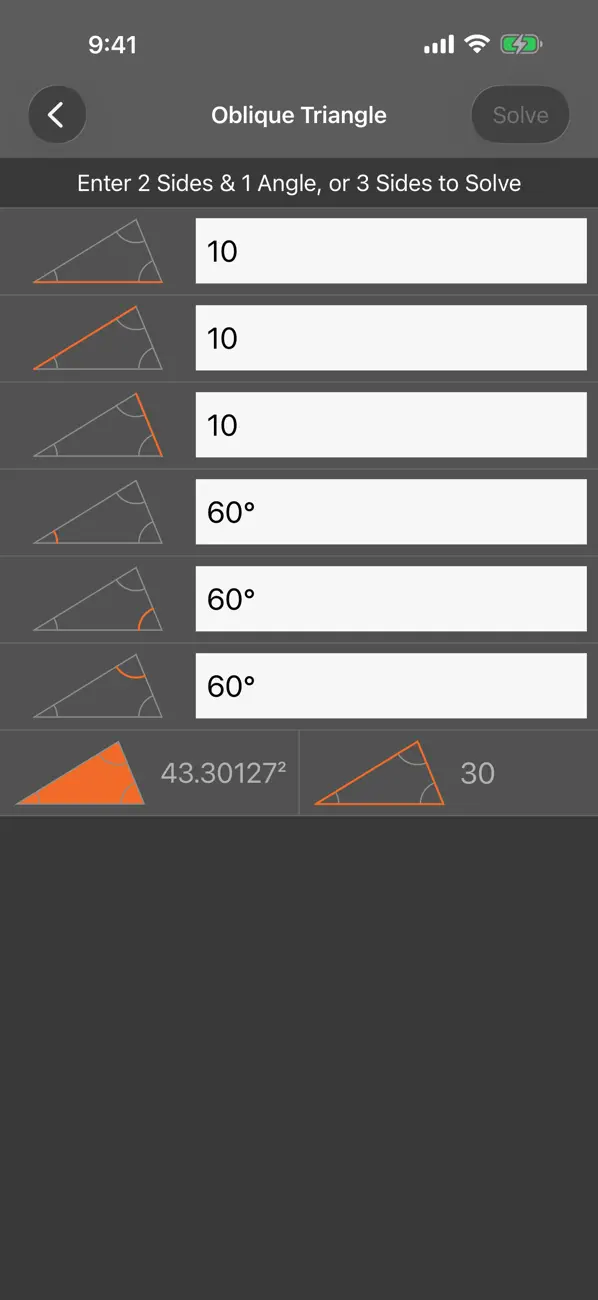
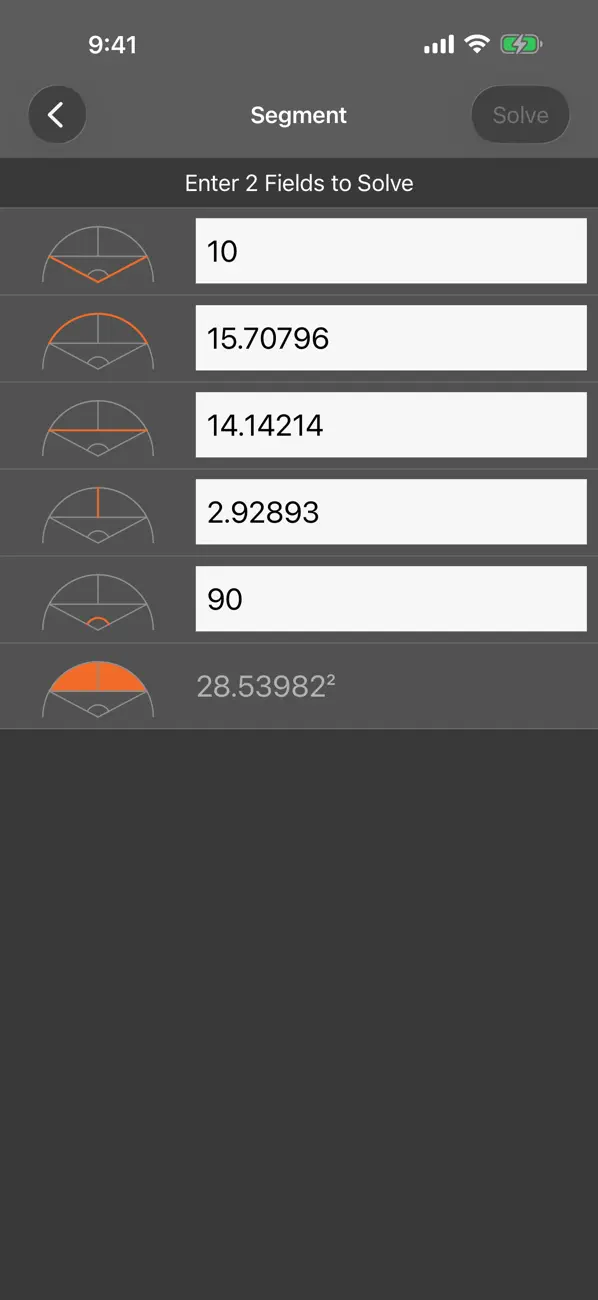
Enter any valid combination of sides and angles and Right Angle solves
the rest, including perimeter and area. The right triangle calculator
is included for free; every other shape unlocks with a one-time Pro
purchase or subscription.

SHAPES
• Right triangle (free)
• Oblique triangle
• Isosceles, right, and general trapezoids
• Full circle — enter radius, diameter, or circumference
• Segment of a circle

ANGLE FORMATS
• Decimal degrees
• Radians
• Degrees / minutes / seconds (DMS)
• Percent grade
• Pitch (x-over-12)

LENGTH FORMATS
• Decimal — the original, unitless entry. Best for metric.
• Feet, inches & fractions — type values like 2' 5 1/2".
• Inches & fractions — type values like 40 1/2".
Pick a fraction precision from 1/2 down to 1/64 inch. Inputs and outputs
both use the format you choose, and you can switch any time from Settings.

DESIGNED FOR THE JOB SITE
• A custom on-screen keyboard puts the symbols you need — feet, inches,
fraction slash, degree, prime, double-prime — one tap away.
• Helpful errors when an input combination can't be solved, instead of
silent failures.
• Available in English and Spanish — iOS picks the language to match
your device.
• Full VoiceOver support across the keyboard, input fields, shape
diagrams, and results. Animations respect the Reduce Motion setting.

EULA: https://www.apple.com/legal/internet-services/itunes/dev/stdeula/
Privacy policy: http://rightangleapp.com/privacy.html

En voir plus...

Quoi de neuf dans la dernière version ?

• Now available in Spanish — iOS picks the language to match your device.
• Three new trapezoid solvers: isosceles, right, and general. Enter the sides and angles you know and the rest fills in, along with area and perimeter.
• A new full-circle solver — type any one of radius, diameter, or circumference and the other two plus the area come back.
• On smaller screens, the input you're editing now scrolls up above the keyboard so the instructions and any error stay visible.
• The keyboard fades in smoothly when Reduce Motion is enabled.

Note

(1 notes)

Détails sur l'application

Version
6.0.0
Taille
2.4 Mo
Version minimum d'iOS
26.0
Dernière mise à jour
21/05/2026
Publié par
Jerry Mayers

Newsletter App Store

Recevez chaque jour les meilleures promos

Actualité Apple

Image iOS 27 : notifications depuis la gauche et édition de photos en langage naturel
iOS 27 : notifications depuis la gauche et édition de photos en langage naturel
Image L’iPhone Ultra pliable en noir est incertain pour l’instant
L’iPhone Ultra pliable en noir est incertain pour l’instant
Image iOS 27 change le geste pour le centre de notifications sur iPhone
iOS 27 change le geste pour le centre de notifications sur iPhone
Image iOS 27 : le nouveau Siri IA serait en bêta avec une liste d’attente
iOS 27 : le nouveau Siri IA serait en bêta avec une liste d’attente
Partenaires : Actualité iPhone - Culture Geek
©2009-2026 i2CMedia | A propos |