Rock Mapper
iPhone / Productivité
Rock Mapper is packed with powerful features:
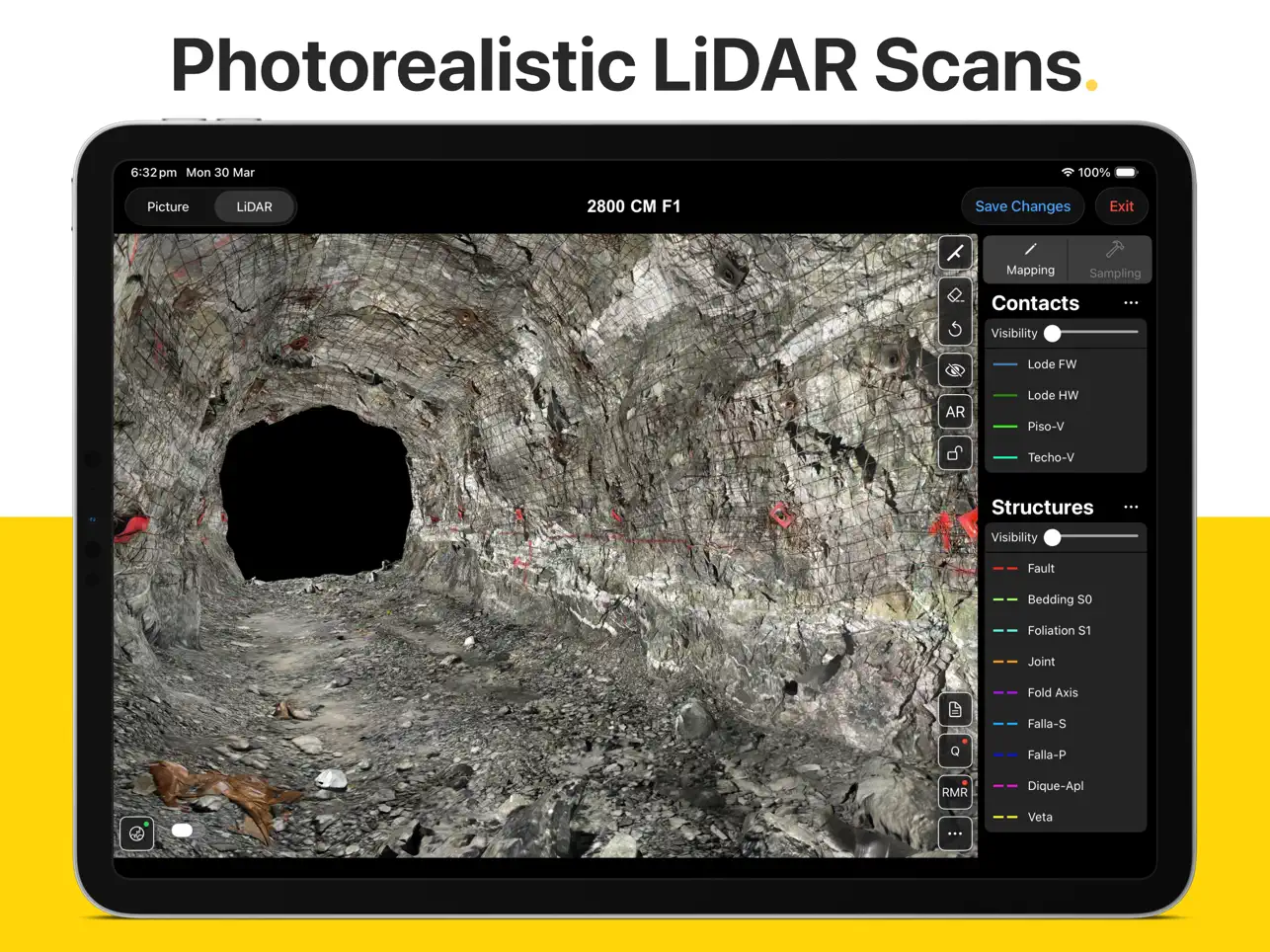
- 3D LIDAR SCANNING*: Generate photorealistic 3D models of rock faces & drives directly in the field using an iPad Pro.
- AUGMENTED REALITY*: Share & re-visit photorealistic LiDAR scans in Augmented Reality on any modern iOS device.
- PHOTOGRAPHY*: Take rock face photographs with the iPad's built-in camera. Rock Mapper takes care of all settings.
- GEOREFERENCING*: Register rock face photographs and 3D LiDAR scans using survey points or drive direction laser stations.
- MAPPING*: Directly map onto rock face photographs & 3D LiDAR scans using fully customisable annotation layers.
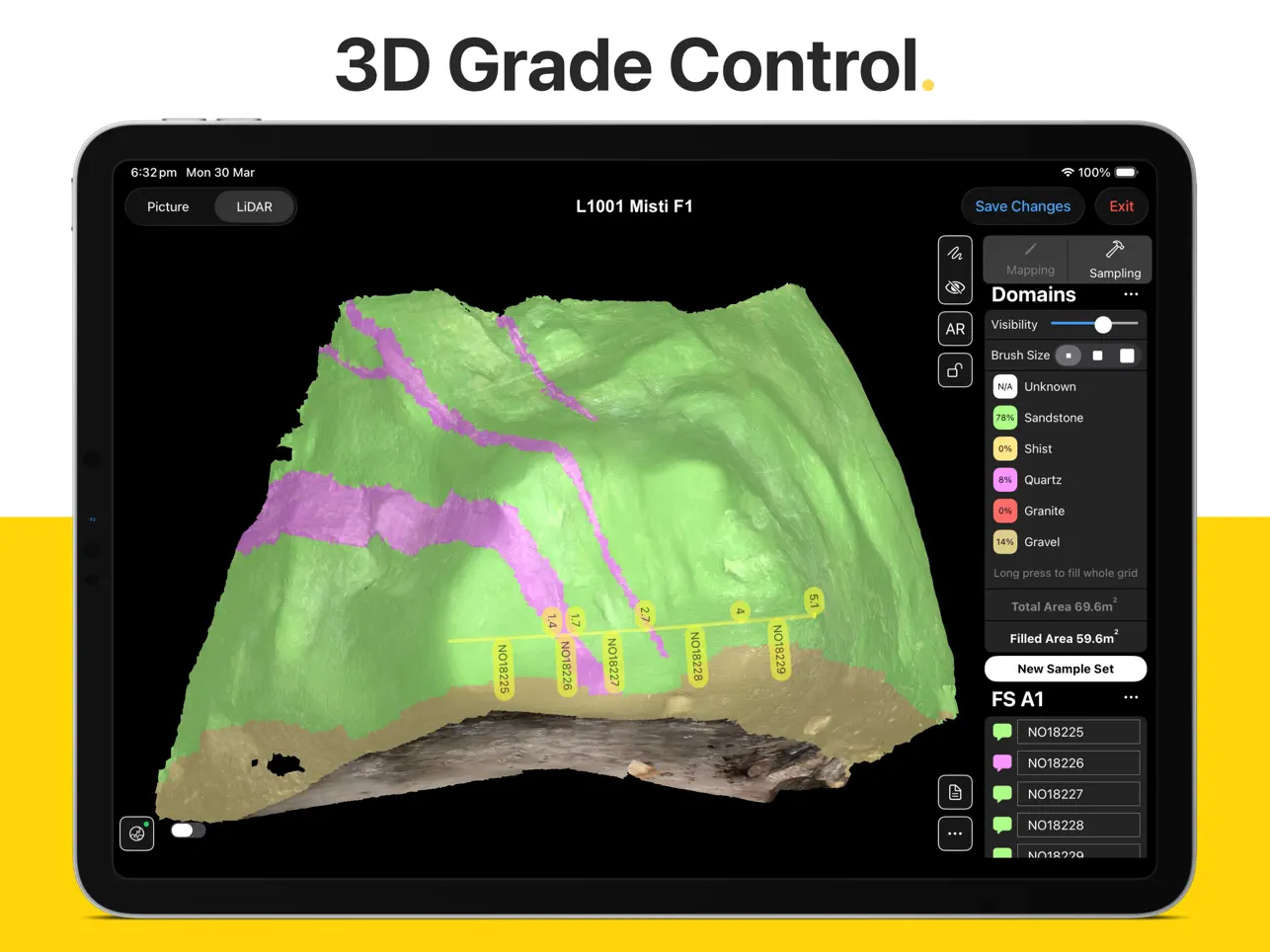
- GRADE CONTROL*: Record face samples & sampling domains by directly drawing onto the rock face photograph or 3D LiDAR scan.
- ROCK MASS ASSESSMENT*: Access dedicated tools for Q System (after Barton et al 1974) and RMR (after Bieniawski 1989).
- REPORTING*: Auto-generated mapping reports, geotechnical reports & sampling reports saved as PDFs & ready to share.
- CLOUD SYNC*: All data immediately available in ready-to-use formats on the Rock Mapper Cloud.
- COMPATIBILITY: All data supplied in open, industry-standard formats that seamlessly integrate with 3D modelling platforms and database solutions, including Vulcan, Micromine, Leapfrog, Deswik, Surpac, Datamine, acQuire and MAXGEO datashed.
*Only available with subscription
Our clients around the globe love the data consistency, data fidelity, ease of use and time savings enabled by Rock Mapper.
Lift your geological/geotechnical mapping & grade control workflow to a whole new level. Become a Rock Mapper today.
Quoi de neuf dans la dernière version ?
- New 'straighten' feature for linear sample sets on LiDAR scans
- New 'resize linear sample set interval' option by long-pressing start / end of interval
- FaceID now included in metadata CSV file and history CSV file
- Sampling Author now included in collar CSV file of linear sample sets
- Survey Point & Laser Station input form improvements
- JPG size optimisation for all photographs (reduced file sizes without any visible changes in image quality)
- New [FaceID]_error.log file to assist with troubleshooting
- Simplify / downsample polylines. All mapping lines now have a lower number of nodes, which can be further reduced by enabling Simplify Lines in Settings > General > Mapping Annotations.
- LiDAR scanning now supports any device orientation