Save to Cloud - zip & save
iOS Universel / Productivité
This is an app extension allowing you to compress/zip and save files from almost any app that works with files to any file provider installed on your device.
So, what if you want to :
• compress and send a Voice Memo to your Dropbox account
• save a file attached to an Evernote note to Onedrive
• group multiple photos together and send them to your Dropbox account while preserving your precious mobile data account quota
• send a file stored in Google Drive to Box.net
• or, more generally, send a file from an app to any cloud storage provider registered on your device
Obviously "Save to Cloud" is here to help :-) If a cloud service appears in the document providers pane on your device, it can be used.
============
Prerequisites
============
• our app extension uses the document providers installed on your device. So, if you want to send something to, say, Dropbox, you need to have the official Dropbox app installed and configured on the device.
• files cannot be sent without compression. So, basically, even if you want to send a single file, you'll end up with a zip archive. If you absolutely need to send uncompressed files you'll have to rely on the apps provided by the cloud providers.
============
Steps
============
1. Open an app that use files - like Photos, Voice Memos, Mail, Evernote, Google Drive and many, many more
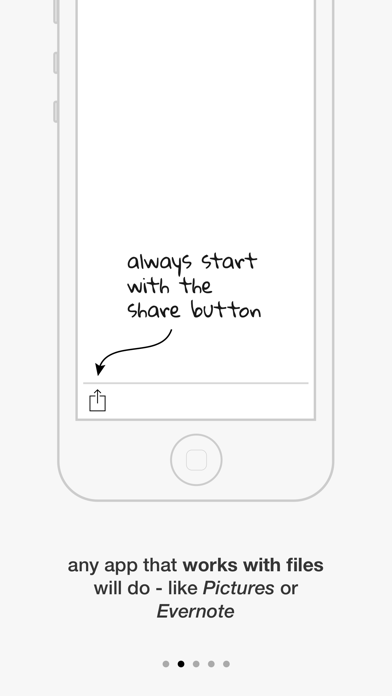
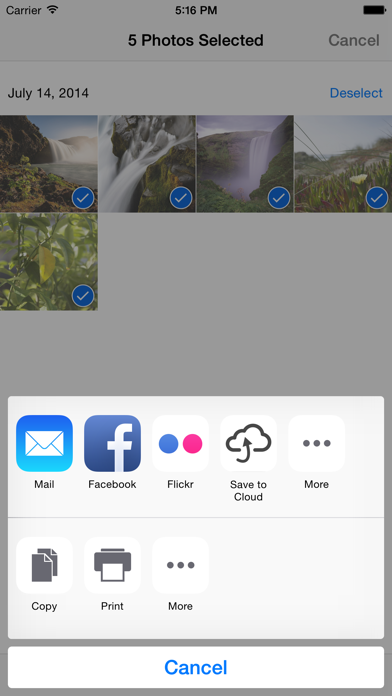
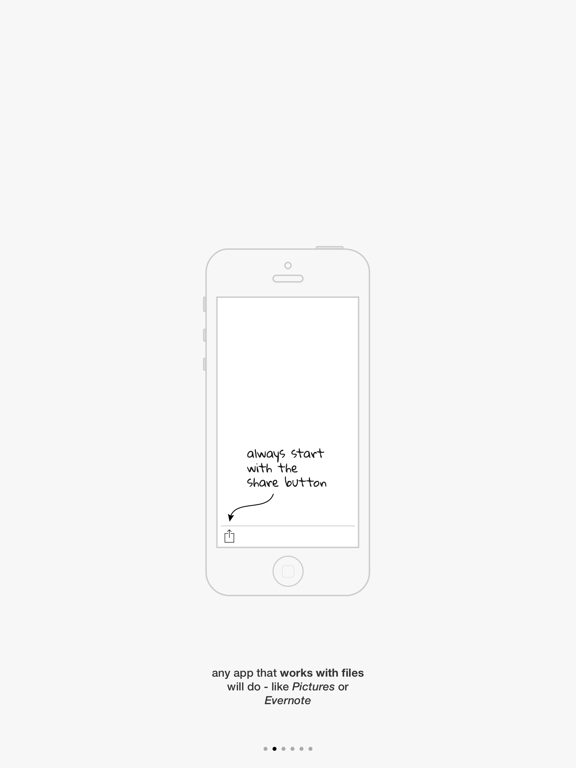
2. With one ore more files selected, tap on the "Share" button, if the app has one
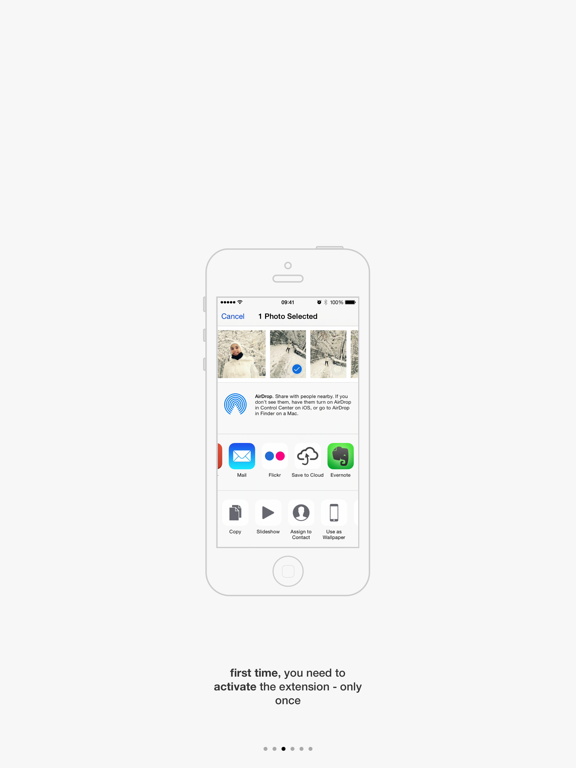
3. After the share extensions sheet appears, tap on the "Share to Cloud" icon (first time only, one needs to allow "Share to Cloud" to appear by tapping the "More" button and putting the selector next to "Share to Cloud" to On)
4. "Share to Cloud" will compress the files (it may last a while, depending on the size of the files)
5. When the compression is done, choose the cloud provider where you want to save the archive from the list
6. Done :-)
============
In-App Purchase
============
There is a 5 files limit to how many files can be compressed and uploaded at once.
If you need more, there is an In-App Purchase that lifts the limitation. Think of it as nice way to keep us happy while we improve the app.
To buy it, simply open the "Save to Cloud" app, go the the last screen and hit "Buy"
Quoi de neuf dans la dernière version ?
This update from Apple will improve the functionality of this app. No new features are included.
Bug fixes.