Screenshot Cleaner +
iOS Universel / Productivité
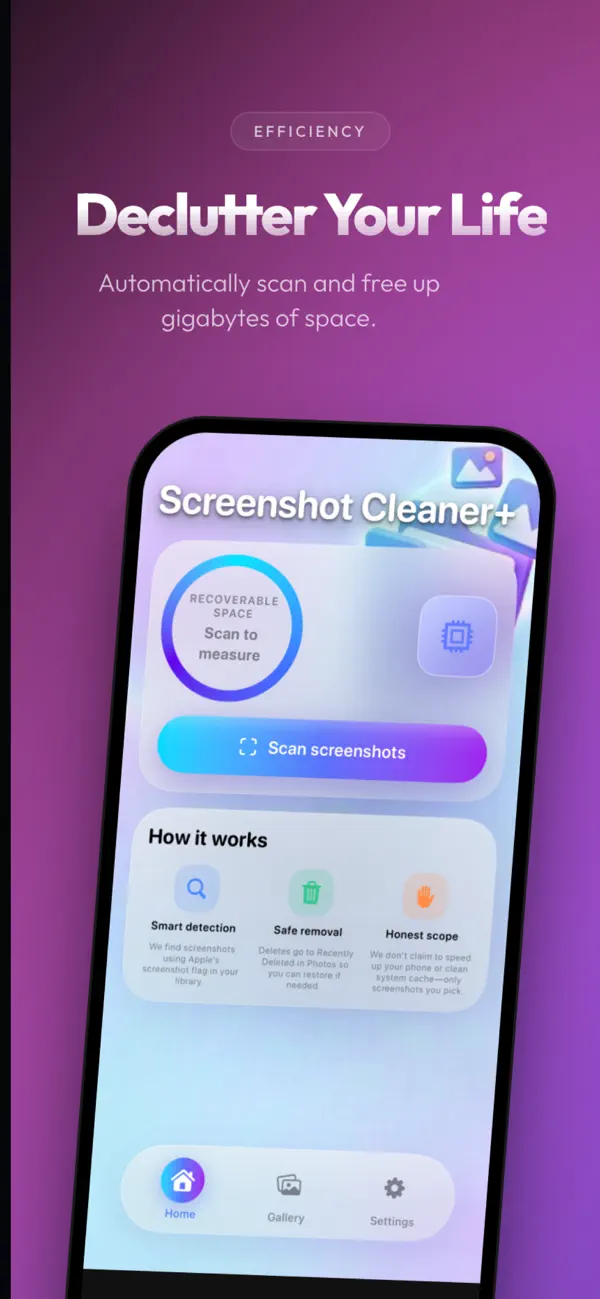
Screenshot Cleaner+ helps you find screenshots in your photo library, see how much storage they use, and delete them safely—without vague “phone booster” or fake “cache cleaner” claims.
What it does
Scans your library for screenshots using Apple’s screenshot metadata—so you’re not scrolling forever.
Shows how many screenshots you have and how much space you could recover.
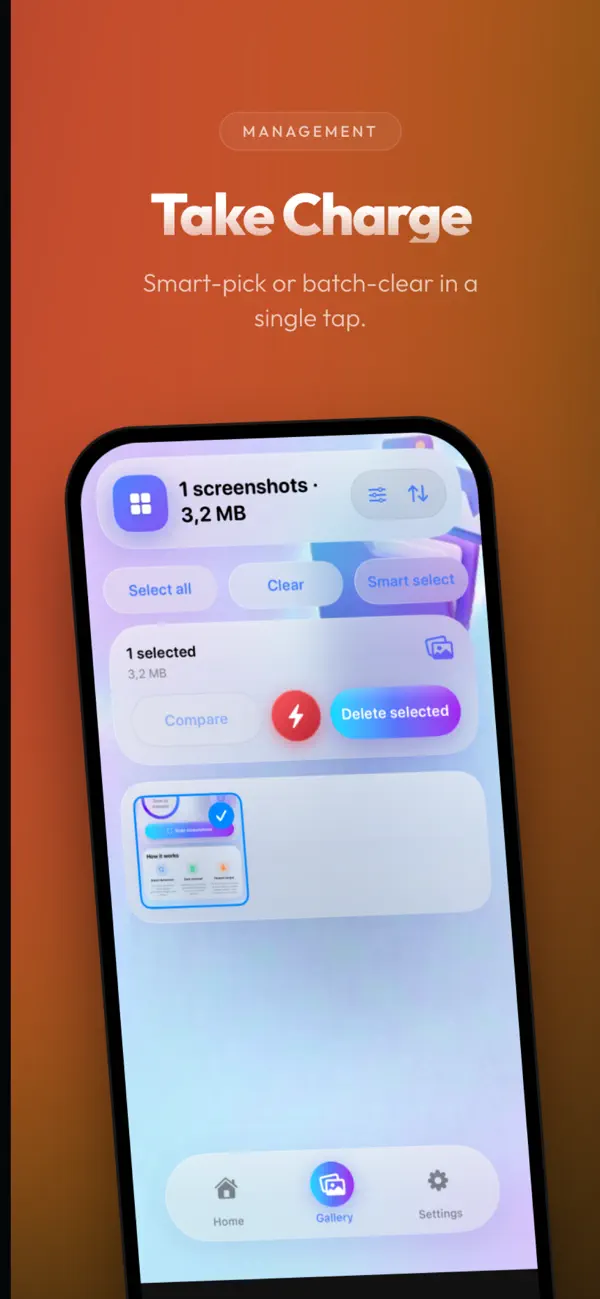
Preview in a grid, sort (e.g. largest or newest), and use filters (date, size, shape, and more) to focus on what matters.
Smarter cleanup
Smart groups highlight bursts, smaller or partial captures, and likely extras in long sequences—so you can select in bulk with fewer taps.
Quick selects and bulk rules (e.g. older than 7, 30, or 90 days) speed up big cleanups.
Protect shots you want to keep, or hide them from the list inside the app.
Safe deletion
Deletes move to Recently Deleted in Photos, so you can restore them if you change your mind.
Home Screen widget
Add the small widget to see recoverable space and start a clean from the widget without opening the app.
Privacy
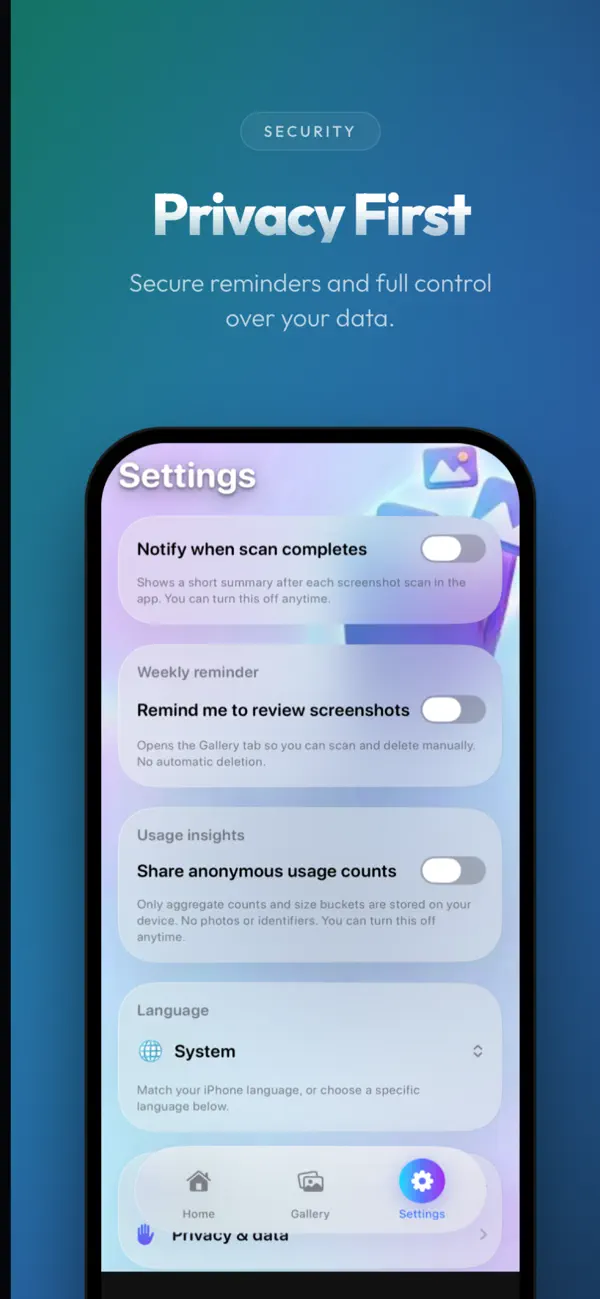
Scanning and deletion happen on your device. The app uses your photo library only to find screenshots, show thumbnails, and delete what you confirm.