Fronius Solar.start
iOS Universel / Productivité
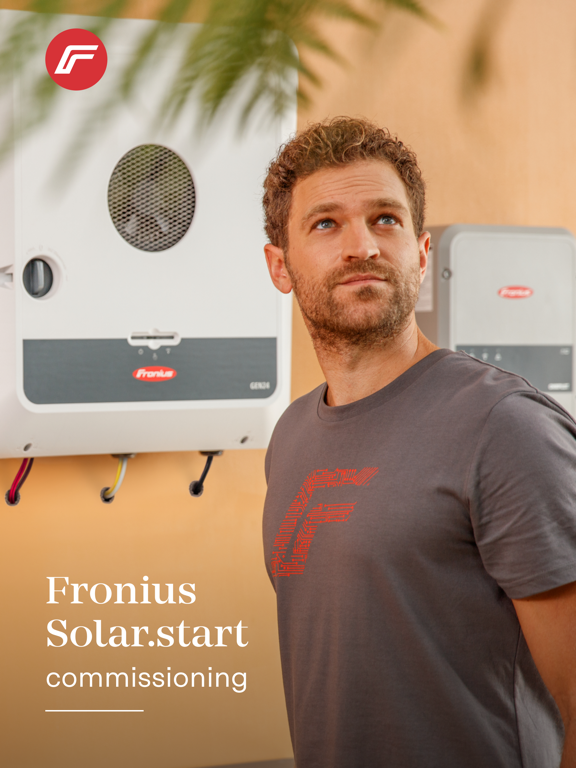
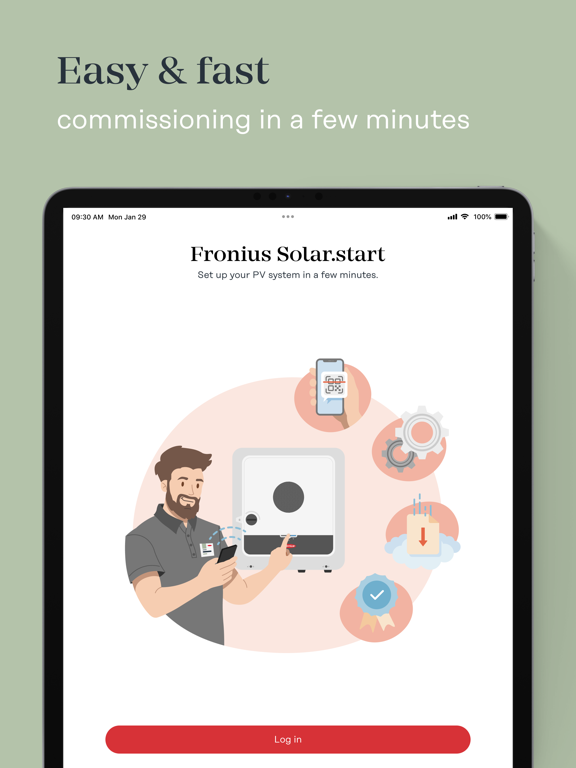
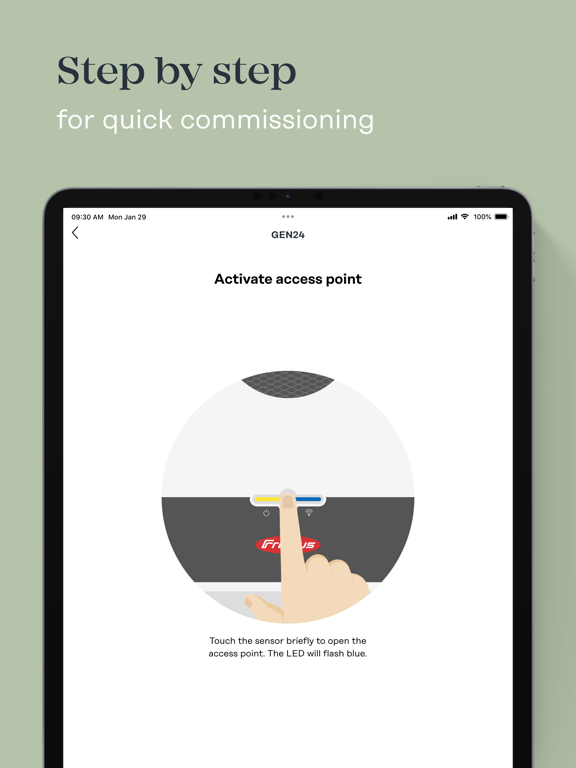
The Fronius Solar.start app helps the installer to quickly and easily set up our Fronius devices, i.e. GEN24, Verto and Tauro inverters, Smart Meter IP, Reserva, Reserva Pro or Ohmpilot by a simple QR-code scan. The device can be commissioned directly from your phone or tablet by following the step-by-step guide.
Set up your Fronius inverter in just a few minutes:
- Inverter firmware update of GEN24, Verto and Tauro for initial commissionings
- Quick and easy commissioning in just three steps
1) Network settings
2) Product configuration
3) Integration into the Fronius Solar.web monitoring platform
- Quick access to the web interface for additional settings and functions
- Quick action function "Scan to connect" for a faster connection to the device
- Full warranty coverage when you register the inverter on Fronius Solar.web
- Useful step by step installation and setup videos for Fronius products
- Useful manuals for installation, operation and maintenance about Fronius products
- Link to useful platforms such as Fronius Solar.web and Fronius Solar.SOS
Quoi de neuf dans la dernière version ?
- Manuals
- Bug fixing and performance improvements