Swivl Capture
iOS Universel / Productivité
This is the official companion app for your Swivl Robot and mobile version of our web-based platform for reflection, coaching, and collaboration.
Getting Started
1. Open this app and connect to your Swivl Robot.
2. Login to your Reflectivity account.
3. Connect all the Markers you have to capture or stream multiple audio channels.
Recording
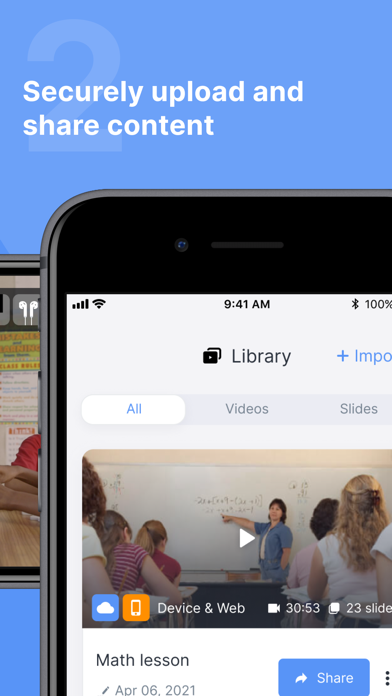
Record, upload, and share videos with other Swivl Capture users for collaboration.
Streaming
Launch your favorite live streaming app, like Zoom, to stream content to remote students.
Compatibility
-Works alone or with your C Series and CX Robots.
-Connects up to 5 Markers (microphones) for independent audio channels.
Links:
Swivl Capture+: https://itunes.apple.com/us/app/swivl-student/id1156641090
Swivl Screencast+: https://www.swivl.com/downloads/
Reflectivity Web: https://cloud.swivl.com/
Help: https://swivl.com/setup
Quoi de neuf dans la dernière version ?
• Swivl Capture now connects your Robot to the M2 app! Pair your robot in a Live Streaming session, launch M2, and get real-time coaching tips and post-session feedback while you teach.
• As part of this update, we also made numerous bug fixes and other stability improvements.