TimerDo
iOS Universel / Productivité
TimerDo — Focus & Task Manager
Stay focused. Get things done.
TimerDo combines a clean task manager with a built-in focus timer — so you don't just track your work, you actually do it. Add a task, set a timer, and let TimerDo keep you on track until it's done.
TASK MANAGEMENT THAT STAYS OUT OF YOUR WAY
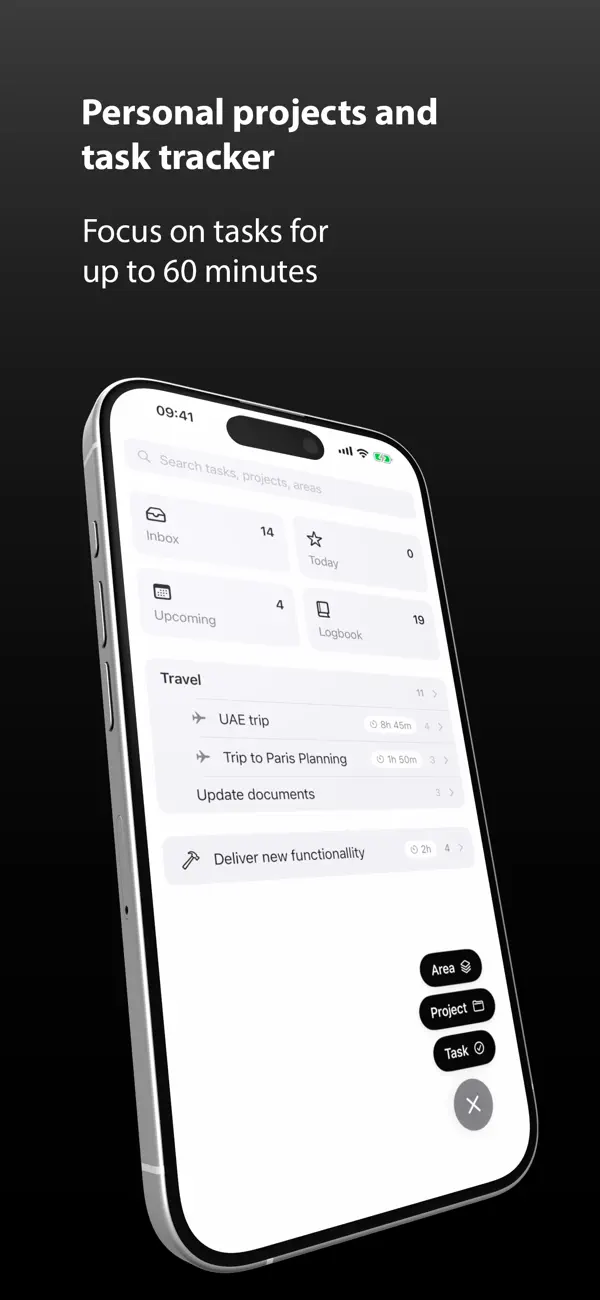
Four simple lists keep everything organized:
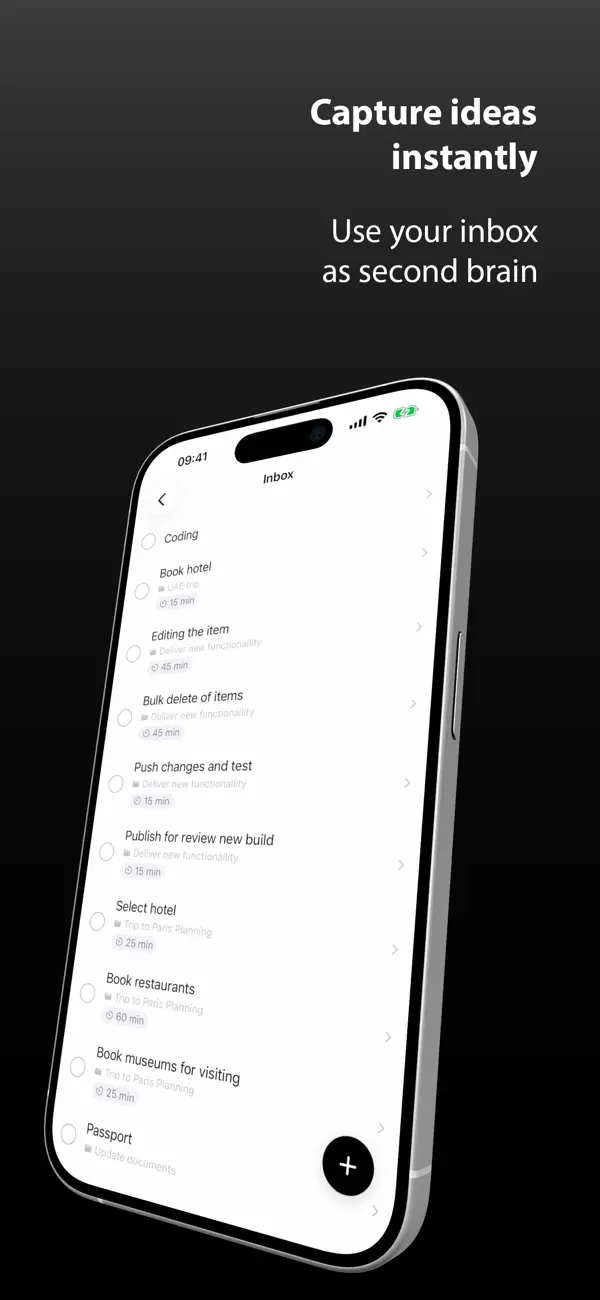
Inbox — capture tasks instantly, sort later
Today — what needs your attention right now
Upcoming — everything scheduled ahead
Logbook — your completed work, always saved
Tasks move between lists automatically based on their date. Upcoming tasks appear in Today when their day arrives — no manual sorting needed.
FOCUS TIMER BUILT IN
Set a timer of up to 60 minutes directly on any task. Open the task, tap Start, and focus. When the timer reaches zero, the task completes automatically and you get a moment to celebrate before moving on.
Pause and resume anytime — your remaining time is always saved.
PROJECTS & AREAS
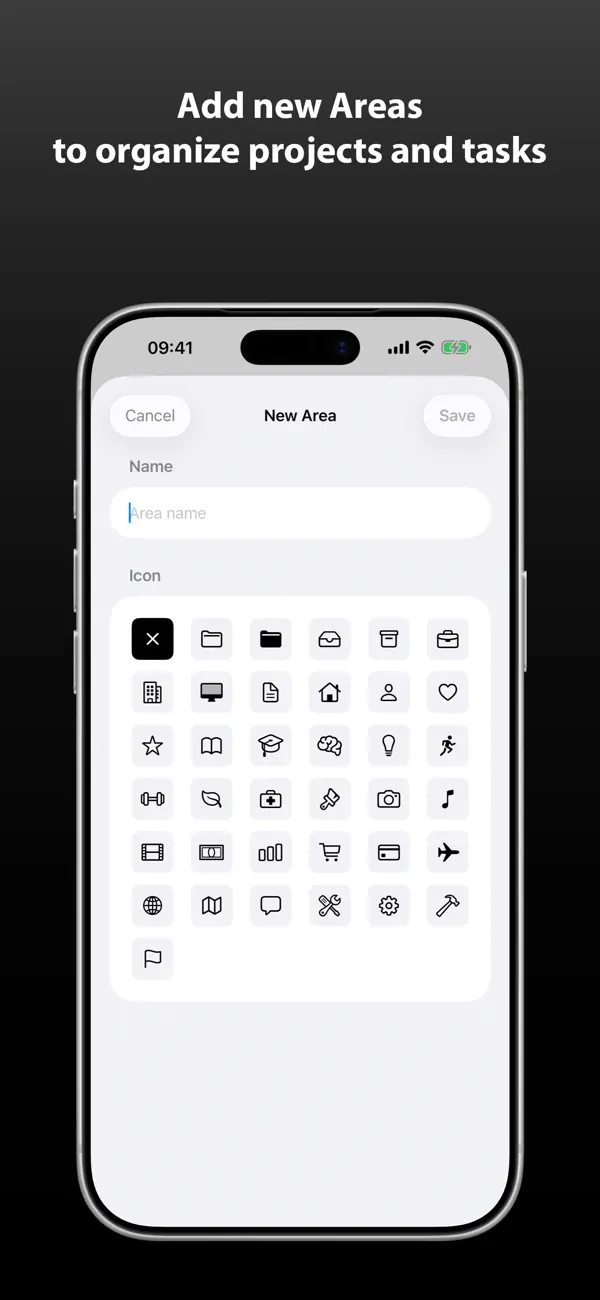
Organize your work the way your life is actually structured. Group related tasks into Projects. Group projects into Areas like Work, Personal, or Health. See exactly how much focus time each project needs at a glance.
RECURRING TASKS
Set tasks to repeat daily, weekly, monthly, or on custom schedules. When one is done, the next one appears automatically — no re-entering needed.
REMINDERS
Get notified 1, 2, or 3 days before a task is due so nothing catches you off guard.
ICLOUD SYNC
Everything syncs automatically across your iPhone and Mac via iCloud. Add a task on your phone, see it on your Mac instantly. Your data is stored privately in your own iCloud account — we never see it.
WIDGETS
Add a TimerDo widget to your home screen to see your tasks at a glance or add a new one with a single tap — without opening the app.
CLEAN & DISTRACTION-FREE
No subscriptions. No accounts. No clutter. Just your tasks and your focus.
Requires iOS 17 or later. iCloud sync requires an active iCloud account.
Quoi de neuf dans la dernière version ?
Fixed Live Activity and Dynamic Island bugs (Pause/Resume reliability, countdown display, lock screen pill)
Fixed timer ring animation glitches when switching between tasks
Improved iCloud sync reliability - tasks, projects and areas now sync seamlessly with the Mac app
Various UI/UX polish and stability improvements