TouchDraw 2 Enterprise
iOS Universel / Productivité
TouchDraw 2 Enterprise brings the same powerful vector drawing and diagramming tools to iPad and iPhone, with a purchase model designed for businesses, schools, and organizations. It’s functionally identical to the standard version, so you get the full feature set in a clean, intuitive app—no subscriptions, no compromises.
This version is available as an up-front, one-time purchase, making it ideal for organizations using Apple’s Volume Purchase Program (VPP) or those that require direct licensing for managed devices. TouchDraw 2 is equally at home in the office, classroom, or field, and it’s easy for beginners to learn while offering depth for power users.
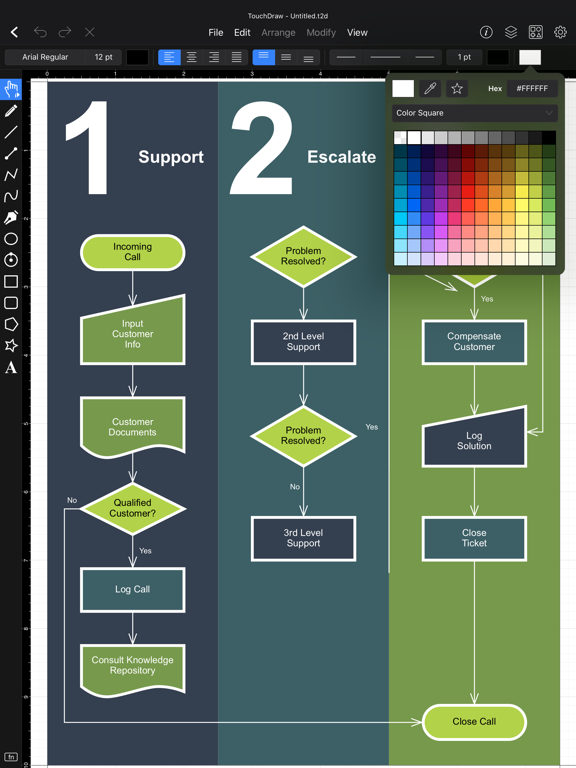
Whether you're diagramming processes, designing layouts, or creating illustrations, TouchDraw gives you the control and flexibility to bring your ideas to life. Work is easily shared thanks to export support for Visio®, SVG, PDF, and more, and with iCloud Drive support and cross-platform compatibility, your drawings can go wherever you do.
Key Features:
* Identical feature set to the standard version—no functional differences
* Designed for touch and Apple Pencil with a clean, intuitive interface
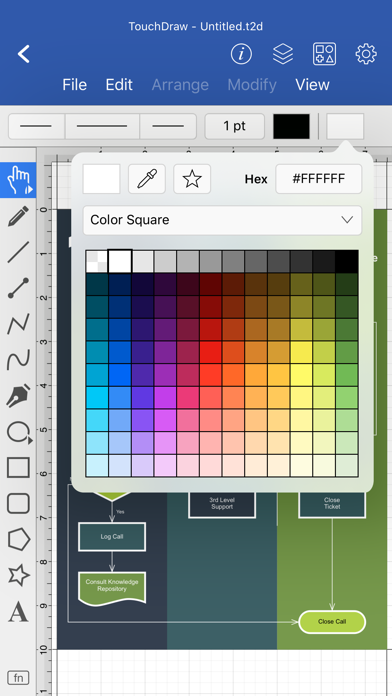
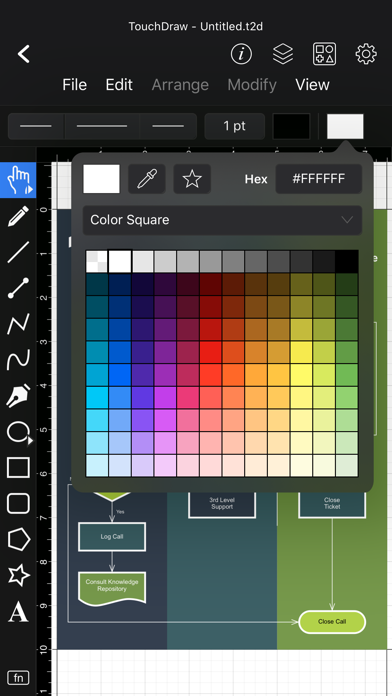
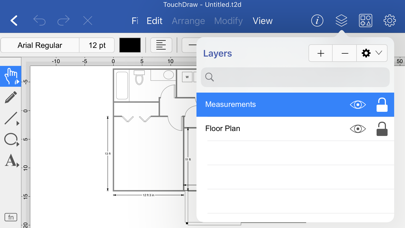
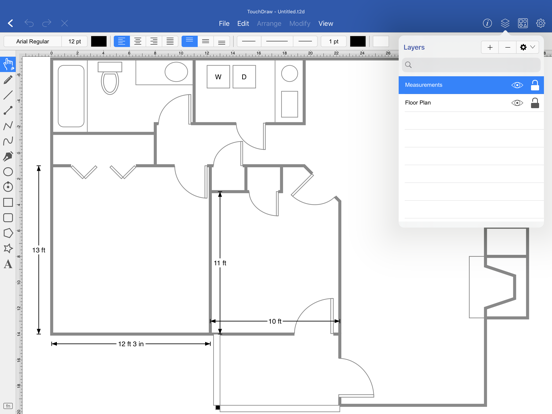
* Includes layers, dimensioning, shape connectors, and snapping tools
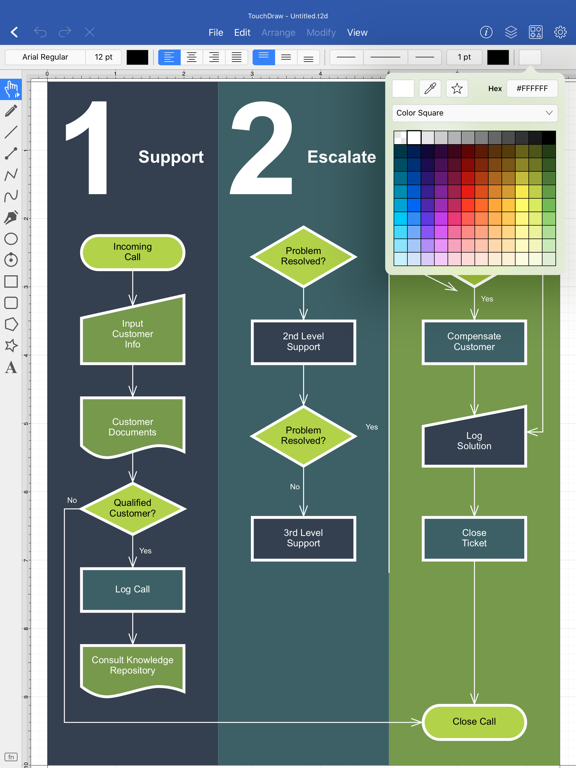
* Perfect for diagrams, floor plans, flowcharts, illustrations, and more
* Supports Visio®, SVG, PDF, and PNG formats for flexible sharing
One-time purchase with no trial or subscription; ideal for VPP and managed devices
Quoi de neuf dans la dernière version ?
* Fixed an error that could occur when opening or importing vector artwork containing invalid path data.
* Fixed a crash that could occur when displaying measurements for extremely large or invalid dimensions.
* Improved auto-save when a document's folder or drive becomes unavailable (for example a removed USB or network drive), so it no longer retries endlessly.
* Fixed a crash that could occur on iPad when opening certain menus.
* Improved the messages shown when an in-app purchase can't be completed.
* Fixed an issue where a drawing could appear as a blank canvas when it contained invalid coordinate values.
* Fixed an issue where a drawing containing empty paths could fail to export or show a blank export preview.
* Empty paths with no points (which can't be seen or selected) are now cleaned up automatically when a drawing is opened.