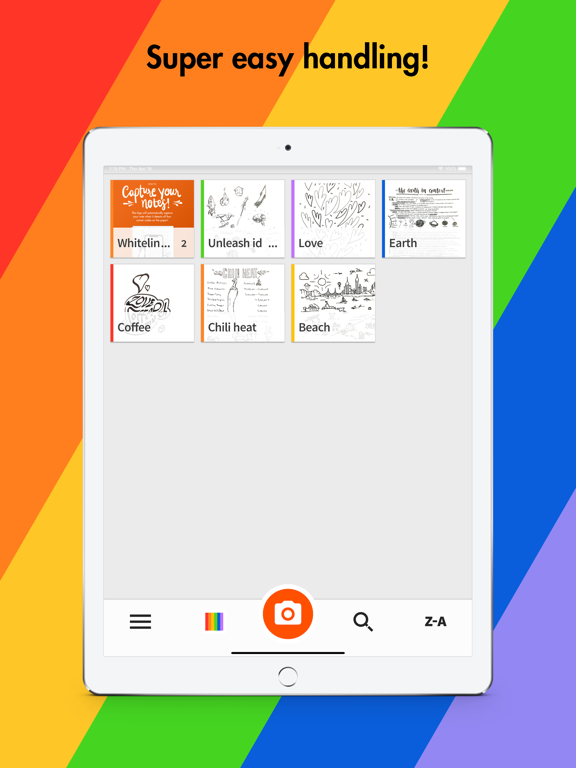
Whitelines
iOS Universel / Productivité
Use Whitelines App when you want to:
・Capture your notes.
・Save your notes.
・Share your notes on Social Media, email, etc.
・Continue to work and edit your notes digitally.
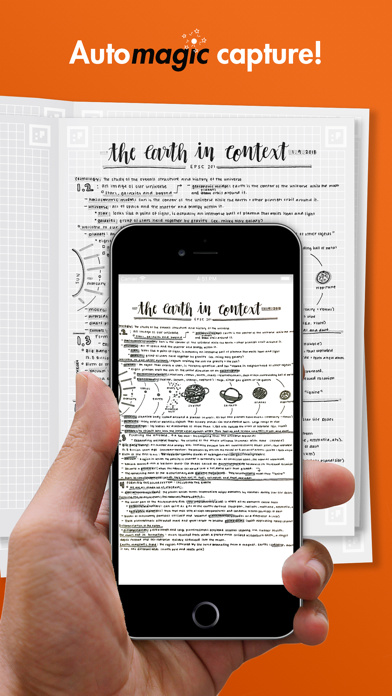
The Whitelines App will capture your notes automatically when it detects all four corner codes on your Whitelines Paper and adjust the image to make it useful to you.
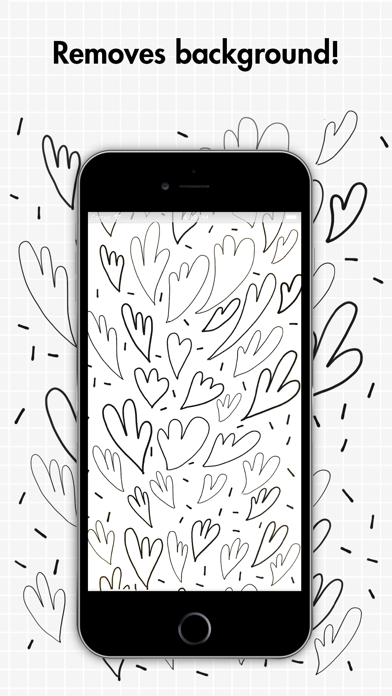
When using Whitelines Paper the app removes the background, so all that remains is your writing or drawing over a white background.
Whitelines App is perfect when you want to:
・ Review your notes on the go before an exam.
・ Share notes from a class with a friend.
・ Include a handmade drawing in a presentation.
・ Post an illustration or note to Instagram.
CAPTURE YOUR NOTES WITH WHITELINES APP
1. Tap the camera icon to enter capture mode. Whitelines App will capture your note automatically when it detects the full page (including all four corner codes), with the logo at the bottom of the page. Or, if you use other than Whitelines Paper tap the button to scan the note manually. Before scanning, choose between “Auto” or “Manual” to tell Whitelines App to remove the background automatically or to edit the image yourself.
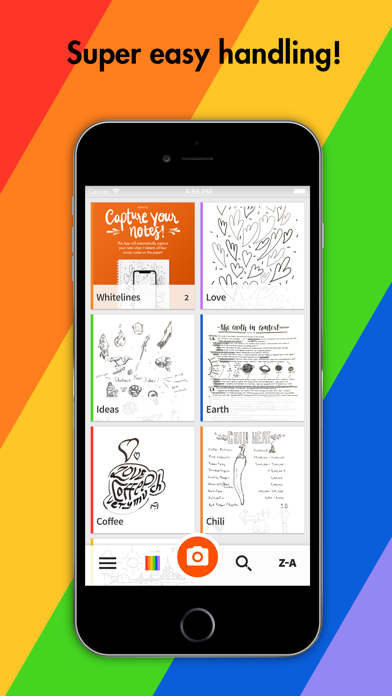
2. If you have several pages of notes that you’d like to save as a stack, simply stay in the capture mode and continue to capture pages one at a time. Of course, you can also save your notes to existing stacks in the app.
3. Save, Use, Edit and Share the Notes
Choose if you’d like to save your note locally on your phone, or if you’d like to share it–with yourself or with somebody else. You can share your note with any app that processes image files, such as WhatsApp, Instagram, OneDrive, OneNote, Google Drive, Evernote, Dropbox, Line, Facebook installed on your phone. Tick the boxes on the Whitelines Paper to email the note or save it to Dropbox or Evernote.
SUPPORT
If you need help with anything or have any questions about the app, feel free to read our FAQ. Is something not working as expected? Get in touch with us! We’d love to know where we have room for improvement. Your feedback is important, as it helps guide our future efforts.
FEEDBACK
Please give us your thoughts on Whitelines App, and let us know what we could do to make it better. It helps us develop the features you want. We’re already thinking about what our next step should be in order to best support your ideas and help you set them free. This update of the app is a step in our efforts to create a digital/analog interface for note-taking that will help you grow, learn the things you want to know, pass exams, and collaborate creatively.
Contact us at support@whitelines.se
//////////////////////////////////////////
WHITELINES LOVES TO SEE YOU GROW!
We’re so happy that you’re here with us, with all your knowledge, all the thoughts that pass through your mind, and all the things you want to learn and do. If you like, we’d love to join you on your journey, and help you in every way we can.
We want our white lines to support you in your quest for new knowledge, as you challenge past truths and look for creative solutions to problems. We want that because we believe in the innate genius of every human being, and in the power of collaboration. When human beings help and challenge each other, it makes the world a better place!
The note on page one among the images above was made by Juliette Croce (Instagram: @julestudy) from the USA.
The note on page two among the images above was made by Karin Verdoes (Instagram: @evabrittakarin) from Sweden.
Quoi de neuf dans la dernière version ?
・Updated app to target newer apple devices.