WipFrag 4
iOS Universel / Productivité
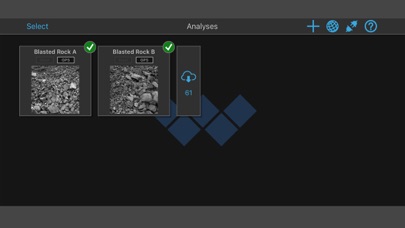
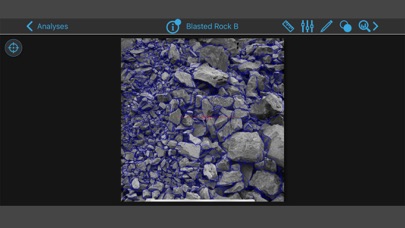
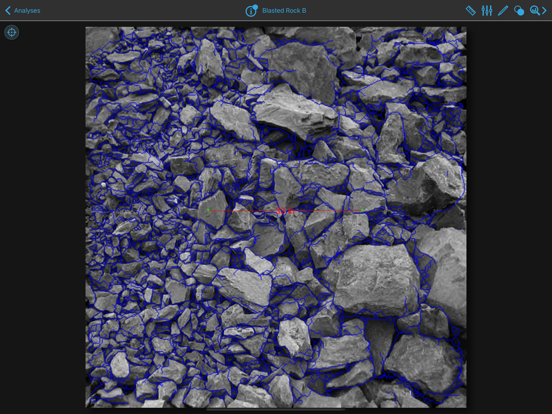
Analyze image samples on your iOS device with the particle sizing software that started it all! Make decisions based on fact instead of theory. WipFrag software puts particle sizing at your fingertips!
Originally developed in 1986 at the University of Waterloo, WipFrag pioneered image-based particle size analysis software. Like other long standing, industry-standard software packages, the WipFrag of today bears little resemblance to its primitive ancestor.
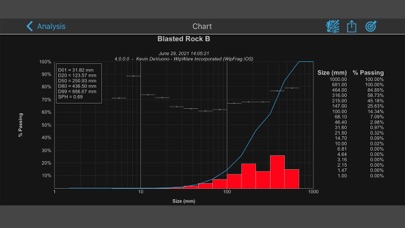
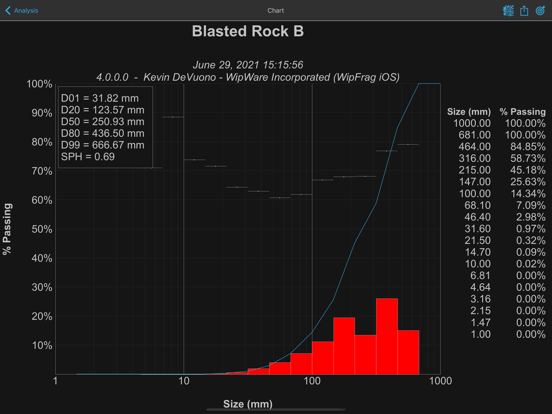
WipWare technology empowers you with the tools you need to collect historical data, establish a statistical baseline and track subtle changes throughout the optimization process so you can make decisions based on fact, instead of theory. The included BlastCast™ blast forecast module helps predict fragmentation when used in conjunction with WipFrag particle size data.
As proven in the mining, forestry and aggregate industries, WipFrag particle analysis helps cut energy consumption, improves efficiency and minimizes equipment maintenance costs.
Blast models, formulas, expected results; we all know that this approach to predicting blast results is useless without the tool to quantify what really matters: fragmentation.
Quoi de neuf dans la dernière version ?
- If a project contains a locked analysis, a lock icon will now display in the project description text.
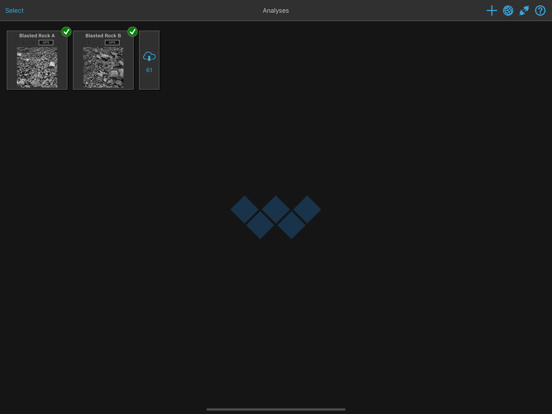
- Slightly decreased spacing between projects so more fit vertically before scrolling is required.
- Fixed issue where selecting a project would not properly update the page title text.
- Added notification to account info button when there are unread messages in the Message Center.
- Added warning icon to account info button when cloud storage is full.
- Fixed issue where set scale would not function.
- Block color legend text color fixed for light mode.