Zavala
iOS Universel / Productivité
Zavala is a modern take on a traditional outliner. It is a full featured app. It takes full advantage of your device by leveraging gestures, keyboard shortcuts, and multiple windows.
Other features:
* OPML import & export
* Markdown import & export
* iCloud syncing
* iCloud sharing with other iCloud users
* Encrypted outlines and encrypted iCloud sync
* Nested Tags for organizing Outlines
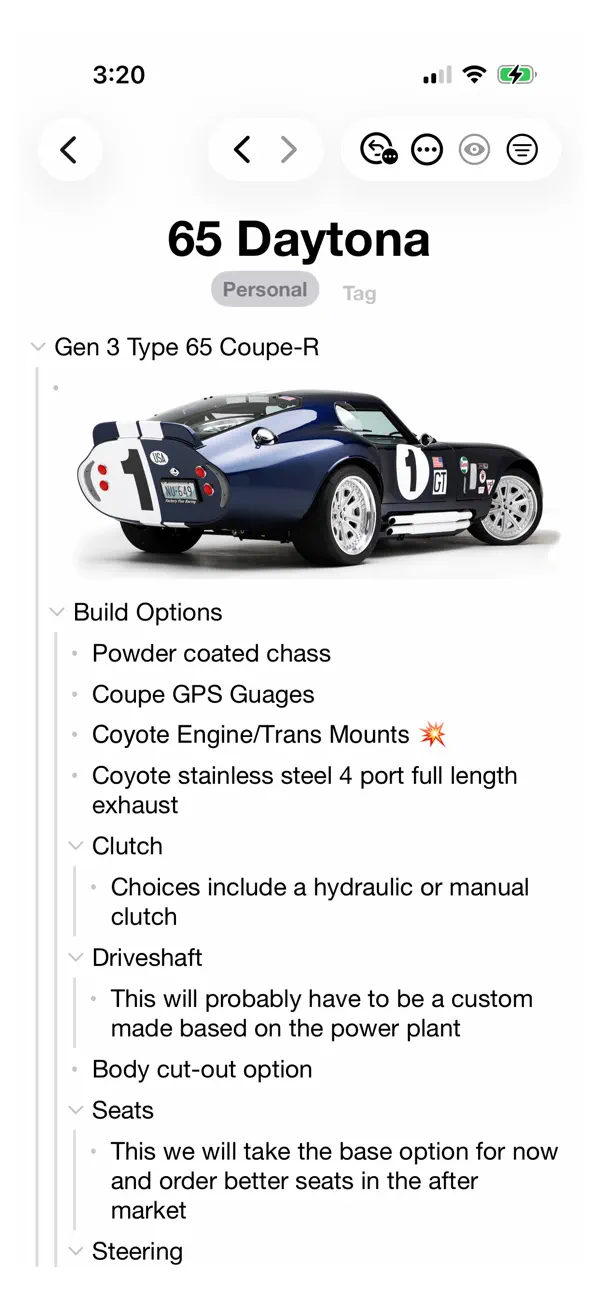
* Support for embedding images
* Print support
* Drag and drop
* Text formatting
* Links
* Completed items
* Notes
* Customizable fonts and sizes
* Backlinks
* Shortcuts support
* Typewriter scrolling
* Automatic row numbering including Decimal and Legal numbering
Quoi de neuf dans la dernière version ?
* Added the Print Screen function
* We now trim a trailing space in a Topic or Note if there is only one and if the cursor is at the end of the Topic or Note
* Highlight now dims when a Topic is Complete
* The Find Outline Shortcut action is now named Find Outlines
* The Find Row Shortcut action is now named Find Rows
* The Find Rows Shortcut action can now accept an Outline from other Shortcut actions like Get Current Outline
* Fixed undo/redo for code blocks and highlighting
* Fixed infinite recursion bug that could happen when dragging a parent to a child row
* Fixed a crash that could sometimes happen when selecting the same outline as it is being viewed
* Fixed a rare crash that could happen while creating tags