Alpus
iOS Universel / Références
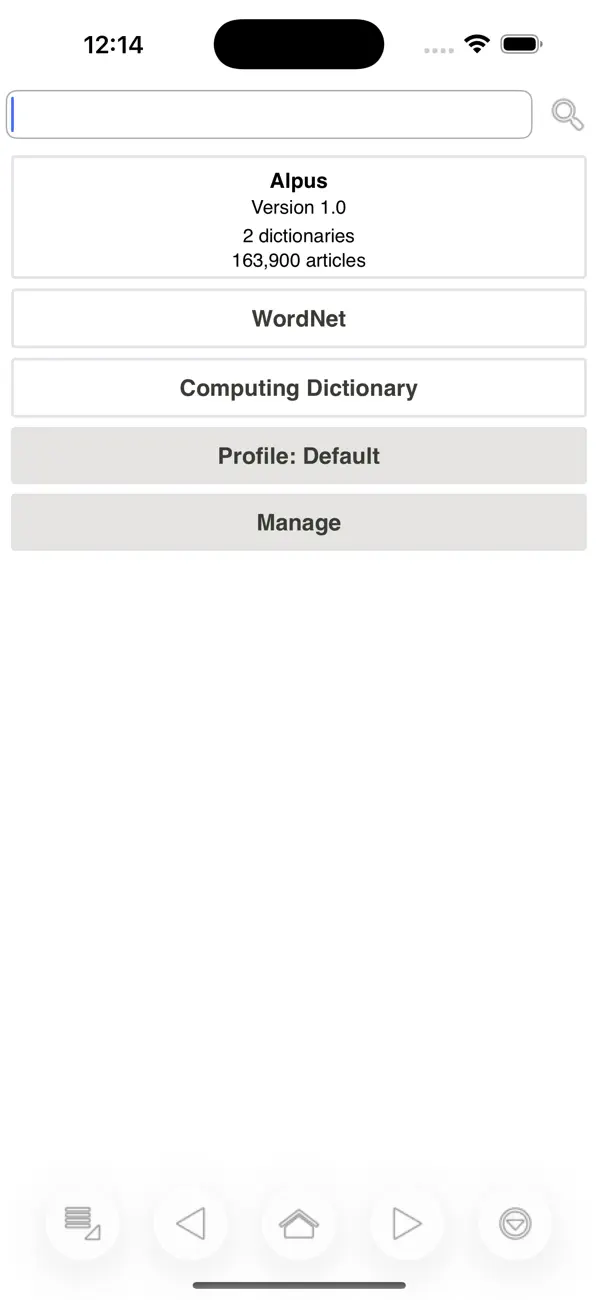
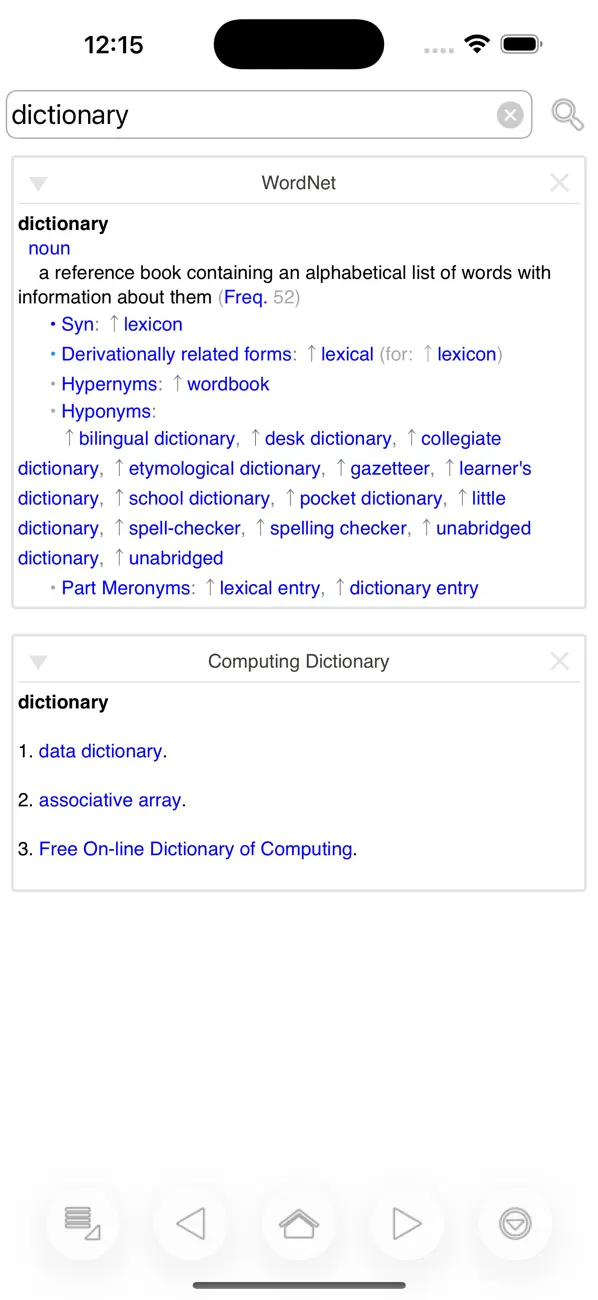
Alpus is a viewer application for dictionaries in StarDict, DSL, XDXF, Dictd, and TSV/Plain formats ¹.
Features:
• Fast and fully offline operation
• Searches ignoring case, diacritics, and punctuation
• Wildcard search
• Fuzzy search
• Full-text search
• In-page popup translator
• History and bookmarks
• Customization options
Compatibility:
Alpus is compatible with the following dictionary/file types:
• StarDict dictionaries (*.idx)
• DSL dictionaries (*.dsl)
• XDXF dictionaries (*.xdxf)
• Dictd dictionaries (*.index)
• TSV/Plain dictionaries (*.txt, *.dic)
• Hunspell dictionaries (*.aff)
Setting up dictionaries:
• Connect your mobile device to your computer.
• Copy dictionary files to the app's documents/files folder on device ². See iOS help ² for details.
• Select the dictionary index file as listed in the compatibility section above (or an archive of it) using the "Import Dictionary" option of the "Manage" menu.
• Select multiple indexes/files, with each selection assumed and analyzed as one dictionary. (optional)
• Select resource ZIP files (if any) to copy during importing. (optional)
• Edit properties of the dictionary such as visible name using the "Edit Properties" option of the dictionary menu. (optional)
• Create a full-text search index of the dictionary using the "Upgrade" option of the dictionary menu. (optional)
• Create profiles to group and organize dictionaries. (optional)
Resource files:
Resource files of a dictionary can be put into multiple ZIP files with arbitrary sizes and file names. The resource ZIP files placed into the root folder of a dictionary (beside Main.props file) will be detected and indexed automatically.
Full-text search:
The app supports searching full-text of all dictionaries for exact matches. The feature requires a one-time upgrading ("Upgrade All" option of the "Manage" menu) of a dictionary which can take a very long time to complete, since every single word anywhere on the dictionary is made searchable during the process.
Synchronizing between devices:
Copying/moving dictionaries between devices is done using one of the two available methods:
• "Export Dictionary" to an *.aaf file on the first device and then "Import Dictionary" that *.aaf file on the second
• Copy/move whole "Alpus.Config" folder or individual dictionary folders using a file manager or built-in file operations
Search types:
There are five kinds of searches you can perform on dictionaries.
• Regular search: Shows results exactly matching the query.
• Extended matching search: Shows results matching the query with case, diacritics, and punctuations ignored. Suggestions include in-phrase and phonetic matches.
• Full-text search: Shows list of articles containing exact matches of the query. The scope of search is not limited to headwords and includes all text in all articles (definitions, synonyms, examples, etc).
• Fuzzy search: Shows list of articles most similar to the query. The search works like a spell checker for words you're not sure how it's written/spelled.
• Wildcard search: Shows list of articles that match the criteria set with a wildcard query.
Help and Support:
• https://alpusapp.com
¹ No dictionaries are bundled with the application. You will need dictionaries in supported formats to use with the application.
² https://support.apple.com/HT201301
Quoi de neuf dans la dernière version ?
v26.5
• Added ZIM file format support
• Added MediaWiki file format support
• Improved indexing and optimization performance
• Improved compatibility with newer devices
• Fixed bug when opening media externally
• Bug fixes and performance improvements