Dex - for TCG Collectors
iOS Universel / Références
Dex is the ultimate unofficial app for Pokémon TCG collectors. Trusted by collectors since 2021, Dex lets you scan cards, track your collection, check prices, and explore every set, all in one place.
• Track Your Collection
Easily manage the cards you own and see what’s missing.
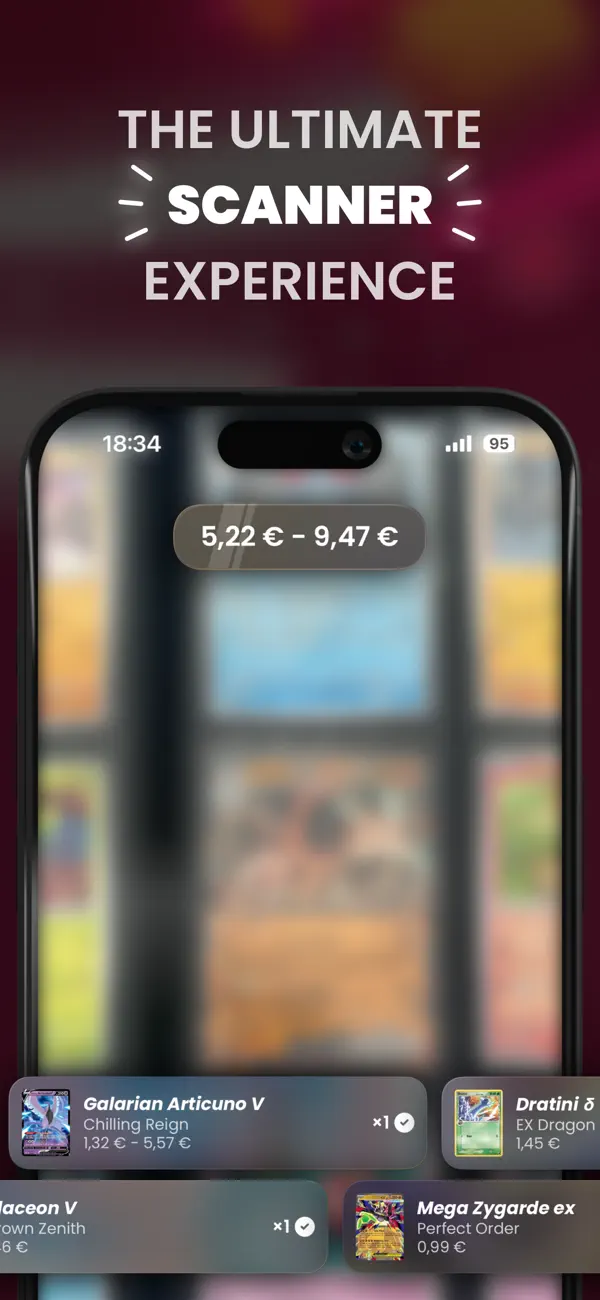
• Powerful Card Scanner
Add cards instantly using your camera — fast and accurate.
• Complete Card Database
Browse every English, Japanese, and Simplified Chinese set.
• Collection Stats
See detailed insights across sets, variants, and types.
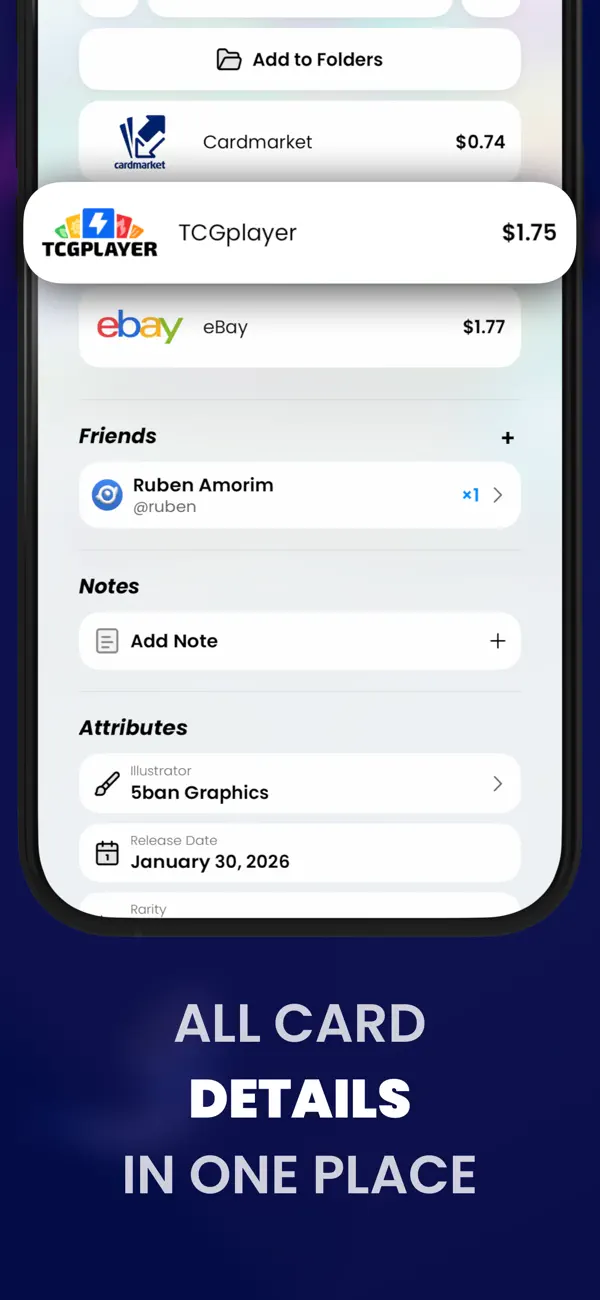
• Card Values & Market Prices
Estimate your collection’s worth using up-to-date price info.
• Folders & Organization
Create custom folders for trades, favorites, duplicates — you decide.
• Build Decks
Design decks with powerful tools like hand simulators and draw odds.
• Friend System
Share your collection and compare cards with friends.
• Advanced Search & Filters
Find cards by name, artist, type, rarity, and more.
• Personalization
Choose between light & dark themes and add custom widgets.
Whether you’re a collector, or just getting started — Dex helps you scan, sort, and showcase your physical Pokémon TCG collection like never before. Download Dex now and upgrade your collecting experience!
• • •
Terms of Use (EULA): https://www.apple.com/legal/internet-services/itunes/dev/stdeula/
• • •
Questions? Feedback? Reach out on Twitter @DexTCG.
About Dex+: If you subscribe to any Dex+ plan, payment will be charged to your iTunes account, and your account will be charged for renewal within 24-hours prior to the end of the current period. You can choose to be billed monthly or yearly. You can turn off auto-renew in your Apple ID Account Settings any time after purchase.
• • •
Disclaimer: The text and imagery related to the Pokémon Trading Card Game, including card images, are copyrighted materials owned by The Pokémon Company. Please note that Dex is an independent application and is neither produced, endorsed, supported, nor associated with The Pokémon Company.
Quoi de neuf dans la dernière version ?
We spent this release rethinking how you organize, browse, and share your collection, and it’s easily one of our biggest yet. There’s a lot to get through, so let’s dig in.
• Flip Through Your Collection
A brand-new Binder display mode joins Grid and List. View any expansion as a virtual binder and flip through pocket pages just like the real thing. Pick your page size (4, 9, 12, or 16 pockets), skip the first page to line up your spreads, and stack or split variants however you like. Turn pages with a swipe, the arrow keys, or jump straight to any page. Your layout syncs across every device. And this is just the start. We’re bringing Binder mode to even more screens soon, and a brand-new Binder folder type is on the way that’ll let you build your very own binder from scratch, card by card.
• Standard Folders, Leveled Up
Standard folders got a ground-up rebuild, and the headline is variants. You can now add a specific variant of a card to a folder instead of the whole card. Want the reverse holo in one folder and the regular printing in another? Now you can, tracking exactly the printings you care about rather than lumping them together. Just switch on variant tracking when you create a new folder, and from there you can add cards by their exact variant and set a precise quantity for each one with a simple stepper. It’s a far more exact way to build sets and track duplicates. Your existing folders keep working exactly as before.
• No Account? No Problem
Public profiles no longer need an account to view. Share a single link and anyone can browse your collection, folders, and stats, no sign-up, no app, nothing to install. It’s perfect for your local store community where not everyone uses (or wants to use) Dex, or for family members who just want to peek at your wishlist before a birthday.
... and a few more things!
This update also comes packed with smaller wins and fixes:
• Variant splitting now works inside Standard folders, not just grids.
• The Card Scanner got sharper, with tighter focus on the card itself, and you can now toggle its sound effects from preferences.
• Filter your collection by card notes, and even by note color.
• Filter owned and not-owned cards per variant, with stats that respect split variants.
• Lock a deck to freeze its list and prevent accidental changes, then unlock it whenever you want to edit again.
• Various design tweaks, performance boosts, and bug fixes across the app.