First Principles
iOS Universel / Références
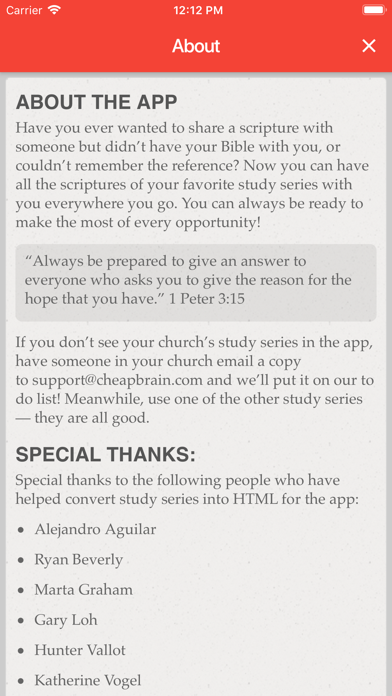
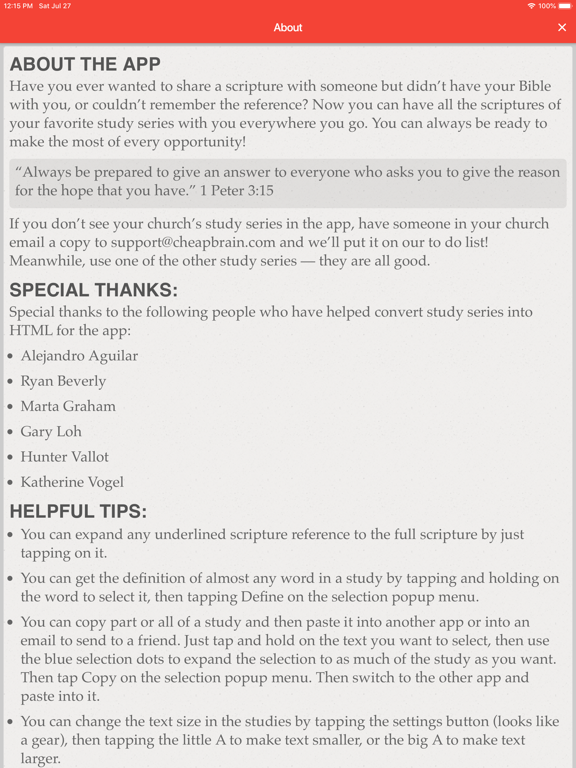
Have you ever wanted to share a scripture with someone but didn't have your Bible with you, or couldn't remember the reference? Now you can have all the scriptures of your favorite study series with you everywhere you go. You can always be ready to make the most of every opportunity!
"Always be prepared to give an answer to everyone who asks you to give the reason for the hope that you have." 1 Peter 3:15
— — — — — — — — — — — —
Helpful Tips:
You can search for a study series, or search within all study content, by tapping the menu button in the library and selecting "Search".
You can reorder your study series to put your favorites first by tapping the menu button in the library and selecting "Reorder Studies", then dragging studies into the order you like. Your order is saved automatically.
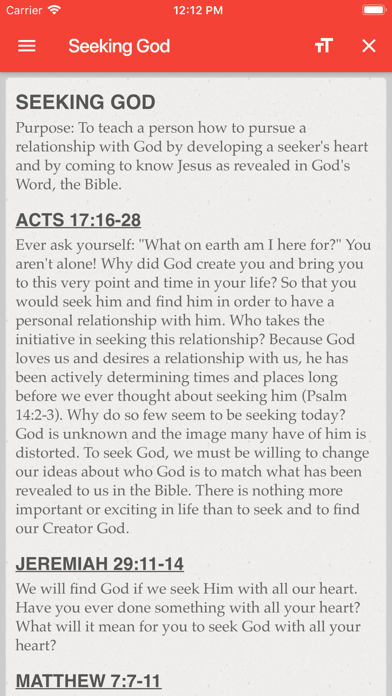
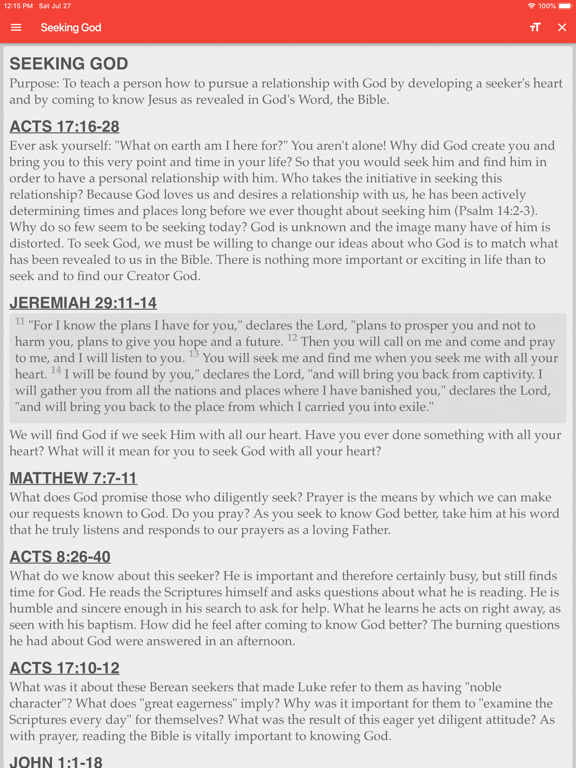
You can expand any underlined scripture reference to the full scripture by just tapping on it.
You can get the definition of almost any word in a study by tapping and holding on the word to select it, then tapping Define on the selection popup menu.
You can copy part or all of a study and then paste it into another app or into an email to send to a friend. Just tap and hold on the text you want to select, then use the blue selection dots to expand the selection. Then tap Copy on the selection popup menu and paste into another app.
You can change the text size and font in the studies by tapping the Aa button in the top right of any study.
If you see any formatting or content errors in any of the studies, or if you have ideas on how we can improve the app, tap the menu button in the library and tap "Email Feedback".
Quoi de neuf dans la dernière version ?
The Orange County Church of Christ series is now complete — 30 studies in all.
WHAT'S NEW
16 Follow-Up Studies for new Christians. Prayer, Bible study, relationships, service, giving, academics, confession, persecution, and more — the everyday walk after baptism.
5 Restoration Studies for anyone returning to God after time away. Remaining in Christ, repentance, recovering a first love that grew cold, the church, and the relationships that hold a life together.
Together with the seven core lessons and the introduction, Foundations of Faith now carries someone from the first conversation, through the new walk, all the way to coming home.
Every scripture reference is tappable. Tap it and the complete passage opens right there — no jumping to another app, no searching, no losing your place. All of it in the 1984 NIV, checked verse by verse against the source.
STILL THE SAME PROMISE
No ads. No account. No internet required. Every study you've downloaded works on an airplane, in a basement, or standing in a parking lot after church.
Thanks for using First Principles. If something looks wrong or a link doesn't open, tap Email Feedback in the menu — it comes straight to me.