Constellation: Your Network
iPhone / Réseaux sociaux
Map and visualize your personal social network! See who you know, how you know them, and how they all connect to each other.
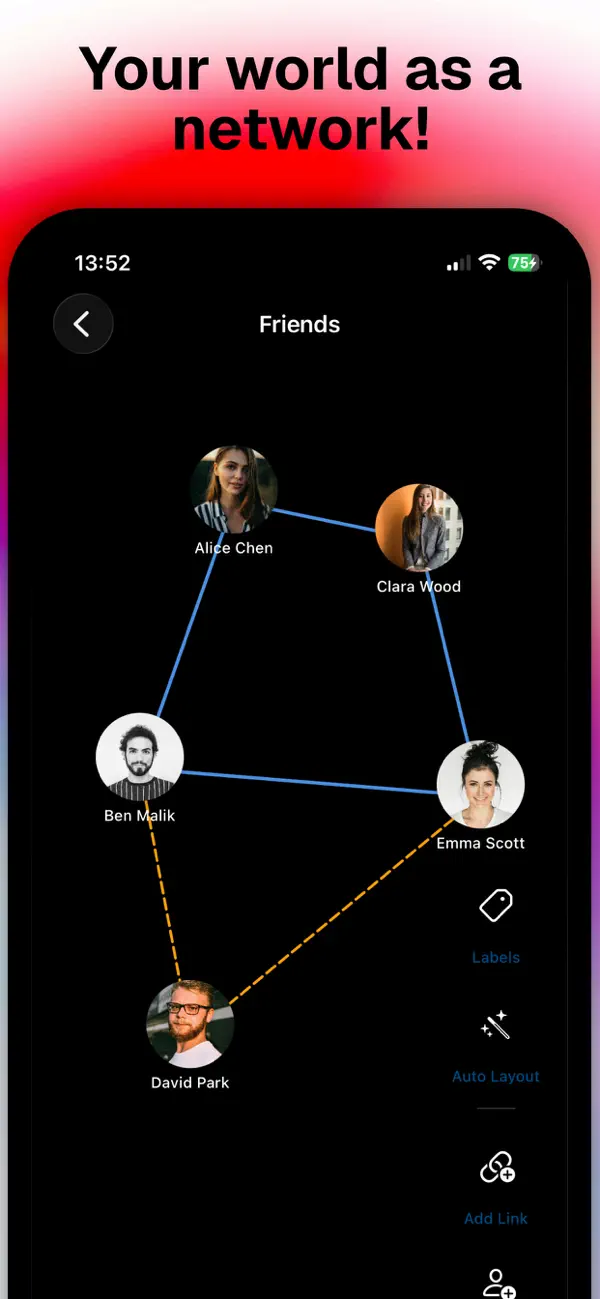
Your Social Network turns your contacts into a living, interactive graph. Add people, draw connections between them, and explore your relationships on a beautiful canvas that you can drag, zoom, and rearrange to your liking.
BUILD YOUR NETWORK
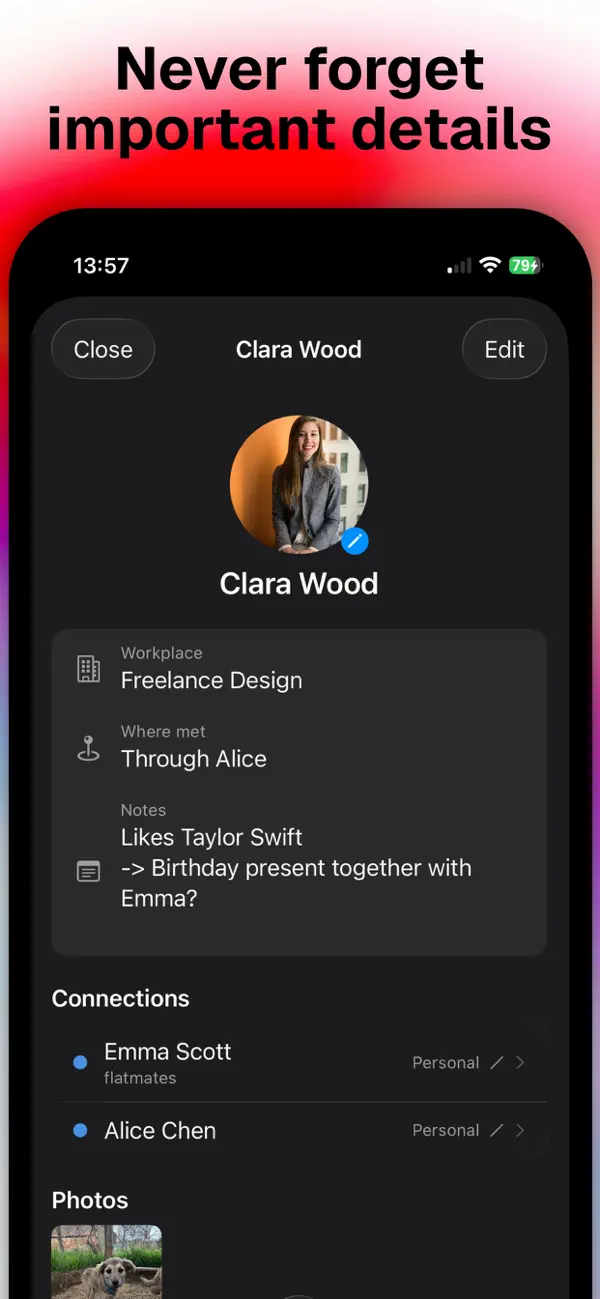
Add anyone with their photo, workplace, phone number, home address, and personal notes. Import directly from your iOS Contacts with a single tap, no typing needed. Every detail stays in one place.
DRAW CONNECTIONS
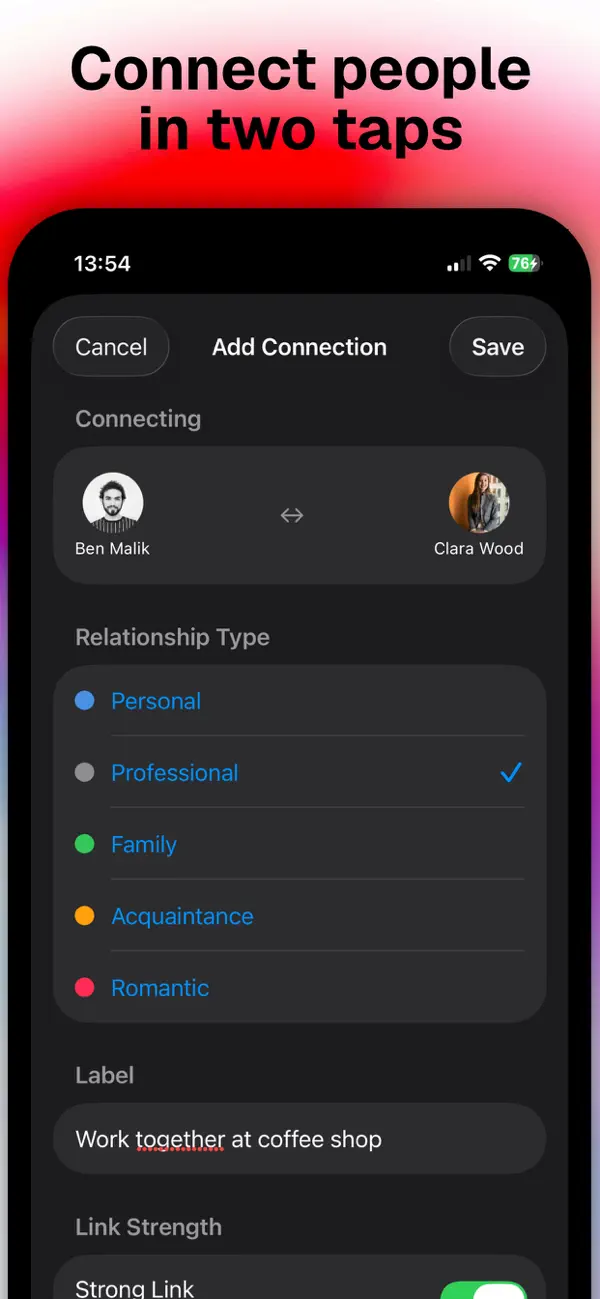
Connect two people by tapping them in sequence. Choose a relationship type (Personal, Professional, Family, Romantic, Acquaintance, or create your own with a custom color), mark the link as strong or weak, and add an optional label like "brother" or "college roommates". Strong links appear as solid lines; weak links as dashed ones.
EXPLORE THE GRAPH
Pan and pinch to navigate your network freely. Drag any node to rearrange your layout, positions are saved automatically. Toggle relationship labels on or off. Tap the Auto Layout button to let the app arrange everything optimally using a force-directed algorithm. Strayed too far? One tap on Recenter brings you straight back.
ORGANIZE BY CONTEXT
Create multiple separate networks, Personal, Work, University, Family, or anything you need. Each network is completely isolated with its own people and connections. Pick an emoji or any character as its icon. Reorder them however you like.
DIVE INTO THE DETAILS
Tap any person to open their full profile with all their info, photos, and every connection they have. Edit anything on the spot or delete them, their connections are removed automatically.
PRIVATE BY DESIGN
Everything is stored locally on your device. No account required. No cloud. No tracking. Your network is yours alone.
Relationship types included by default:
Personal, Professional, Family, Acquaintance, Romantic
Create your own types with any color in Settings.