Dual Messenger: WA Web Clone
iOS Universel / Réseaux sociaux
Open WhatsApp Web directly on your iPhone or iPad — no computer needed. Simply scan the QR code shown on web.whatsapp.com from another device and your full WhatsApp account appears instantly on your screen. Chat, send media, and reply to messages just like on the desktop version, all from your iOS device.
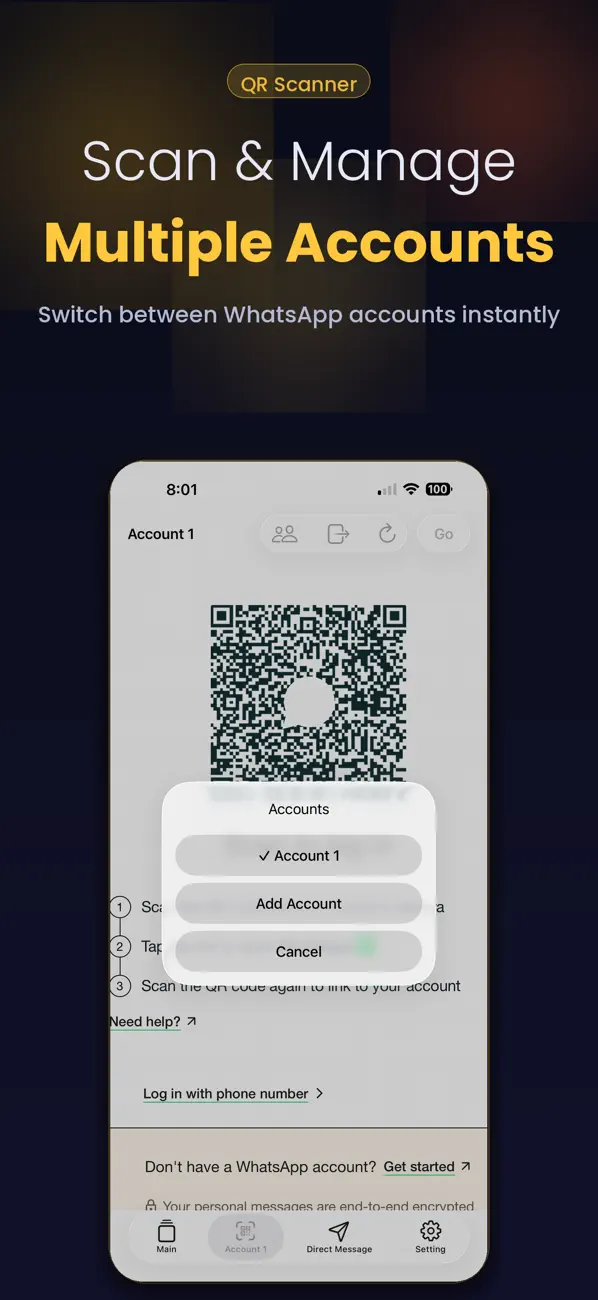
Need a second WhatsApp account? Scan a different QR code and use two accounts on the same device at the same time. Keep work and personal conversations completely separate without carrying two phones.
WHAT YOU CAN DO:
- WhatsApp Web viewer: open your full WA account on iPhone and iPad by scanning the QR code
- Second account: link a second WhatsApp by scanning another QR — dual chat on one device
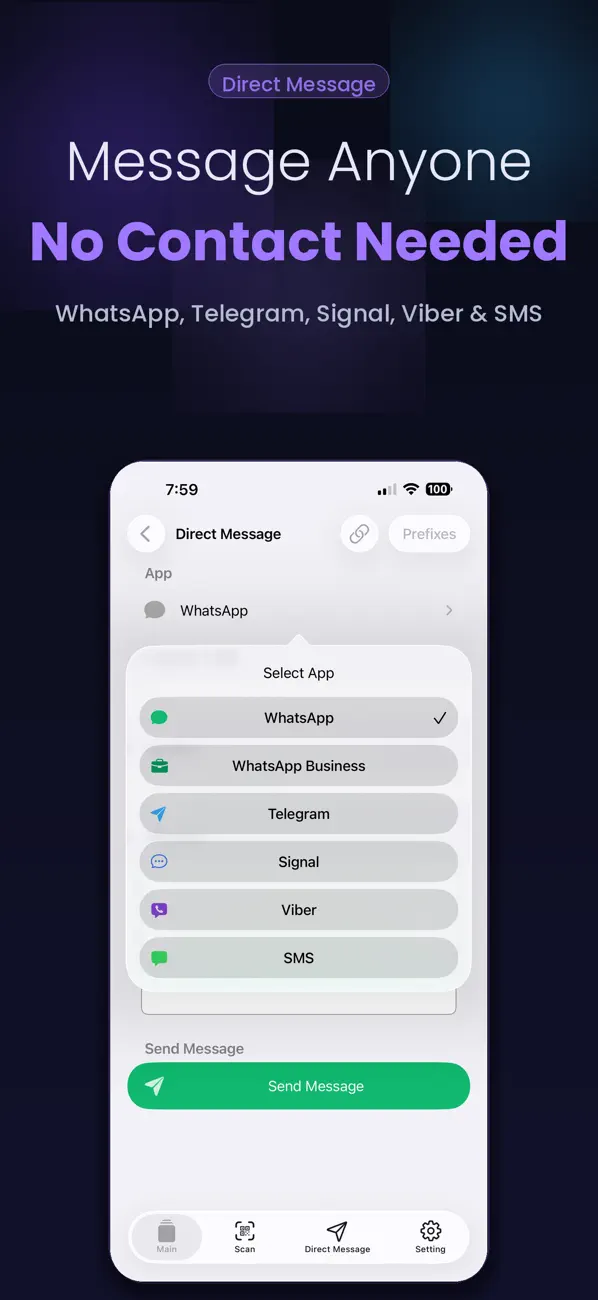
- Direct message: send a message to any number without saving it to your contacts
- Status saver: download and save WA statuses, photos, and videos to your camera roll
- Quick replies: create preset messages and send them with a single tap
- No-save messaging: great for businesses, freelancers, and anyone who chats with new contacts daily
- Guide and tips: hide last seen, recover deleted messages, change number without losing chats, and more
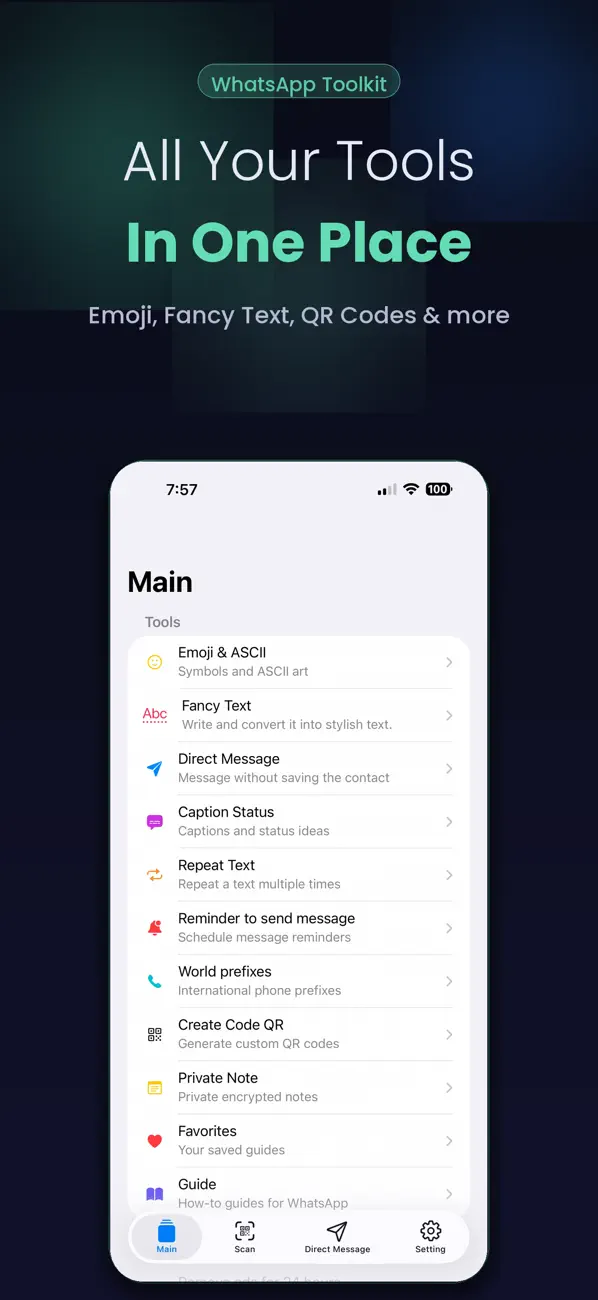
- QR code creator: generate QR codes for any link or contact
- ASCII and emoji tools: text repeater, emoji converter, and ASCII face creator
- Secure: nothing is stored on our servers — your data stays on your device
HOW TO SCAN AND CONNECT:
1. On your phone or tablet, open WhatsApp
2. Go to Settings > Linked Devices > Link a Device
3. A QR code will appear on that device — open this app and scan it
4. Your WhatsApp account loads instantly
SUBSCRIPTION INFORMATION:
Duo Messenger offers an optional Premium subscription that unlocks all features.
Payment will be charged to your Apple ID account at confirmation of purchase. Subscriptions automatically renew unless cancelled at least 24 hours before the end of the current period. Your account will be charged for renewal within 24 hours prior to the end of the current period. You can manage and cancel your subscription at any time in your iPhone Settings > Apple ID > Subscriptions. Any unused portion of a free trial period will be forfeited when you purchase a subscription.
Terms of Use and Privacy Policy: https://ecapps.info/terms-of-use-and-privacy-policy/
Disclaimer: This app is not affiliated with or endorsed by WhatsApp Inc.
Quoi de neuf dans la dernière version ?
This update brings stability improvements and bug fixes reported by our community.
- Improved QR scan reliability for faster account linking
- Fixed loading issues on some iPhone models
- UI tweaks for better readability on iPad
If you enjoy the app, please take a moment to leave a review.