ico - Search & scan Biz Cards
iPhone / Réseaux sociaux
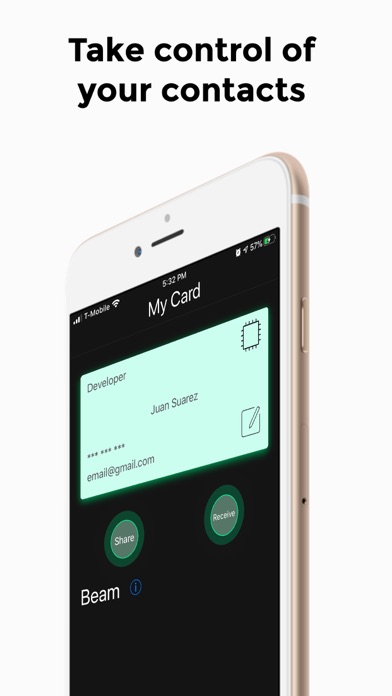
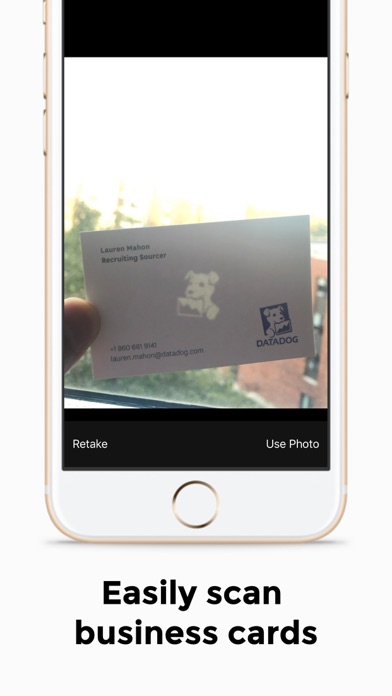
Ico is a smart contact management app that allows you to scan, search, organize, and share contact information like never before. With ico, you can scan or select a picture from your gallery to save business cards/contact information along with important notes regarding the encounter. It uses machine learning to accurately classify the information so you don't have to.
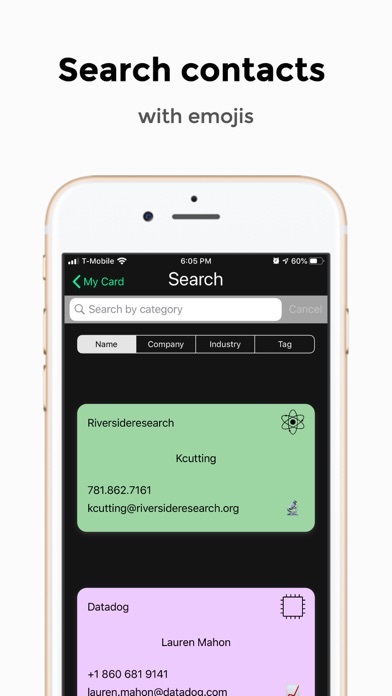
Looking for a contact but don't remember the persons name? Ico lets you search contacts by name, company, industry, or a custom category created by you.
With ico, you can share personal contact information and social media links with groups of people in a matter of seconds. Allowing you to customize how people perceive you and your business.
Whether you are a college student constantly networking (if you are not you should be!) or a professional who meets many people on a daily basis, ico can help you organize your connections so that you never miss out on an opportunity.
Customize the color of your contacts to make them easier to spot when scrolling through your gallery, or simply to make them more aesthetically pleasing.
How do I add contact information?
- Contacts can be added either manually or scanned into the database.
- Scanning -> Press the plus button on the bottom right corner to expand the menu, and select the [-] icon. Then, select whether you want to scan a business card or import one from your gallery. Edit any information that might have been classified incorrectly (rarely happens) and press the plus button to save the contact.
- Manually -> Press the plus button on the bottom right corner to expand the menu, and select the T icon. Fill out all the necessary fields and hit the plus button to save the contact.
Quoi de neuf dans la dernière version ?
Support added for dark mode
New color option