Sprouter: QR codes, Bio Links
iOS Universel / Réseaux sociaux
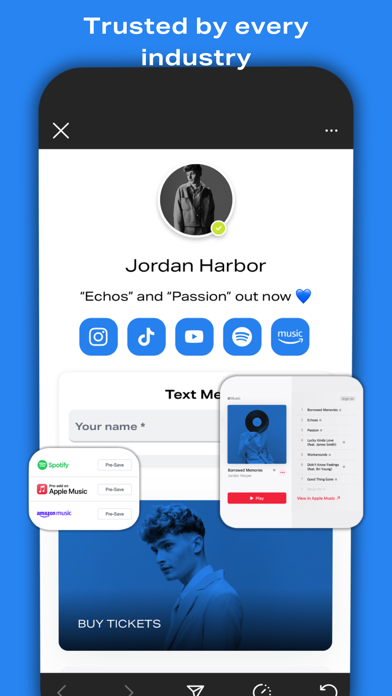
This is Sprouter—the ultimate platform for individuals and brands seeking to elevate their digital presence and connect with their audience in a meaningful way. With Sprouter, you can create a customizable profile to showcase all your platforms, links, and social media accounts in one place.
Whether you're a business owner, content creator, or social media enthusiast, Sprouter empowers you to manage your online presence with ease.
To get started:
1. Claim your Sprouter profile and consolidate all your online activities in one convenient location. It's quick and easy!
2. Add social media profiles, websites, music playlists, videos, podcasts, forms, menus, online stores, products, and more to your Sprouter profile. Then, fully customize it to reflect your brand's identity and make the vibes feel just right.
3. Share your Sprouter profile across all platforms to connect with friends, colleagues, and customers effortlessly! Easily incorporate your Sprouter profile URL into all social bios, and utilize the Sprouter QR code on packaging, tables and more.
4. Track insights about your audience and learn how to further enhance your online presence.
5. Explore the rest of features the Sprouter app has to offer!
Download Sprouter today and start making meaningful connections in the digital space!
More social, less media.
Quoi de neuf dans la dernière version ?
Bug fixes and minor improvements