VoiceApp - Social Audio & Chat
iPhone / Réseaux sociaux
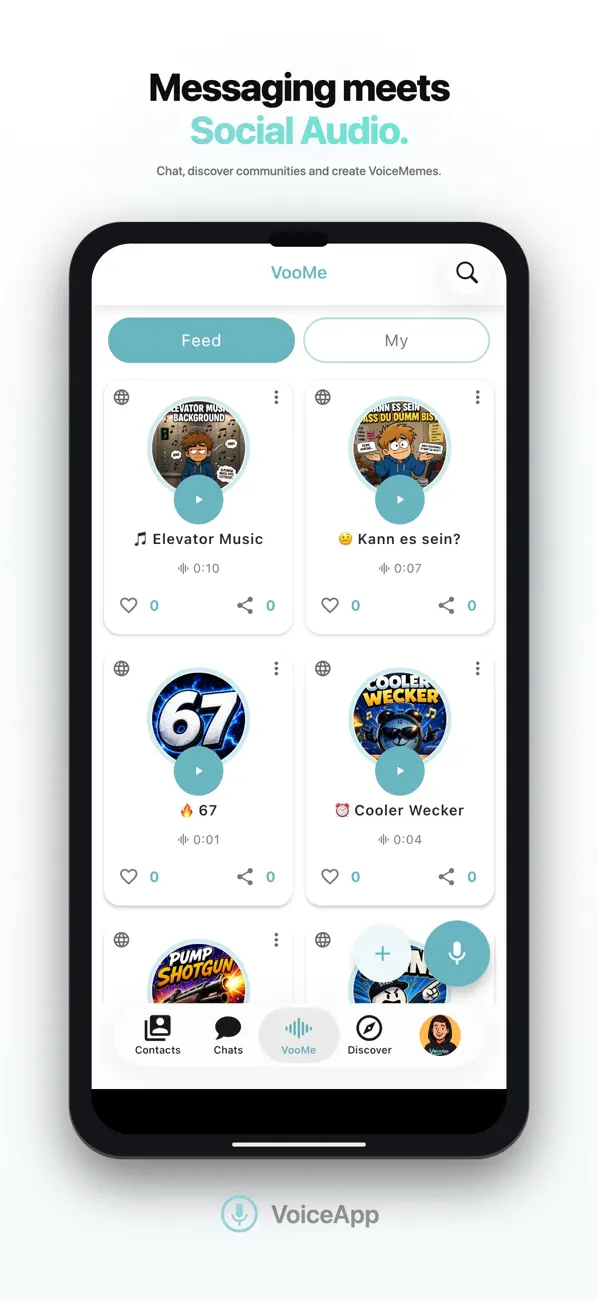
Messaging meets Social Audio.
Chat with friends, discover public communities and create VoiceMemes with VooMe — all in one app.
VoiceApp combines secure messaging, communities and VooMe into one seamless experience. Stay connected with friends, discover creators and communities, and express yourself through your voice.
VooMe
VooMe is the social audio experience built into VoiceApp.
Create, discover and share VoiceMemes using your voice.
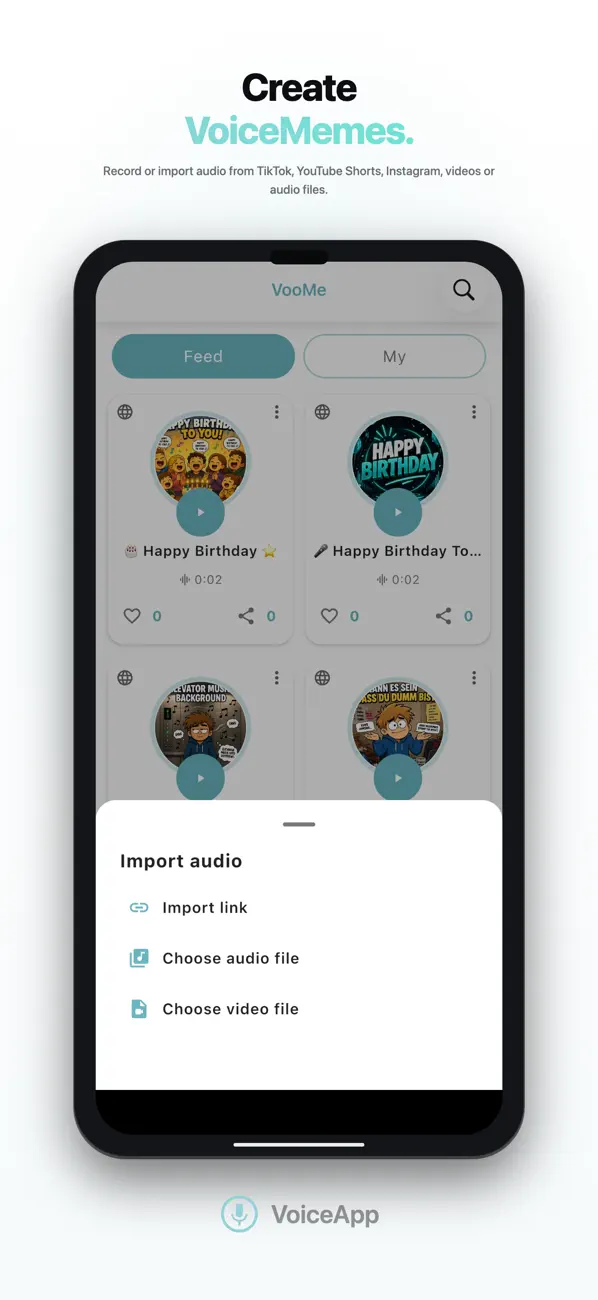
• Record your own VoiceMemes
• Import audio from TikTok, YouTube Shorts, Instagram, videos and audio files
• Discover public VoiceMemes
• Like and share your favourite VoiceMemes
• Send VoiceMemes directly in chats
• Get notified when friends create, like or share VoiceMemes
Messaging
Everything you expect from a modern messenger.
• Secure private chats
• Voice messages
• Voice input for hands-free messaging
• Automatically read incoming messages aloud
• Send photos, videos, GIFs, stickers and documents
• Share content directly from other apps
Communities
Create your own community or discover others.
• Public communities
• Private groups
• Read-only announcement groups
• Public creator profiles
• Discover new creators and communities
Share Files
Share almost any file type with friends.
• Photos
• Videos
• Audio
• Documents
• Voice recordings
Available Across Devices
Stay connected wherever you are.
Privacy & Security
Your conversations belong to you.
• SSL-encrypted communication
• Messages are stored only as long as necessary for delivery
• Your data is never sold to third parties
VoiceApp Supporter
Support the development of VoiceApp with an optional subscription.
Enjoy an ad-free Discover experience and receive a supporter badge on your public profile.
Why VoiceApp?
• Messaging meets Social Audio
• Create VoiceMemes with VooMe
• Discover public creators and communities
• Secure messaging
• Voice messages and voice input
• Share photos, videos, documents and more
• Use VoiceApp on all your devices
VoiceApp brings messaging, communities and VooMe together in one seamless experience.
Chat with friends, create and share VoiceMemes, discover creators and communities, send voice messages, photos, videos and documents, and enjoy secure communication across all your devices.
Quoi de neuf dans la dernière version ?
New VooMe picker — select and send VooMes directly from the chat, just like media