Carom 3C: Billiards & Notes
iOS Universel / Sports
Carom 3C is the notebook built for three-cushion and carom billiards players who want to study patterns, not just shoot them.
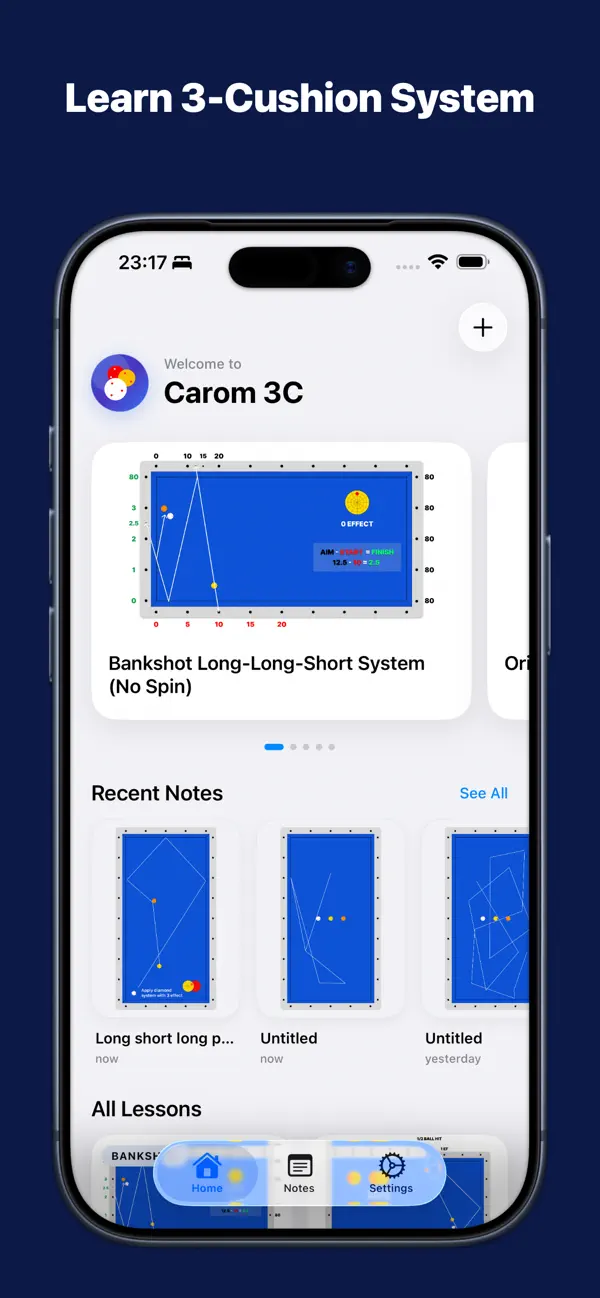
LEARN FROM REAL PATTERNS
Browse a library of public lessons and practice examples made for three-cushion billiards. See the line, the system, and the touch behind every shot.
NOTE EVERY SHOT
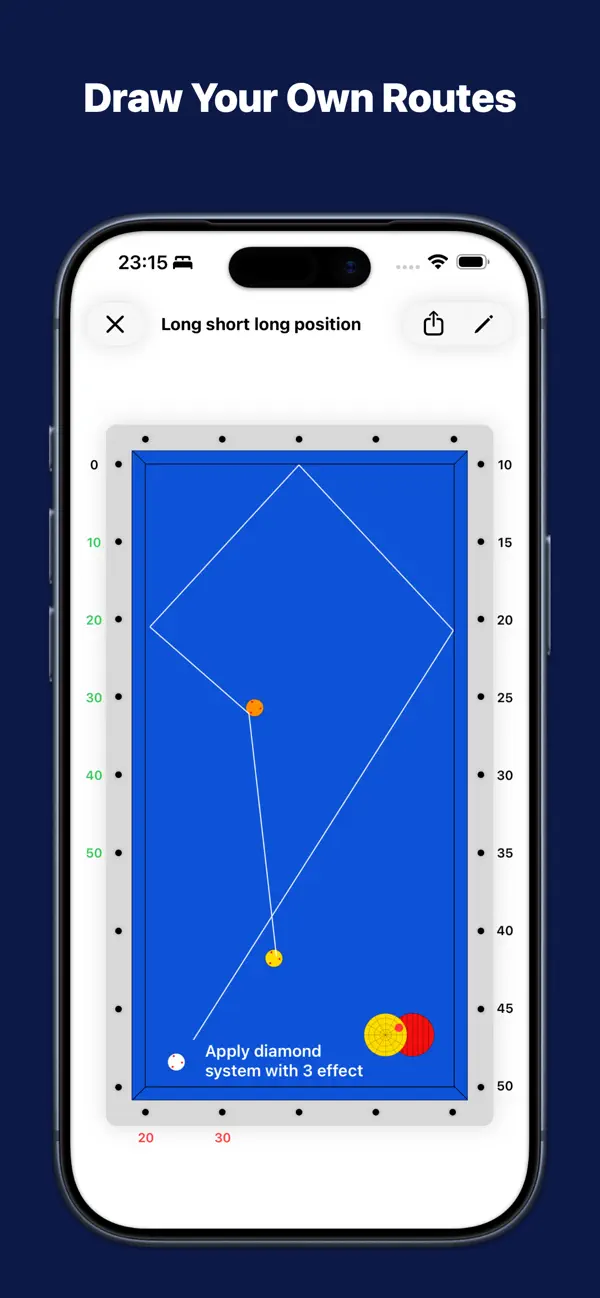
Open a full-screen table and diagram any pattern exactly the way you picture it:
• Place red, yellow, and white balls anywhere on the cloth
• Draw trajectory lines with draggable endpoints
• Mark contact and touch points, including bank shots and aim
• Add text notes and labels
• Turn on diamond labels and apply system presets (5-System, Plus System, equal spacing)
• Magnifier and precise line tools for clean, accurate diagrams
• Undo any change while you work
ORGANIZE YOUR STUDY
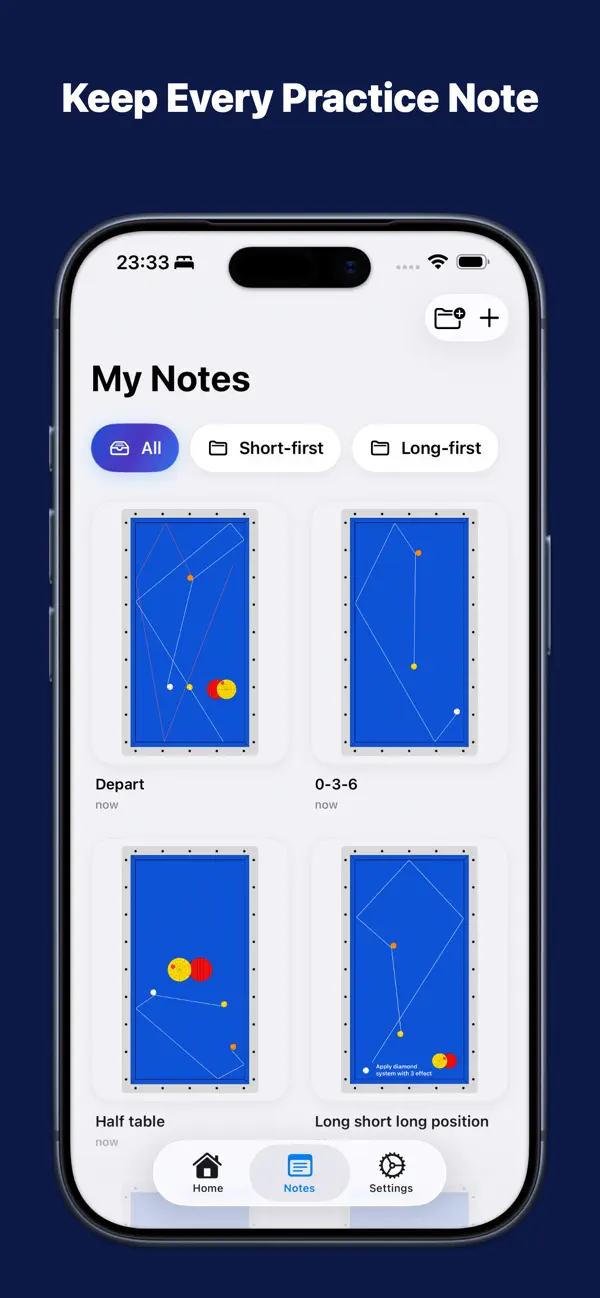
Save each diagram as a note and group your work into folders by system, drill, match, or lesson. Find any pattern in seconds.
SYNC EVERYWHERE (PRO)
Keep your notes backed up in your private iCloud and pick up on iPad right where you left off on iPhone. Your work stays safe even if you lose your device.
FREE & PRO
Start free with up to 10 notes stored on your device. Upgrade to Pro for:
• Unlimited practice notes
• Folders to organize every system
• Private iCloud backup
• Sync across all your Apple devices
Whether you are grinding diamond systems, drilling position play, or saving a pattern your coach just showed you, Carom 3C keeps your billiards brain organized.
Terms of Use: https://www.apple.com/legal/internet-services/itunes/dev/stdeula/
Privacy Policy: https://carom3c.com/privacy-policy
Quoi de neuf dans la dernière version ?
What's new in 1.2.0:
Interactive notes — set up the balls, aim, then press play: the app simulates the cue ball's path so you can see whether your shot makes the carom. Adjust spin and power, and switch between realistic and simple physics.
Tools tab — your companion at the table:
• Scoreboard — score a match with innings, average, and high run; full-screen landscape with big, glanceable digits. Tap a player's side to add a point, the other side to switch turns. Finished matches are saved to your history.
• Playground — a free practice table to try any shot, nothing to save.
• Shot clock — a 35/40/50-second timer with one extension.
Also: the app now opens on Home. Thanks for using!