STATracker
iPad / Sports
STATracker has four main pages:
TEAM PAGE
-On the team page you can edit your team's players
-Add a player by clicking the add player button and entering player information
-Edit an already created player by tapping on the player, editing the necessary information, and clicking save
STATS PAGE
-On the stats page you can see the statistics from previously recorded games
-You can select a single game and see its statistics or you can select multiple games and get the average of each statistic.
-The statistics page displays:
A box score
The optimal lineup based on +/-
The optimal offense lineup based on points per minute played
The optimal defensive lineup based on points given up per minute
A graph displaying the points scored over time throughout the game
-(All statistics display the average when multiple games are selected)
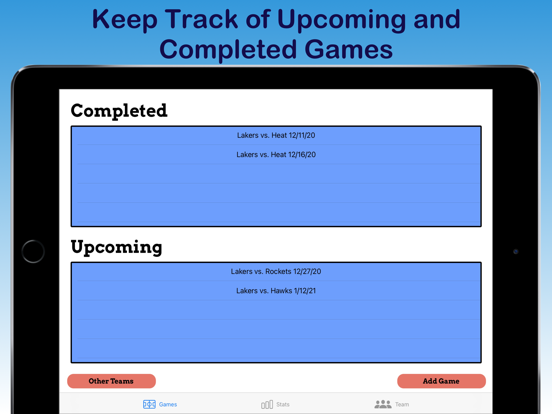
GAMES PAGE
-On the games page you can add upcoming games as well as manage opponent teams
-Add upcoming game by selecting the "Add Game" button and then inputting the necessary information
-To start recording statistics for a game, you can either:
1. Create a new game, enter the necessary information, and then click start game
or
2. Select an upcoming game and click start game
TAKING STATISTICS PAGE
-This page is where you take in-game statistics
-The game clock at the top of the screen can be started and stopped when tapped
-Statistics can be taken by clicking the desired stat and then clicking the player or team it applies to
-You can delete mistaken statistics at the bottom by sliding the stat you want to delete to the left and clicking delete
-A current statistics report can be seen mid-game by clicking the "Reports" button
-Upon completion of the game click save to save the statistics
Quoi de neuf dans la dernière version ?
- Minor bug fixes
- When selecting multiple games on the statistics page the overall team record for the games is shown