Church Office ChMS
iPhone / Style de vie
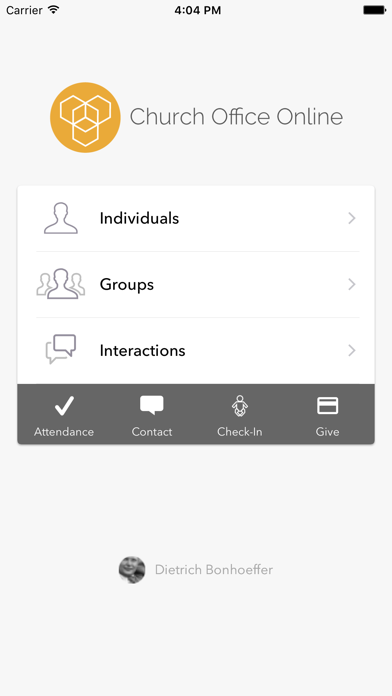
The Church Office ChMS iPhone app allows you to access all of Church Office ChMS' core features while on the go!
People Features:
- Create People.
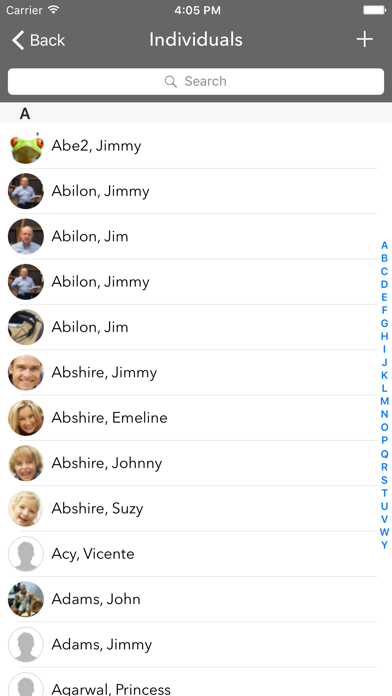
- View lists of all members and groups, complete with thumbnails of profile pictures.
- Use as a church directory, if enabled.
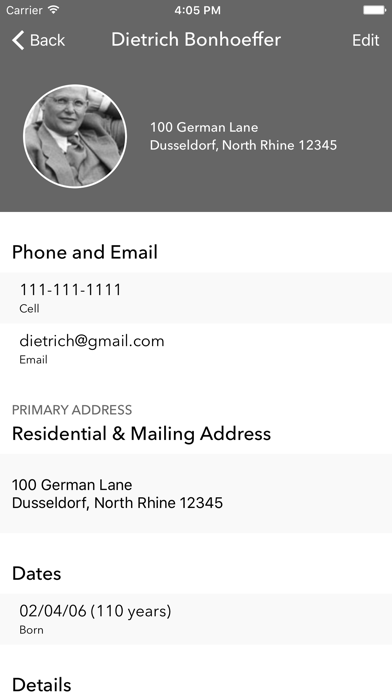
- View all information for a person. Including personal, contact, dates, custom fields, and family.
- Tap profile image to add a new one.
- Edit all fields, including custom ones.
- Add/remove people from groups.
- Add/Edit notes.
- Print a summary page, using AirPrint.
- Add a person to your Contacts.
Self Check-in:
- People can check in when close to church, so labels are already printed and waiting for them, when they get inside.
Interactions:
- View lists of Completed, Outstanding, and My Outstanding interactions.
- Edit Outstanding Interactions.
- Assign/Log a new interaction.
Attendance:
- Add/edit attendance for a group.
- Add visitors who are currently in the system.
- Create and add visitors.
- Swipe left on a name to see more options.
Mass Contact
- Mass Email a group.
- Mass SMS and Voice message (Requires this to be configured via web)
Please note that this app requires a Church Office ChMS account.
Quoi de neuf dans la dernière version ?
#307968 — iOS ChMS App — Groups Tab Not Displaying (Zendesk #1609901)
Fixed an issue introduced in v2.17.8 where the Groups tab was missing for iOS users in the ChMS (Church by M1 / My Church Home) app. Affected users who were members of groups with visibility enabled could not see the Groups option in the navigation. The root cause was legacy code that restricted the Groups menu to users with "view individual" permission only. The fix ensures the Groups tab is visible to all applicable users regardless of permission type. This issue affected 59 customers and was not present on Android.