Couper et coller image fond d'écran gomme éditeur.
iOS Universel / Style de vie
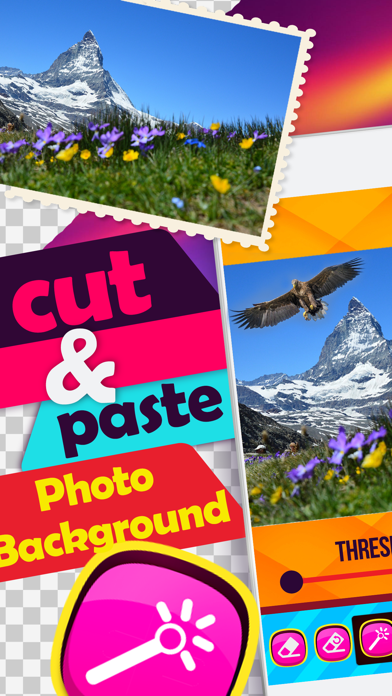
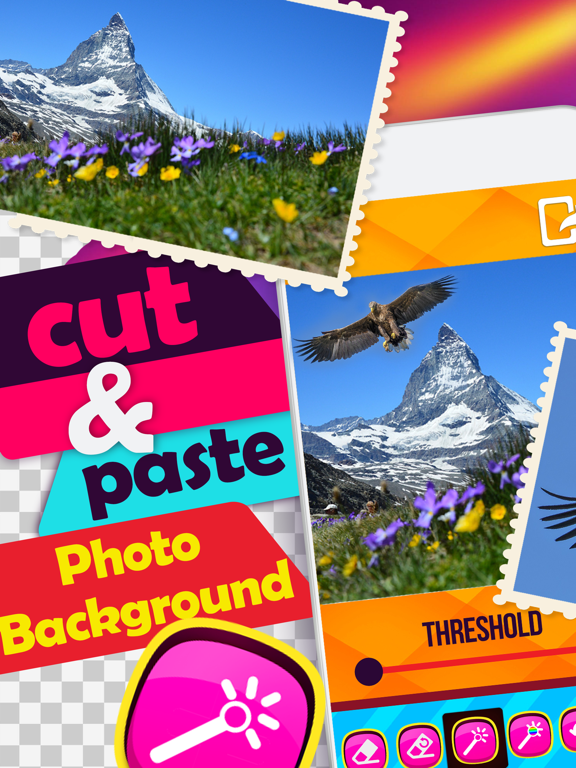
Dear photo mania fans, your time has come! In the sea of photo apps, a professional eraser has emerged to make your lives easier and more fun - Cut and Paste Photo Background Eraser & Pic Editor. The best photo manipulation tool has been crafted precisely for the fans of photo montage. All you need to to is take a picture or take a new one and pick the eraser tool to start pic editing. Blend your picture with the transparent background with any landscape in the world. Pull pranks on your friends and see yourself next to the pyramids, the Eiffel Tower, or anywhere you like in a matter of second! Have some photo editing fun!
*** *** *** *** *** ***
How to use Cut and Paste Photo Background Eraser:
*** *** *** *** *** ***
*** Pick a photography from your photo gallery or take a selfie!
*** Pick the eraser tool and adjust the width and offset!
*** Zoom in the photo to erase background with precision!
*** Erase all parts of the picture of the same color!
*** Erase layer by layer of the picture!
*** Undo all the changes or recolor the parts you did not want to erase!
*** Blend two custom pictures or pick one of our backgrounds
*** Blend the picture with the background color or background pattern!
*** Zoom in or out, move, add frames, stickers and text to your photo!
*** Save your creation to your gallery!
*** Share pic via Facebook, Twitter, Instagram!
*** *** *** *** *** ***
***Photo Manipulation Tool for amateurs and professionals! ***
Photo editing has never been easier and more precise. Prepare your fingers for some editing magic – intuitive interface displays all of the features of the photo manipulation clearly. You can basically do whatever you like – zoom in or zoom out the background for better approach, pick a color of the background to erase it fully in one click.
*** Magic Background Remover – ease parts of the background of the same color in a click! ***
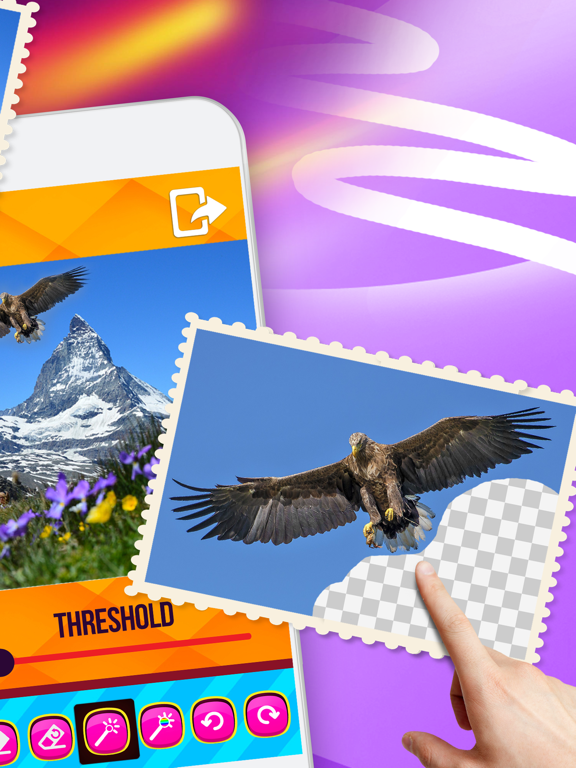
Adjust the width and the offset, zoom in the picture and start erasing the background. However, there are a few hacks – you can erase the parts of the picture with the same color in one click, or you can erase layer by layer of the photography. If you are not a pro when it comes to photo editing, there is the undo button, or you can recolor the parts of the picture accidentally erased. When you are finished, you get to blend the photo with any of our background patterns or colors, or with your custom backgrounds, all for free.
*** All in One Photo Editor – stickers, frames or write on pics!
In addition of the background remover and photo blender features, you get to embellish your blended pictures with cool stickers, or frames. You can also add text to pictures, write cool captions of retro or fancy photo fonts, all completely free of charge. Download Cut and Paste Photo Background Eraser and discover the world where mistakes when it comes to photo manipulation no longer exist. This precise, but simple tool will make your lives much easier and it is fun to use. Enjoy!
Quoi de neuf dans la dernière version ?
Apple a mis à jour cette app afin d’afficher l’icône de l’app Apple Watch.