Futurehome
iOS Universel / Style de vie
Key features
- Very fast loading speed and excellent performance for a smooth smart home experience
- Works together with Futurehome’s new Z-wave and Zigbee Smarthub, so that you can add even more of your favorite products and functions
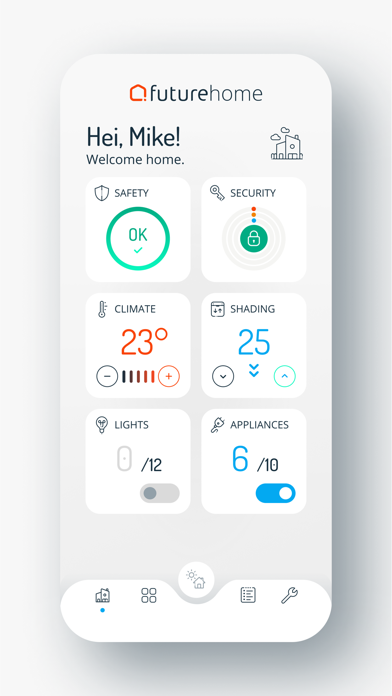
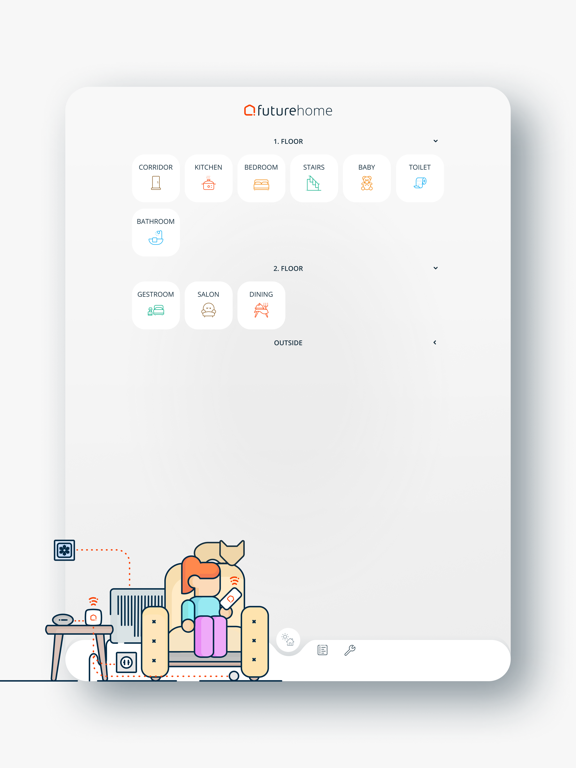
- Simple and user-friendly dashboard to control your home
- Automations: Create simple rules to make your life easier. Increase the lighting to two lights when the sun goes down is one example. The possibilities are endless, and we continue to add new features all the time
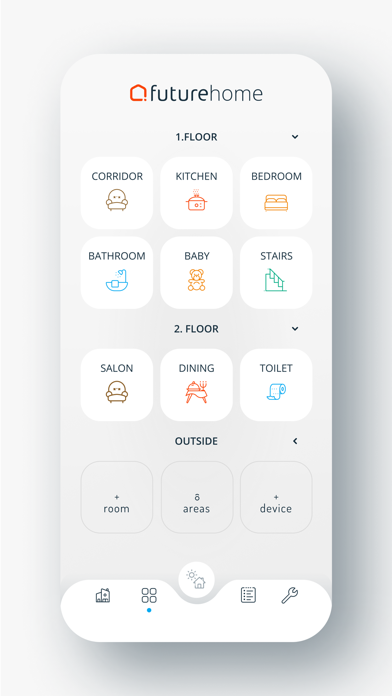
- Simple room navigation, so that you won’t get lost in the app
Easy light control
Connect the lights in your home to and you will be able to adjust the lighting and mood. Automate the lights based on motion or according to the time of day. When you leave home, go to bed or go on vacation, you can turn off all the lights with one simple click.
Climate control
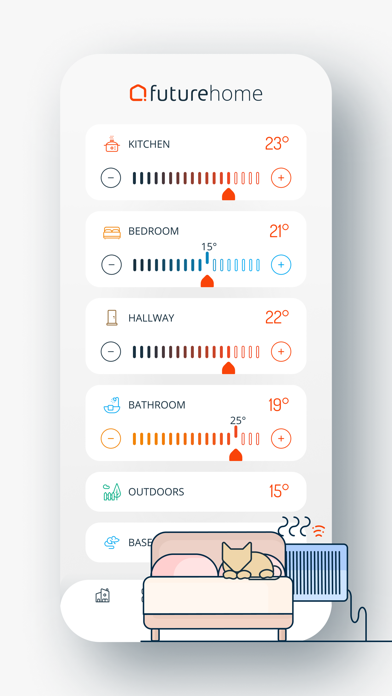
The automatic temperature adjustment features ensure optimal comfort and energy efficiency in your home. The system uses sensors to adjust itself and to maintain your desired temperature day and night. This is so that you can be as energy efficient as possible, without sacrificing any comfort. Combined with rules and automations, the possibilities are endless.
Modes and shortcuts
The Futurehome app allows you to easily switch modes, including whether you are home or away, when it’s night, or when you’re on vacation. You are in complete control of what you would like to happen in your home when you switch modes. At night when you go to bed, you can by turning on night mode instantly turn off all the lights, and even turn down the heating to let your home save energy for you.
Users and households
Access to your Futurehome and its functions can be granted to as many users as you please. As the owner or administrator of your Futurehome site, you are free to invite new users as you wish. Futurehome users can access multiple households from the same app and easily switch between them. If the notifications are turned on, you can receive updates from all sites regardless of which one you are currently using.
Timeline and push notifications
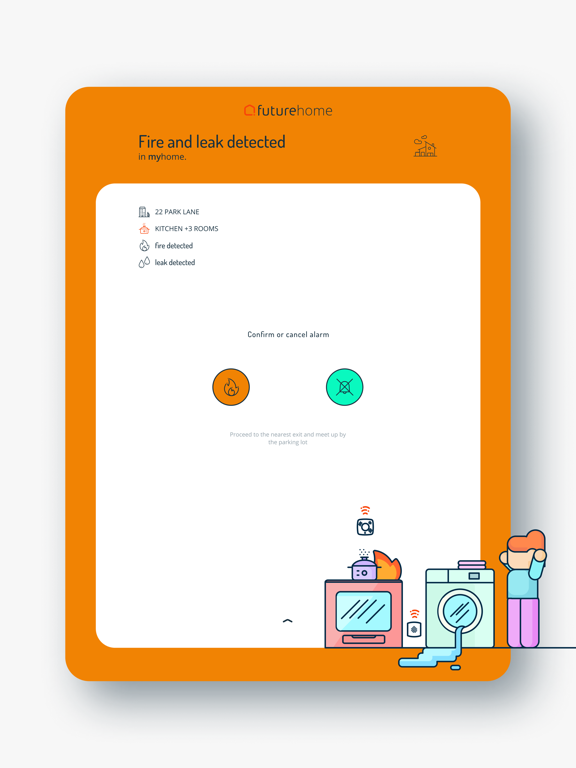
In the timeline interface, you can see a detailed time-stamped breakdown of all important events that have taken place in your home. All important events are also sent by push notifications to your mobile device and logged on the timeline.
License Agreement: https://www.apple.com/legal/internet-services/itunes/dev/stdeula/
Quoi de neuf dans la dernière version ?
General stability improvements and bug fixes.