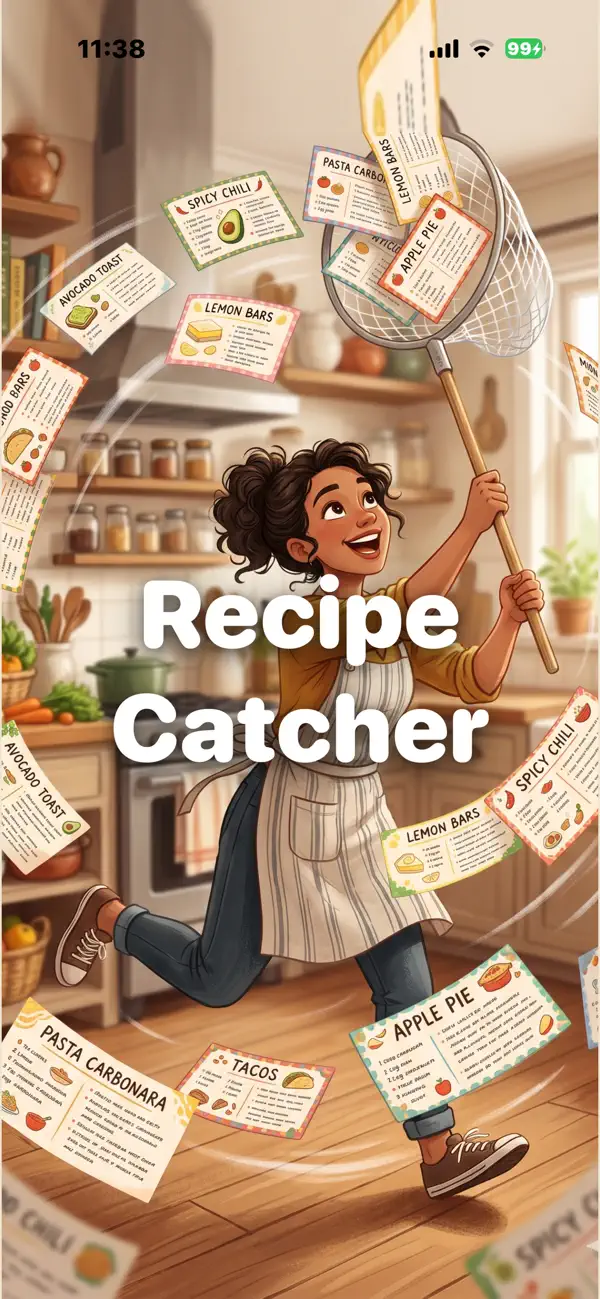
Recipe Catcher
iOS Universel / Style de vie
You bookmark a recipe. You screenshot another. Six months later you can't find either. The one you actually wanted is buried under five tabs you'll never open.
Recipe Catcher fixes that. Tap Share in Safari, send the page to Recipe Catcher, and the title, ingredients, and steps are parsed into a clean card that lives in your library forever. iCloud keeps everything synced across iPhone, iPad, and Mac. No accounts, no ads.
When it's time to cook, you've got the full recipe at your fingertips — without the 1,200-word headnote about a Tuscan childhood.
HOW IT WORKS
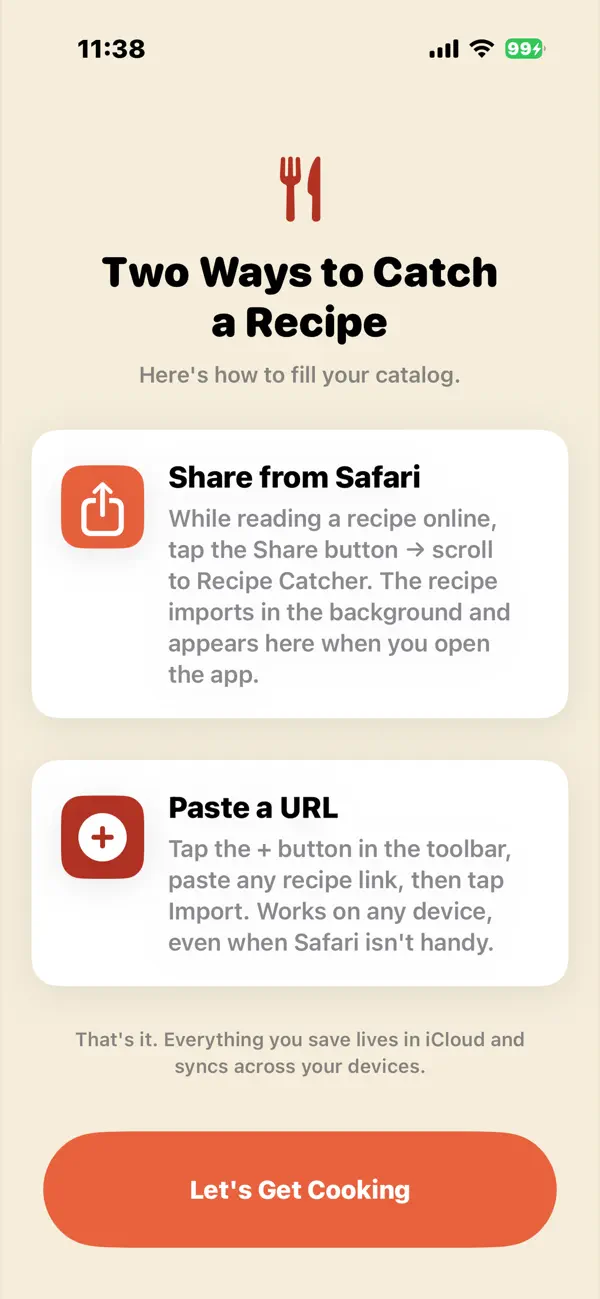
Catch a recipe — paste a URL, or share from Safari, Chrome, or any browser.
Plan your week — schedule meals across breakfast, lunch, and dinner in the built-in planner.
Build your grocery list — tap "Add to Cart" on any recipe, then send the cart to Reminders. Ingredients arrive pre-sorted by aisle (produce, dairy, meat, etc.) and labeled with which recipe each one's for.
FEATURES
Parse recipes from thousands of food blogs and publishers — JSON-LD structured data plus HTML fallbacks for stubborn sites
Smart auto-categorization into Breakfast, Lunch, Dinner, Sides, Soups & Stews, Sauces, Snacks, Drinks, and Desserts
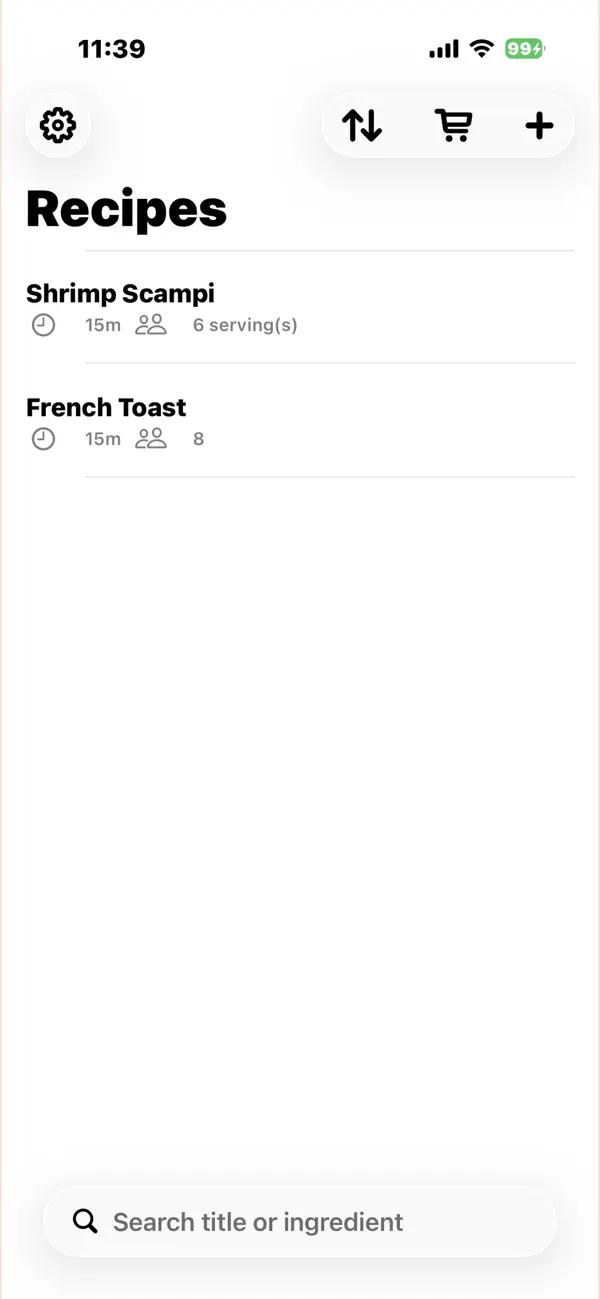
Search and sort your catalog by name, date saved, or category
Built-in weekly meal planner with one-tap "Add Week to Cart"
Share recipes with friends — they receive a clean HTML card that works in any browser, with one-tap import for fellow Recipe Catcher users
iCloud Drive sync — your recipes live as plain JSON files you can browse in the Files app
Reminders integration with aisle-aware sorting and per-recipe ingredient tagging
Universal across iPhone, iPad, and Mac via Mac Catalyst
PRIVACY
Recipe Catcher doesn't collect, sell, or share your data. No account to create, no analytics service, no tracking pixels. The only network requests the app makes are to the recipe pages you ask it to import. Your catalog lives in your iCloud Drive — yours, portable, and readable by any text editor if the app ever disappears.
WHAT THIS ISN'T
Recipe Catcher isn't a discovery app. It won't suggest recipes, show you what's trending, or try to teach you to cook. It's a personal pantry for things you've already found and want to come back to. If you cook a lot, save a lot of links, and lose half of them — this is for you.
GOT A SITE THAT DOESN'T WORK?
Most major recipe blogs and publishers parse cleanly. If you hit a recipe that doesn't import, drop a note via the support email — fixes usually take an hour. The parser is updated regularly as sites evolve their markup.
Quoi de neuf dans la dernière version ?
What's New in 1.2
Recipe Catcher can now read a lot more recipe pages, including plainer, hand-written blog posts that don't use a recipe plugin. When a link still can't be read (mostly pages that require logging in, like a Facebook post), tapping "Add Empty Recipe to Edit Manually" now drops you straight into the editor instead of leaving you to go find the blank recipe yourself.
Add a recipe with no URL at all — tap the + button, then "Enter Recipe Manually" for a family recipe, a magazine clipping, or anything without a web page.
Pasting a whole ingredient list or set of directions into the editor now splits it into one row per line automatically, instead of cramming everything into a single field. Swipe left on any row to remove it.
The welcome screen now shows each time you open the app as a quick reminder of how to add recipes, with a one-tap "don't show this again" option if you'd rather not see it (also toggleable from Settings anytime).
Fixed a bug where renaming a recipe while editing could leave a stray blank duplicate behind in your library.
A few small touches: Settings now uses a book icon, the editor's "Steps" section is now labeled "Directions," and the Help & Guide has been refreshed to match.