AiMote
iOS Universel / Utilitaires
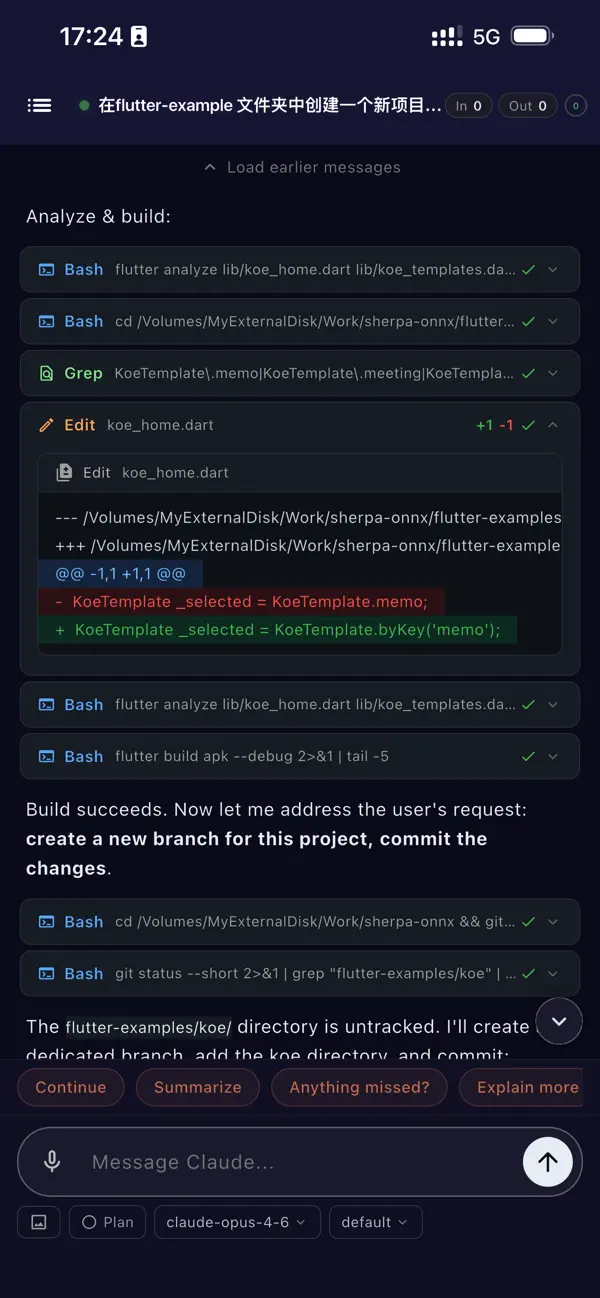
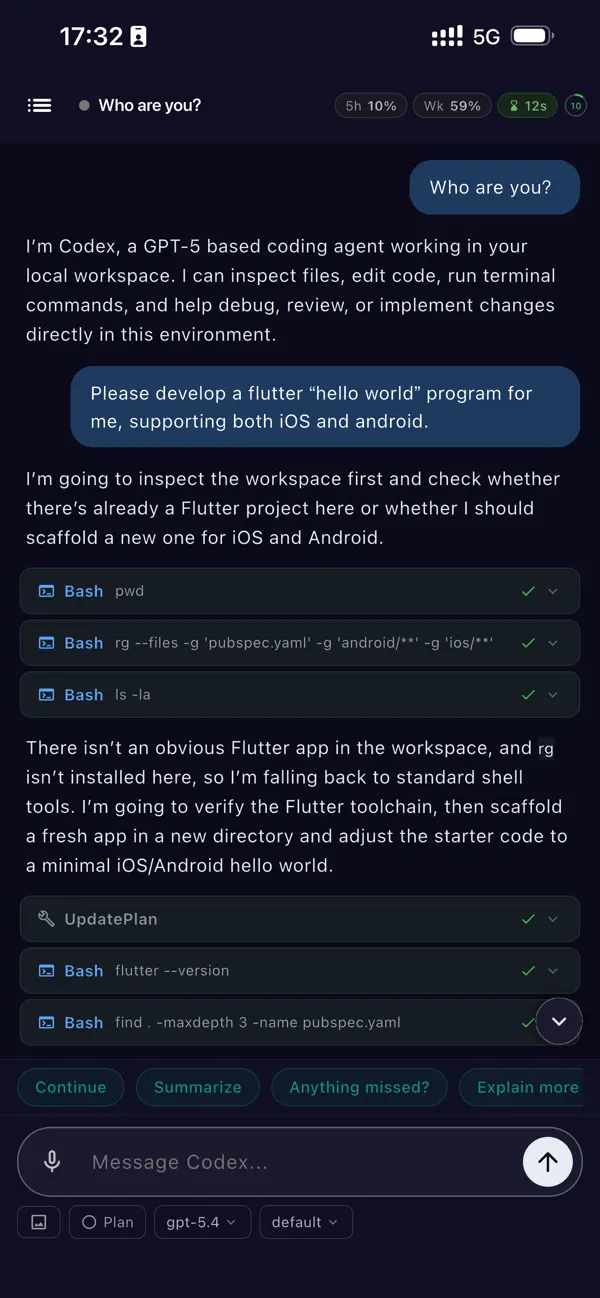
AiMote lets you drive Claude Code and Codex CLI from your phone — on the couch, on the go, anywhere.
KEY FEATURES
• Live streaming output: watch Claude think and code in real time; tool calls, file edits, and terminal output pushed to your phone instantly
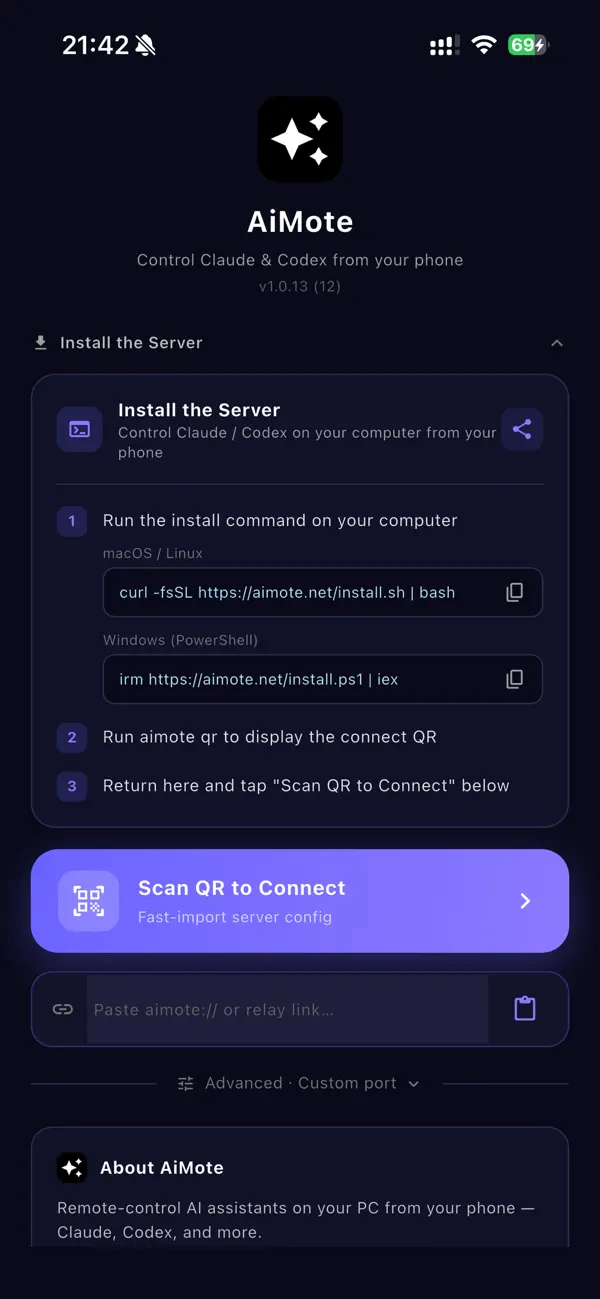
• QR-scan connect: open the app, point at the QR code, connected in three seconds — no IP address typing
• Zero-config tunnel: LAN direct or Cloudflare public tunnel, one-tap switch, auto-reconnect on drop
• Cowork mode: observe and join Claude Desktop local Agent sessions — monitor progress, send messages, intervene in real time
• Session history: every conversation auto-archived, resume from any device
• Voice + AI correction: speak commands, AI fixes homophones and jargon, changes highlighted in green
• Clipboard sync: copy on Mac, receive on phone — text, paths, and screenshot thumbnails
• System notifications: mirror your Mac Notification Center to your phone, no more desk-switching
• Live Activity widget: real-time AI status on Lock Screen and Dynamic Island
• PIN authentication: 8-digit PIN keeps your AI workspace private
REQUIREMENTS
Free companion server (aimote-server) required on Mac / Linux / Windows.
One-line install: curl -fsSL https://aimote.net/install.sh | bash
Works with Claude Code (bundled in Claude Desktop) and Codex CLI. Mac, Linux, and Windows supported.
Quoi de neuf dans la dernière version ?
Optimize the user experience.