AirHorizon
iOS Universel / Utilitaires
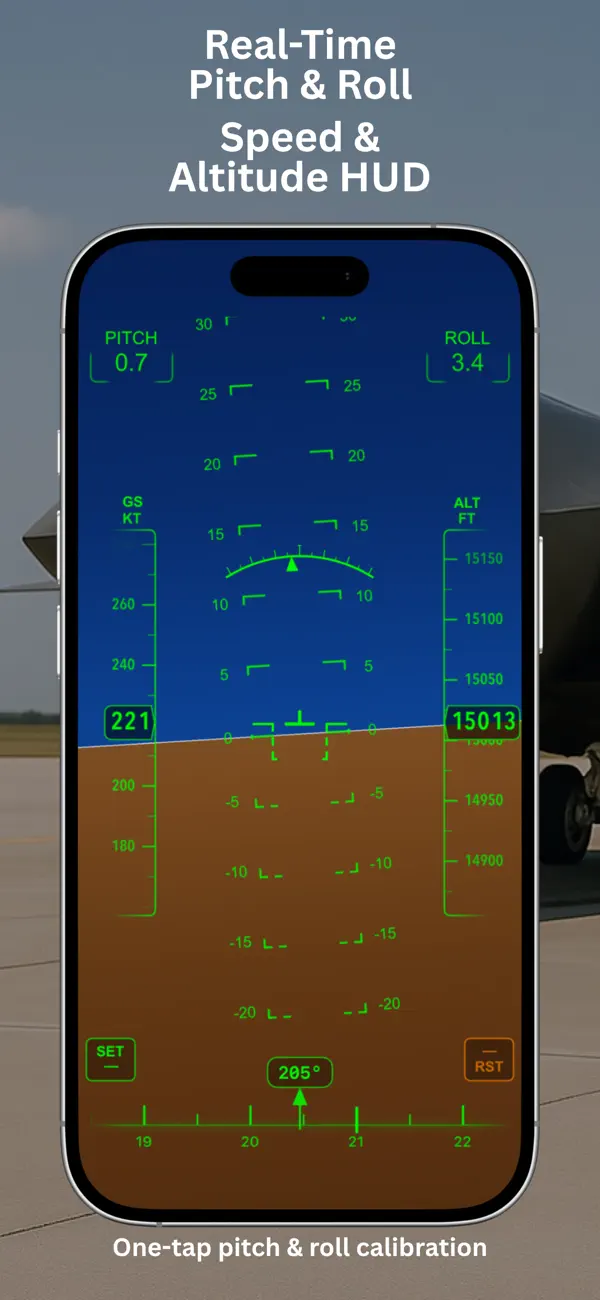
AirHorizon is a simple, responsive aviation instrument simulator built around an artificial horizon with real-time motion.
Designed for pilots, student pilots, and aviation enthusiasts, it helps you visualize pitch and roll, explore cockpit-style HUD layouts, and better understand aircraft attitude using your device.
Features:
- Artificial horizon in portrait and landscape modes
- Smooth, responsive pitch and roll movement
- Speed and altitude tapes
- Heading tape with marker
- Modern pitch and roll boxes
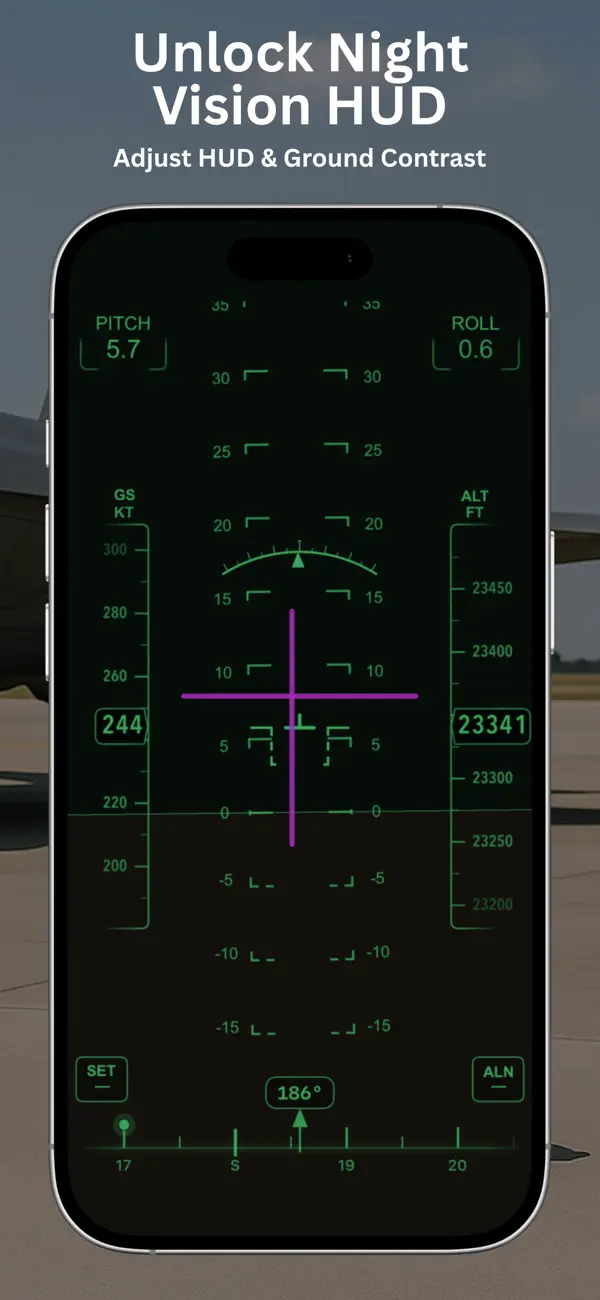
- Night Vision HUD mode
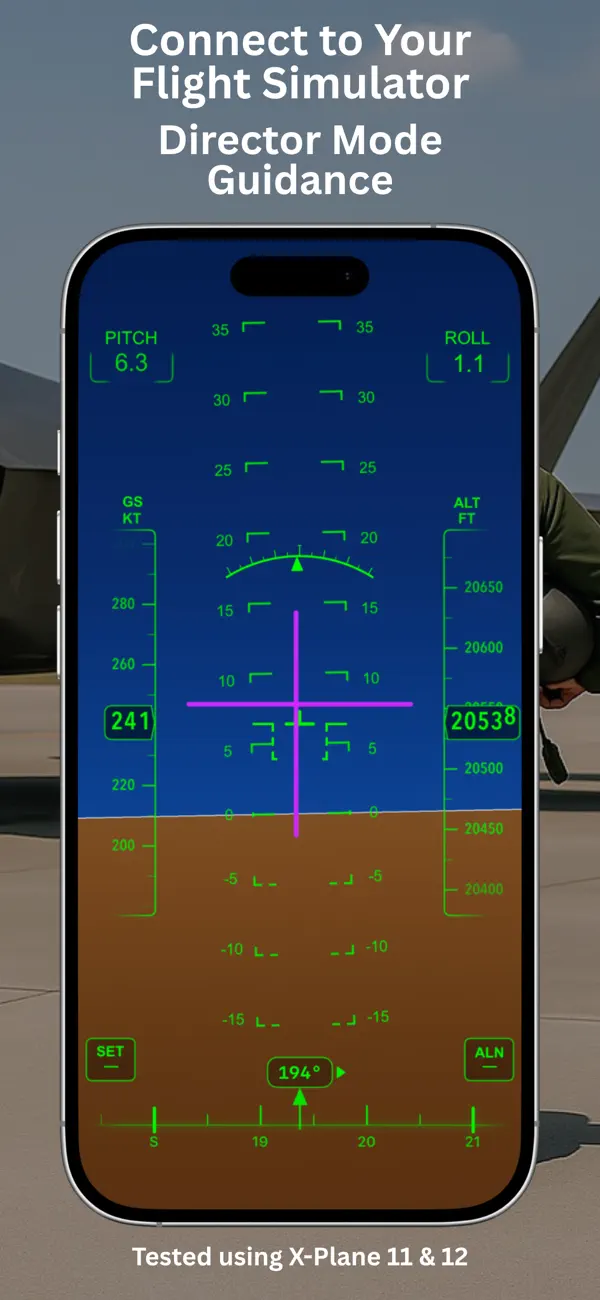
- External simulator telemetry support
- Director Mode indication when using a supported external data source
- Adjustable instrument layout and display tuning
- Aircraft symbol overlay
- System status indicators
- One-tap calibration for pitch and roll alignment
- Quick access to Settings via button or right swipe
External simulator testing:
Tested using X-Plane 11 and 12 on macOS 26.4.1.
Important for iPad:
Enable Orientation Lock to keep the instrument stable while moving the device.
Disclaimer:
AirHorizon is designed for simulation and familiarization purposes.
It is not a certified aviation instrument and should not be used as a primary flight reference. Use at your own risk.
Terms of Use:
https://valnikodeveloper.github.io/airhorizon-legal/terms.html
Privacy Policy:
https://valnikodeveloper.github.io/airhorizon-legal/privacy.html
Quoi de neuf dans la dernière version ?
- Improved instrument tuning.
- Added a convenient altitude reset.
- Improved Director Mode and the bank angle arc.
- Improved Day Mode sky and ground visuals.
- Added more Day Mode contrast options.
- Fixed minor UI issues.