All-About-PDF
iOS Universel / Utilitaires
All-About-PDF is the ultimate all-in-one PDF toolkit designed to help you work with PDF documents quickly, securely, and efficiently. Whether you need to edit, organize, convert, protect, or optimize your PDFs, All-About-PDF gives you powerful tools right from your device.
Key Features
• Merge multiple PDF files into a single document
• Split PDFs by page range or page count
• Reorder PDF pages with drag-and-drop simplicity
• Delete unwanted pages from PDFs
• Rotate PDF pages
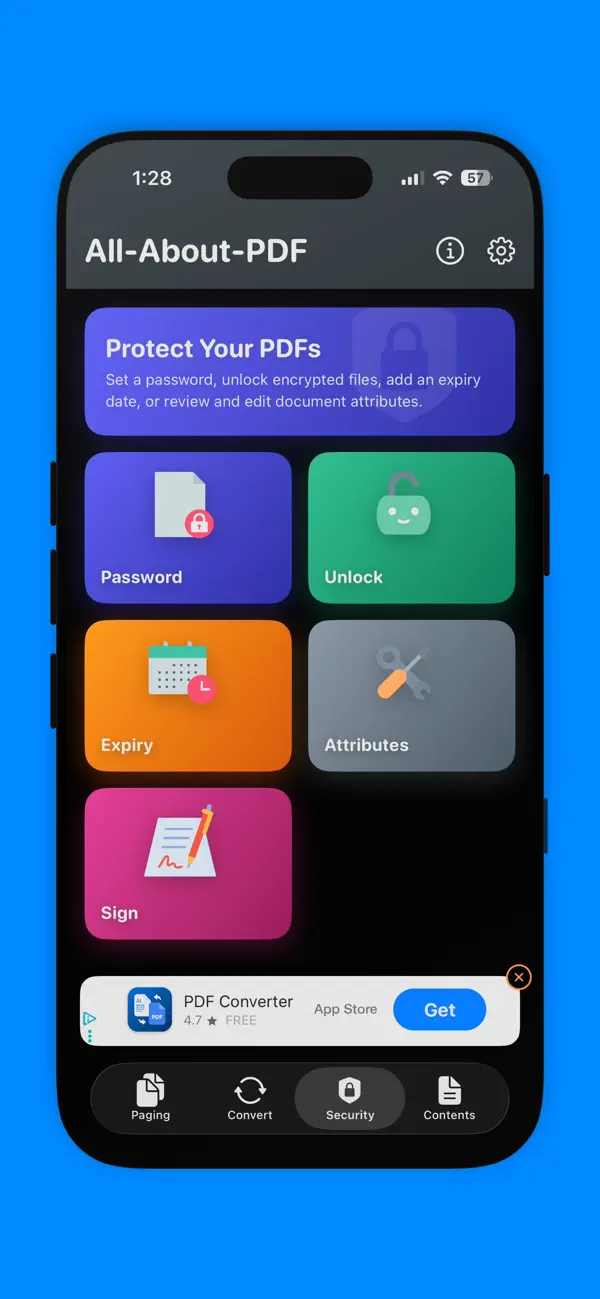
• Sign PDF documents electronically
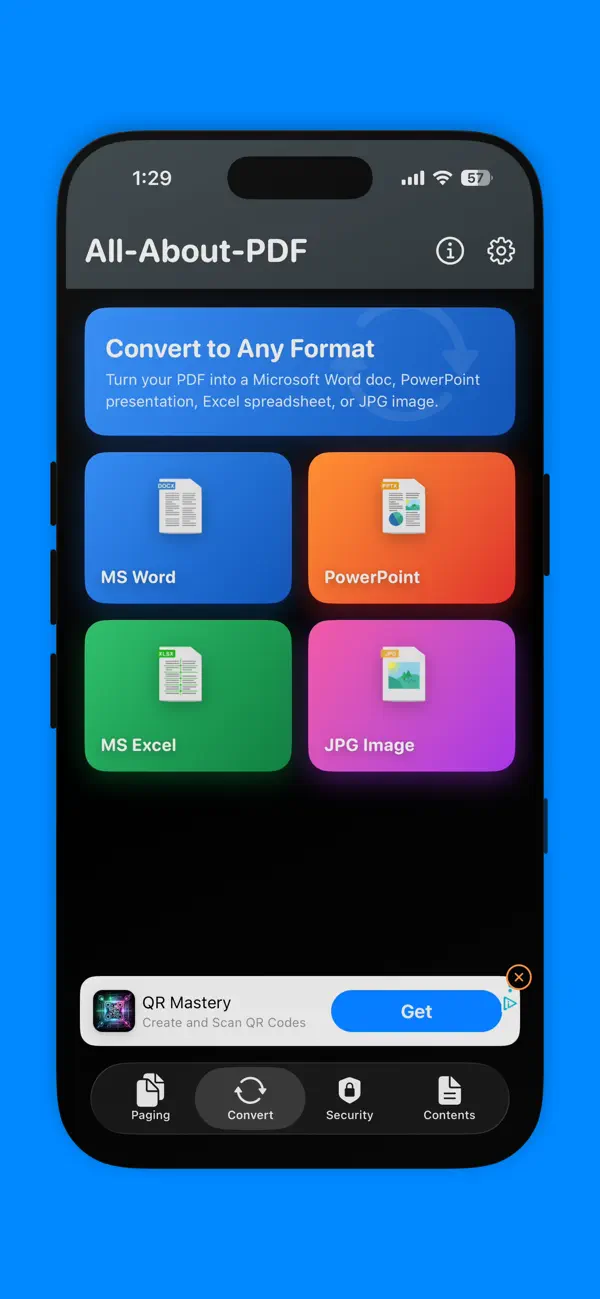
• Convert PDFs to:
* Microsoft Word
* Microsoft Excel
* Microsoft PowerPoint
* JPG Images
• OCR (Optical Character Recognition) to extract searchable text from scanned PDFs and images
• Add password protection to PDF documents
• Remove passwords from PDFs you own
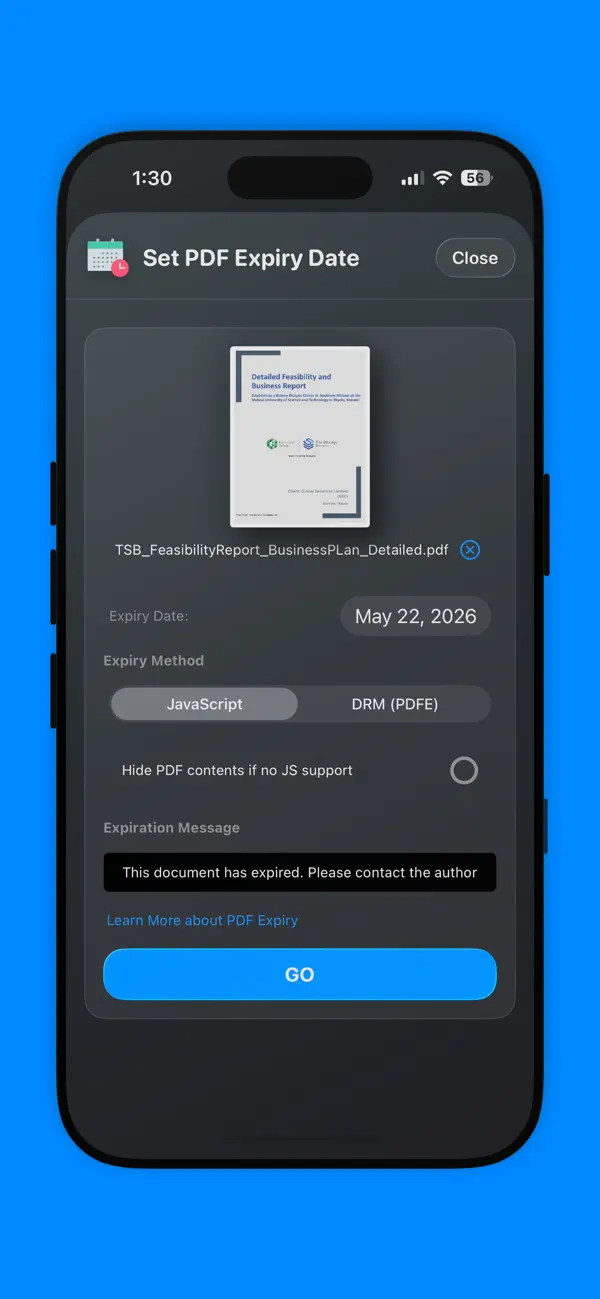
• Add expiry dates to PDF documents
• Redact sensitive text from PDFs
• Find and replace text in PDFs
• Add text watermarks to PDFs
• Reduce and optimize PDF file sizes for sharing and storage
Secure Processing
All-About-PDF performs as much processing locally on your device as possible for speed and privacy. Some advanced features may securely use our cloud processing API when required. Documents processed through our secure cloud services are deleted automatically after processing is completed.
We do not access, read, or harvest information from your documents.
Built for Everyone
Whether you’re a student, business professional, freelancer, teacher, or everyday user, All-About-PDF makes working with PDFs simple and powerful.
Quoi de neuf dans la dernière version ?
• Completely redesigned interface featuring a beautiful new Liquid Glass inspired UI
• Brand new app icon
• Ability to scan files directly into the app for processing
• Unlimited PDF processing with no artificial limits
• Added OCR support to extract searchable text from scanned PDFs and images
• New Sign PDF feature for electronically signing documents
• Reorder PDF pages quickly and easily
• Improved privacy with local on-device processing for most PDF functions
• Performance improvements and overall app enhancements