AlterSend: File Transfer
iPhone / Utilitaires
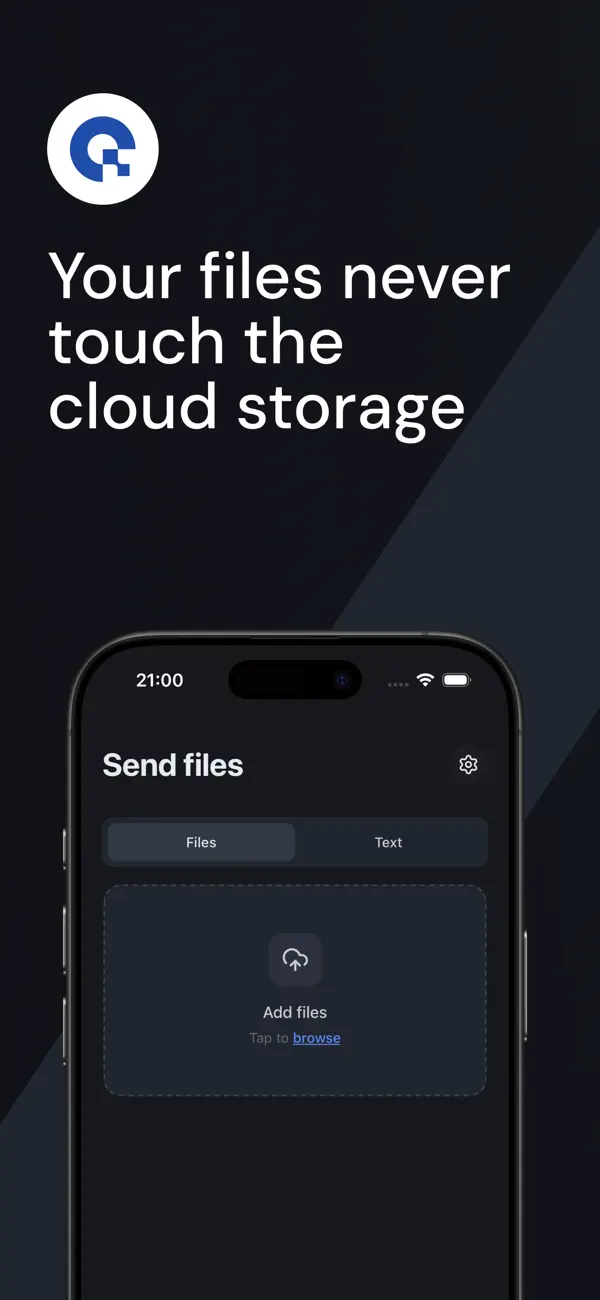
Send files directly between your devices — private, encrypted, no cloud and no size limits. AlterSend connects your phone and computer peer-to-peer and streams files straight across.
Most file-sharing apps upload your files to a server first. AlterSend doesn't. Your data goes directly from one device to the other, so it never sits on someone else's cloud. Open the app, share a code or scan a QR, and start sending.
WHY ALTERSEND
• Private by design — direct, peer-to-peer, end-to-end encrypted. Files never pass through a third-party server.
• Fast & direct — send large files, folders, and long videos without waiting on slow uploads.
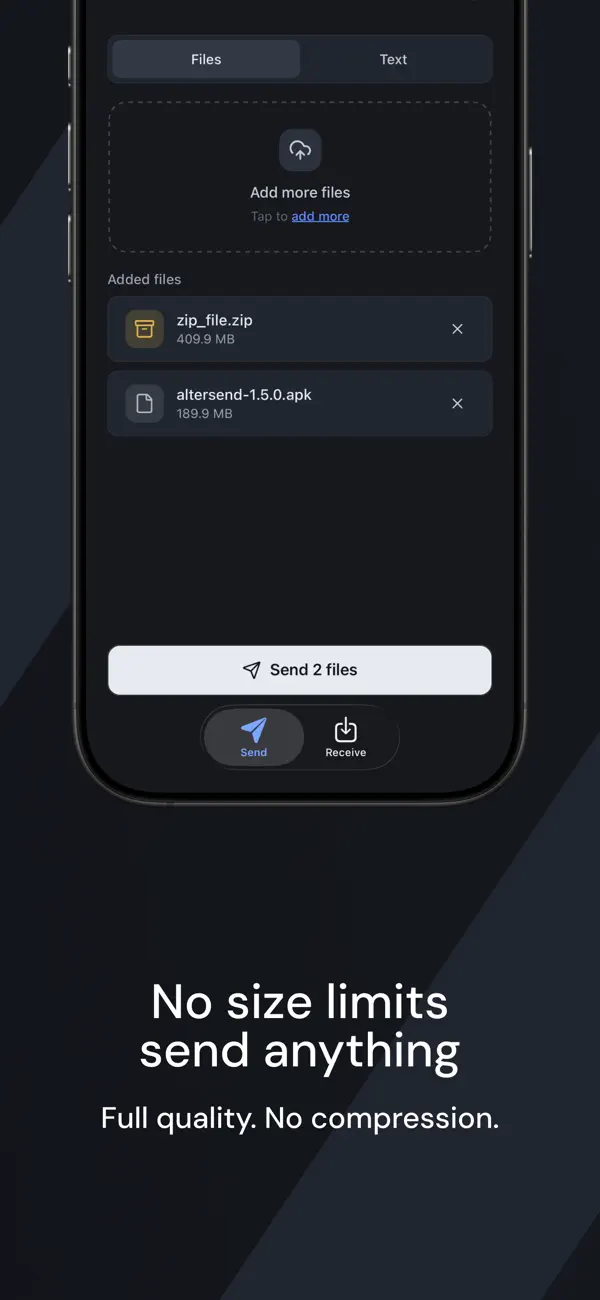
• No size limits — share big videos and documents without compression or caps.
• Cross-platform — move files between your devices: mobile and desktop.
• No sign-up — no account, no email, no ads.
• Simple pairing — connect with a short code or a QR scan.
HOW IT WORKS
1. Open AlterSend on both devices.
2. Share the join code or scan the QR code to connect.
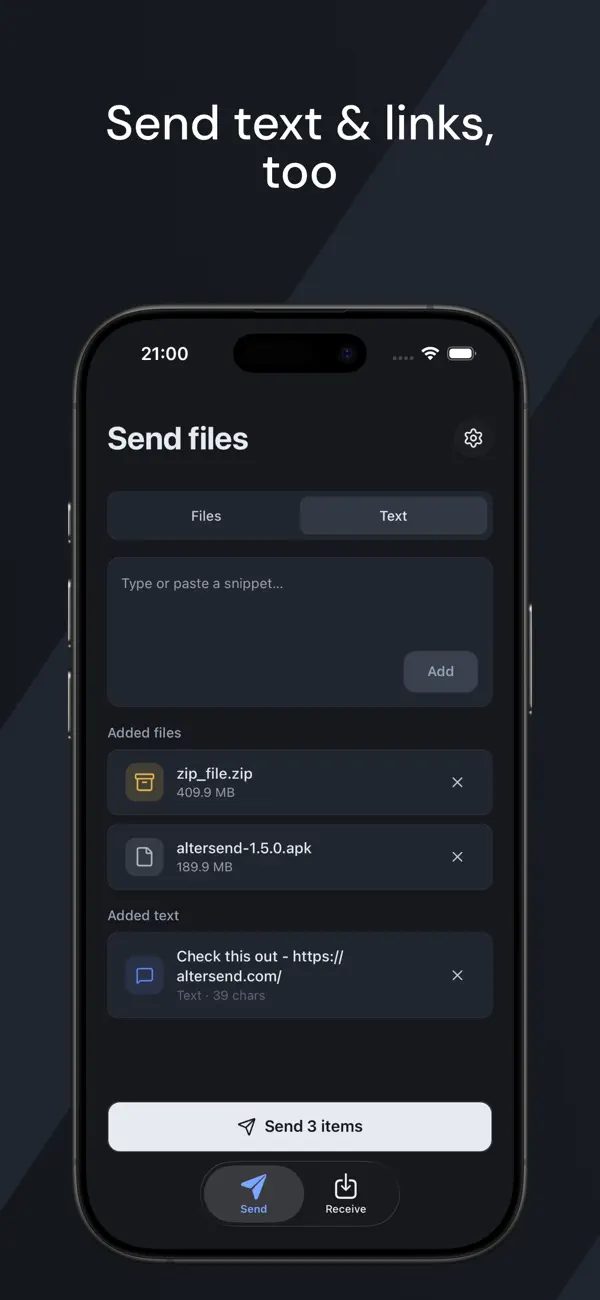
3. Pick your files and send — they arrive on the other device in seconds.
GREAT FOR
• Moving photos and videos between phone and computer
• Sending large videos that are too big to email
• Transferring documents, PDFs, and entire folders
• Sharing files without cloud storage or an account
• Backing up media from your phone to your Mac or PC
PRIVATE BY DEFAULT
AlterSend is built for people who care about privacy. There's no account to create and nothing to sign in to. Files transfer over an encrypted peer-to-peer connection and are never stored on our servers — because there are no servers in the middle. What you send stays between your devices.
Download AlterSend and start sending files privately — no cloud, no limits.
Quoi de neuf dans la dernière version ?
Receive files in your browser via a link - no app needed and end-to-end encrypted