Audio Send for WhatsApp
iOS Universel / Utilitaires
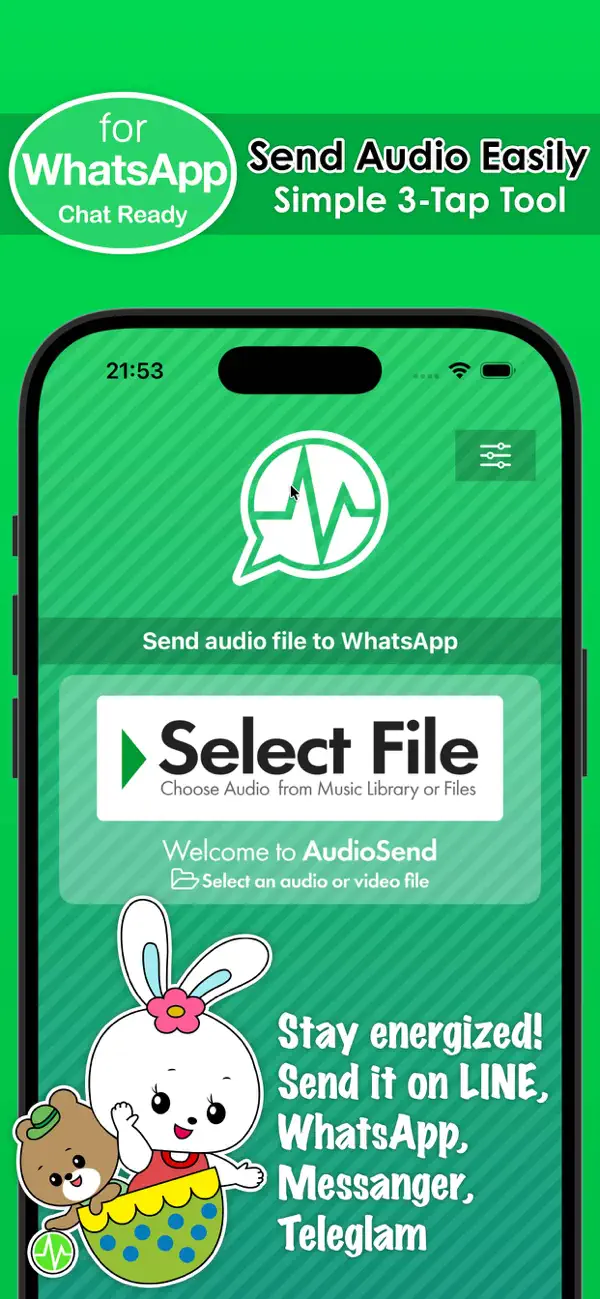
Send audio files stored on your device directly through WhatsApp.
Unlike built-in voice recording features, this app lets you select and share existing audio files (mp3, m4a, etc.) from your music library or files. Also supports LINE, Facebook Messenger, and Telegram as alternative options.
Features:
・Share audio files from your device's music library or file system
・Supports various audio formats (mp3, m4a, and more)
・Optimized for WhatsApp (WhatsApp installation required)
・Alternative messenger support: LINE, Facebook Messenger, and Telegram (can be selected in settings)
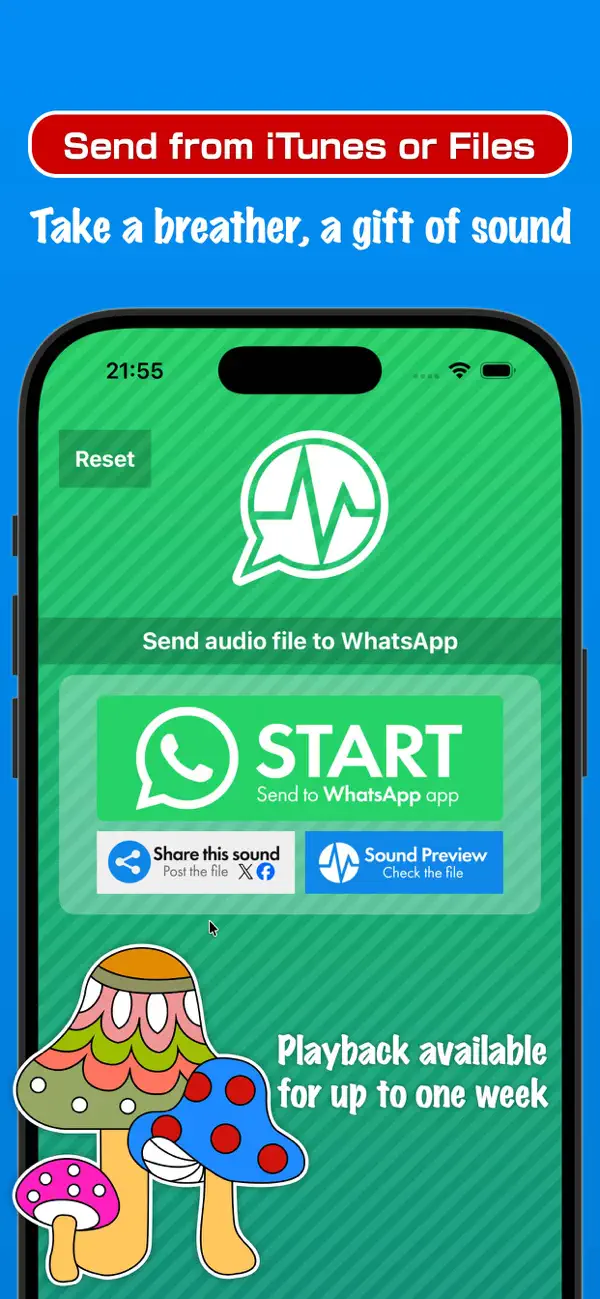
・Preview audio content before sending
・Optimized for high-speed connections (WiFi or 4G recommended)
・Customizable file expiration (3, 7, or 30 days; default: 7 days)
・Post to social media platforms including X (Twitter) and Facebook
Security:
・Only audio files are transmitted. No personal information (such as usernames) is sent
・Uploaded files are automatically deleted after the expiration period
How to Use:
1. Tap "Select Files"
2. Choose audio from your library or file system
3. Tap "Upload"
4. Wait approximately 1 minute
5. Tap "START"
6. WhatsApp launches automatically (you can switch to other messengers in settings)
7. Select a recipient and send your audio
*This app is designed to support messenger functionality, but our company is not affiliated with Meta Platforms, WhatsApp, LINE Corporation, or Telegram.
Quoi de neuf dans la dernière version ?
- The preview page now opens automatically after your upload finishes
- Improved upload reliability