Chat messenger translator / 翻译
iOS Universel / Utilitaires
Chat Translator helps you communicate across languages in WhatsApp and other apps with less copying, pasting, and app switching.
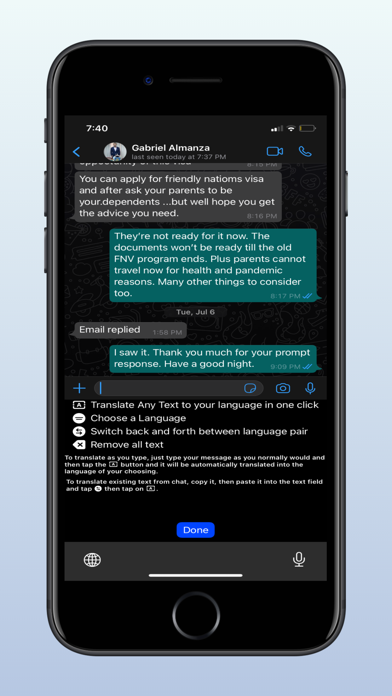
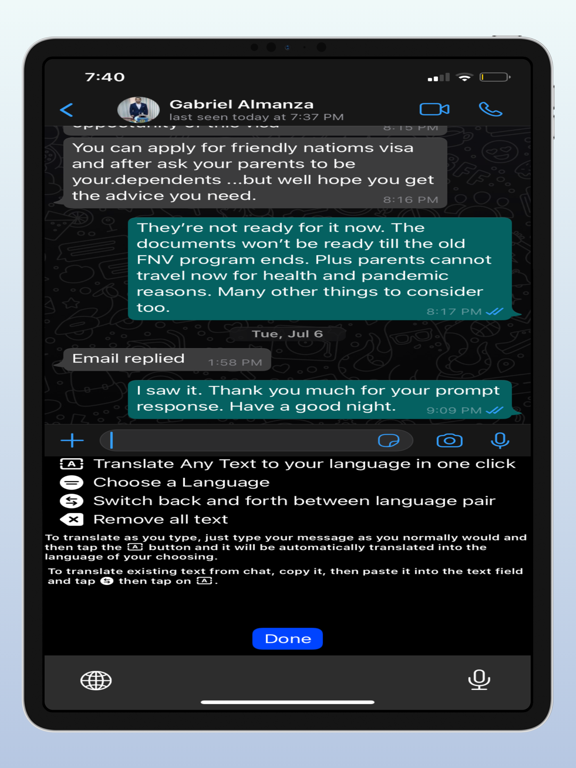
The app is designed for real conversations. Set your language and your chat partner’s language, then use the built-in translator keyboard to draft messages more quickly and translate shared text when another app makes it available.
Features:
- Translator keyboard for outgoing messages
- Draft and auto-translate typing modes
- Incoming text translation through the iOS share/action flow
- Conversation language settings for you and your chat partner
- On-device first translation flow where supported
- Optional cloud fallback for supported translation requests
- Translation history stored in the shared app group
- Screenshot fallback guidance for apps that do not expose text directly
How it works:
- For outgoing messages, switch to the translator keyboard, type in your language, and insert the translated result into your chat.
- For incoming messages, use the iOS share/action menu to translate selected or shared text when the host app supports it.
- If an app does not expose text directly, you can use the screenshot fallback workflow described in the app.
Privacy and control:
- The app is built around user-invoked iOS extensions.
- It does not silently read messages from WhatsApp or other apps in the background.
- Cloud translation fallback is optional and can be turned off in settings.
Chat more naturally across languages with a workflow built for messaging, not just generic translation.
Quoi de neuf dans la dernière version ?
This update adds:
1. A custom keyboard extension for outgoing message translation.
2. A share/action extension for translating user-selected incoming text.
To test the keyboard:
- Install the app on device.
- Go to Settings > General > Keyboard > Keyboards > Add New Keyboard.
- Add “TranslatorKeyboard”.
- If testing cloud translation, enable “Allow Full Access”.
To test incoming translation:
- In an app that exposes selected/shared text, select text and open the share/action sheet.
- Choose “Translate Incoming”.
The app does not read messages from WhatsApp or other apps in the background. Incoming translation is only user-invoked through iOS extension surfaces.