AT Wizard
iPhone / Utilitaires
This app is the complement for the AT Wizard hardware.
It connects via Bluetooth to your iPhone.
Usage is quite simple, place the sensor on the moving surface, and power it on.
Wait until it connects.
Once connected, place the moving surface in neutral position.
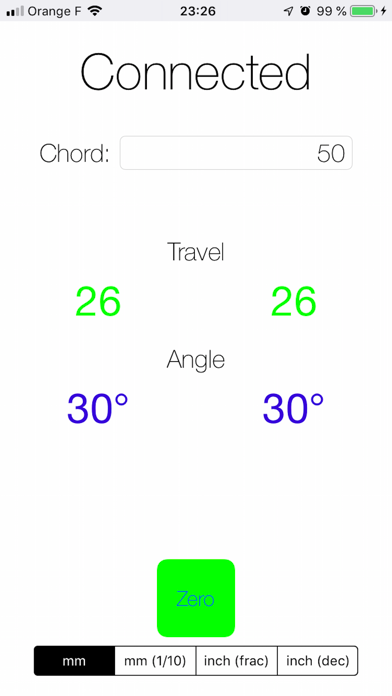
Then enter the length of the chord on the app, and press "Zero".
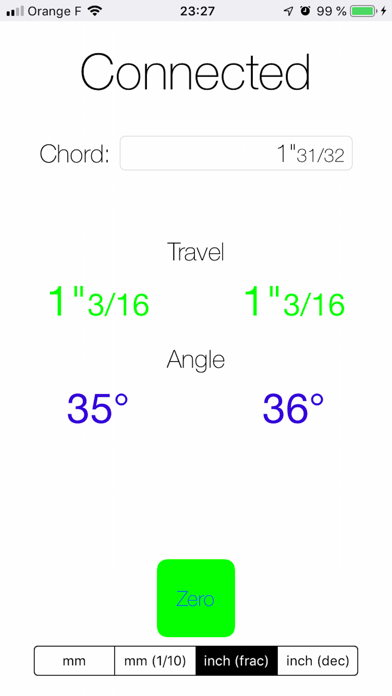
Then you can start measuring throw and angle as surface moves on.
En voir plus...
Quoi de neuf dans la dernière version ?
Now it handles up to 4 ATWizards at the same time.
And you have the choice among 4 different units: millimetres (integers), 1/10th of millimetre, inches (in fractions), 1/100th of inches