Roku Cast
iOS Universel / Utilitaires
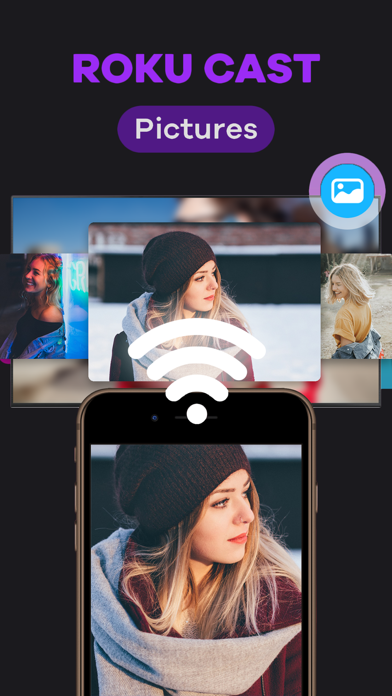
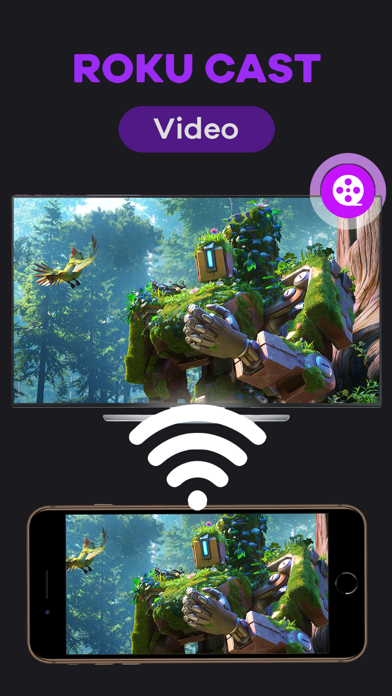
Roku Screen Mirroring is the ultimate app for streaming your device's screen directly to your Roku TV. Experience your favorite content on a larger screen with seamless mirroring of videos, photos, music, and more.
Key Features:
* Easy Connection: Quickly connect your phone or tablet to your Roku device with a simple setup process.
* High-Quality Streaming: Enjoy high-definition mirroring with minimal latency for an optimal viewing experience.
* Versatile Content: Stream a wide range of content including videos, games, apps, presentations, and more.
* Remote Control: Effortlessly control your Roku TV with the integrated remote control feature, allowing you to navigate and manage your content with ease.
* User-Friendly Interface: Intuitive and easy-to-navigate interface makes screen mirroring a breeze for all users.
* Secure and Reliable: Ensure your connection is stable and secure, providing a smooth and reliable mirroring experience.
How It Works:
1. Connect Your Devices: Make sure both your mobile device and Roku TV are connected to the same Wi-Fi network.
2. Launch the App: Open the Roku Screen Mirroring app on your mobile device.
3. Select Your Roku Device: Choose your Roku device from the list of available devices.
4. Start Mirroring: Tap the mirror button to start streaming your screen to your Roku TV.
5. Use the Remote: Access the remote control feature to navigate through your Roku TV’s interface and manage playback.
SUBSCRIPTIONS
- You can subscribe for a Premium Plan
- Option for a lifetime( Unlimited Plan)
- Subscription option is 1-month
- Subscription automatically renews for the same price and duration period as the original "one week", "one month", "one-year" package unless auto-renew is turned off at least 24-hours before the end of the current period
- Payment will be charged to iTunes Account at confirmation of purchase
- Subscriptions may be managed by the user and auto-renewal may be turned off by going to the user's Account Settings after purchase
Privacy Policy: https://tinyurl.com/mr4sx78y
Term of Use: https://tinyurl.com/5mczyzyk
Quoi de neuf dans la dernière version ?
Bug fixes