CapNova: AI Captions for Video
iOS Universel / Utilitaires
CapNova – AI Captions & Subtitle Translator
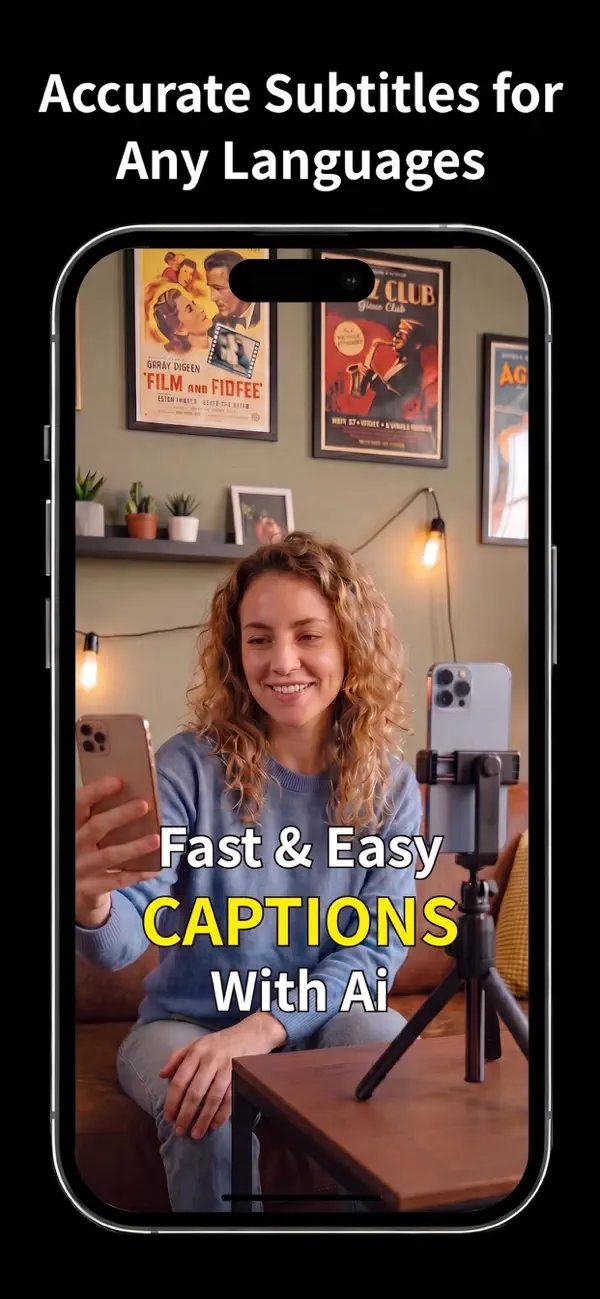
Create professional AI captions in seconds.
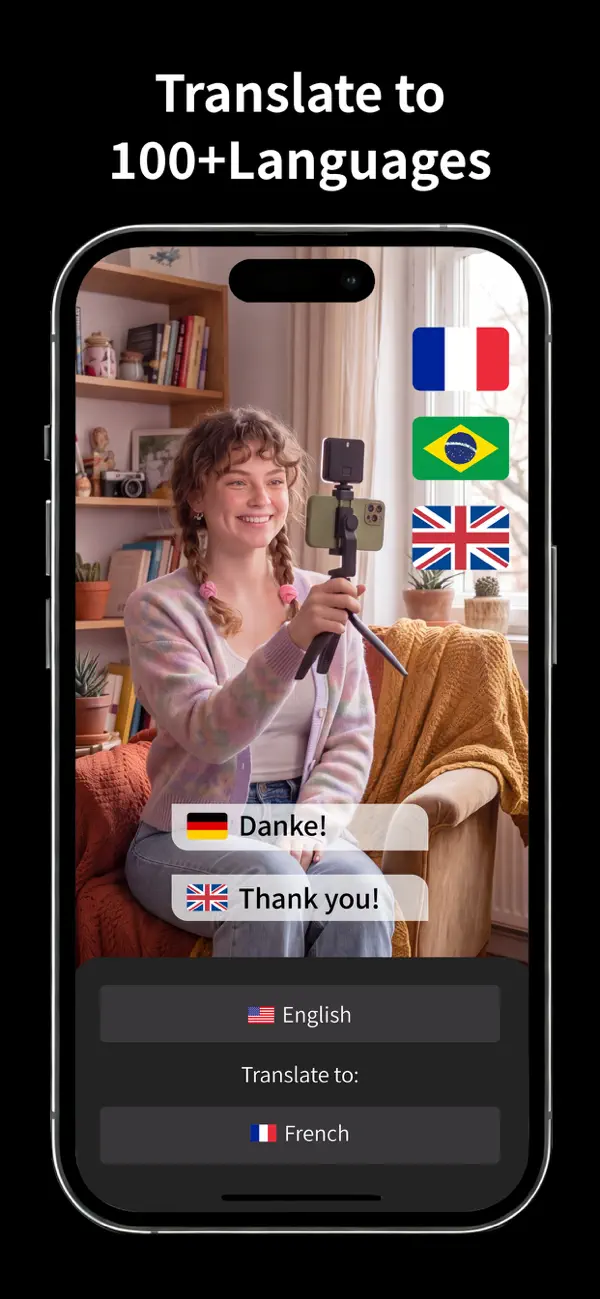
Transcribe speech in 100+ languages and translate subtitles into 70+ languages with AI. CapNova makes it easy to create accurate, editable captions for TikTok, Instagram, YouTube, podcasts, interviews, online courses, presentations, and more—all from your iPhone.
AI Transcription & Subtitle Translation
AI speech-to-text transcription in 100+ languages
Translate subtitles into 70+ languages
Fast, accurate, and editable AI captions
Support speech and lyric transcription
Keep subtitle timing synchronized after translation
Perfect for multilingual creators and global audiences
Powerful Caption Editing
Edit subtitle text and timing with an intuitive timeline
Split, merge, and reposition captions with ease
Fine-tune subtitles frame by frame
Pinch-to-zoom canvas for precise editing
Save projects and continue editing anytime
Professional Caption Styles
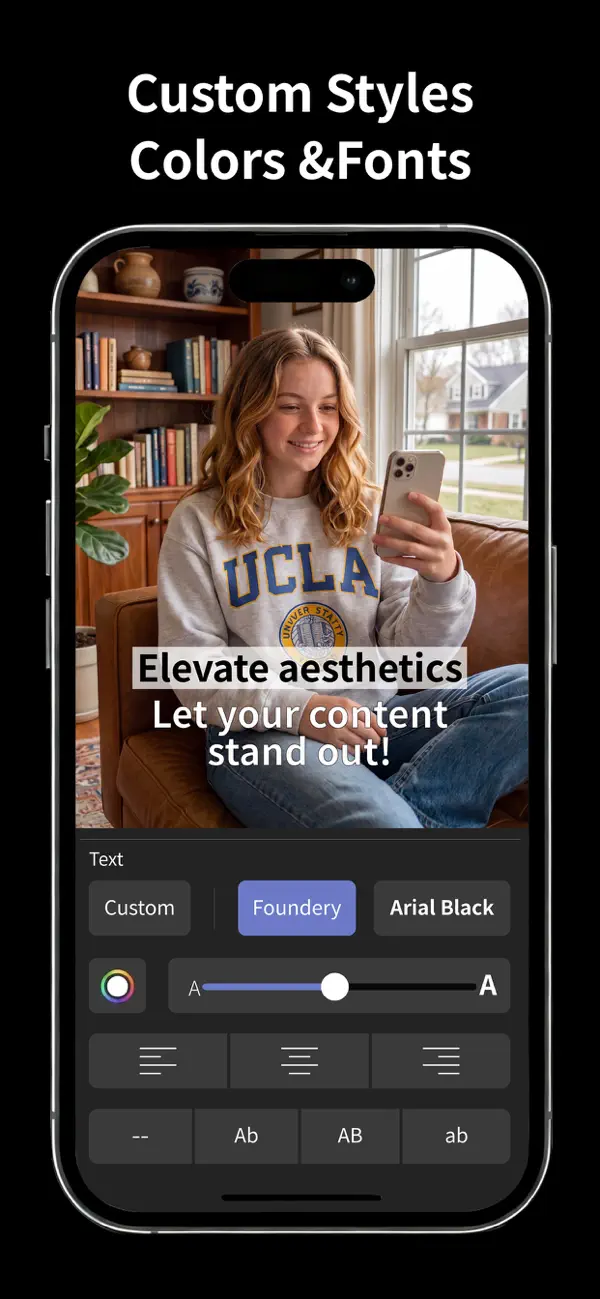
Customize fonts, colors, size, spacing, stroke, shadow, and backgrounds
Apply styles to individual captions or the entire project
Create clean, professional subtitles that match your content
Simple Video Editing
Trim videos before exporting
Adjust playback speed and rotation
Preview videos for TikTok, Instagram, YouTube Shorts, and other social platforms
Undo, redo, draft saving, and project history
Export Anywhere
Export videos in up to 4K
Flexible frame rate and bitrate settings
Save videos to Photos
Share directly to TikTok, Instagram, YouTube, Messages, and more
Perfect For
Content creators
TikTok creators
YouTubers
Instagram creators
Educators
Online courses
Podcasts
Interviews
Marketing videos
Product demos
Business presentations
Social media content
CapNova Pro
Unlock the full CapNova experience with CapNova Pro:
Unlimited AI caption generation
Longer video transcription
Watermark-free exports
Original-quality video export
Advanced caption styling
Higher export limits
Priority access to new AI features
Subscriptions automatically renew unless canceled at least 24 hours before the end of the current billing period. You can manage or restore your subscription anytime through your Apple ID account settings.
Privacy Policy:
https://capnova.app/privacy
Terms of Use (EULA):
https://www.apple.com/legal/internet-services/itunes/dev/stdeula/
Quoi de neuf dans la dernière version ?
Version 2.0.18 includes improvements across caption creation, editing, and project recovery.
- Added support for more speech and subtitle languages.
- Improved subtitle preview editing, including better tap areas and more reliable layout for short or compact subtitle stickers.
- Refined subtitle alignment and background styling behavior so layout changes feel more predictable.
- Improved project reopening after trimming and exporting videos.
- Polished the Pro trial presentation and refreshed the home screen experience.
- Fixed several preview, timeline, and editing stability issues.