• KultureGeek
  • Comparateur de prix
       
iPhoneAddict
 iAddictv5Notre Application iPhone/iPad
  • Accueil Apps
  • Actualité Apple
  • Keynote Apple
  • Firmwares & iTunes
  • Contactez-nous
Accueil » Liste des Apps » Apps Universelles » Utilitaires » Clock Watching
2.5.4 iOS €Gratuit David Thorpe 0 0 It is a digital clock that shows the time, using four digits to display both hours and minutes. You can watch a multitude of minutes and hours progress through time. Add animated seconds to your flanks with an In-App Purchase. Pendulums will move...
Clock Watching

Clock Watching

iOS Universel / Utilitaires

Gratuit au lieu de 0,99€
Obtenir sur l'App Store

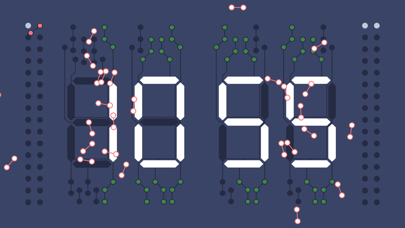
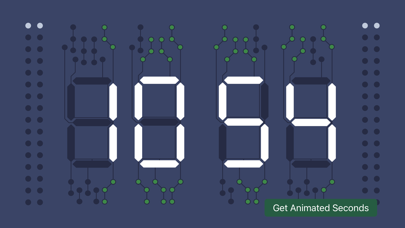
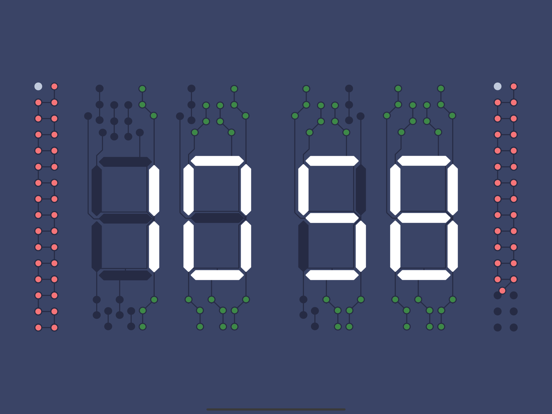
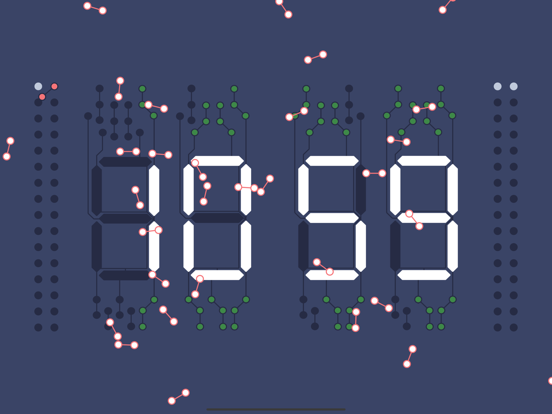
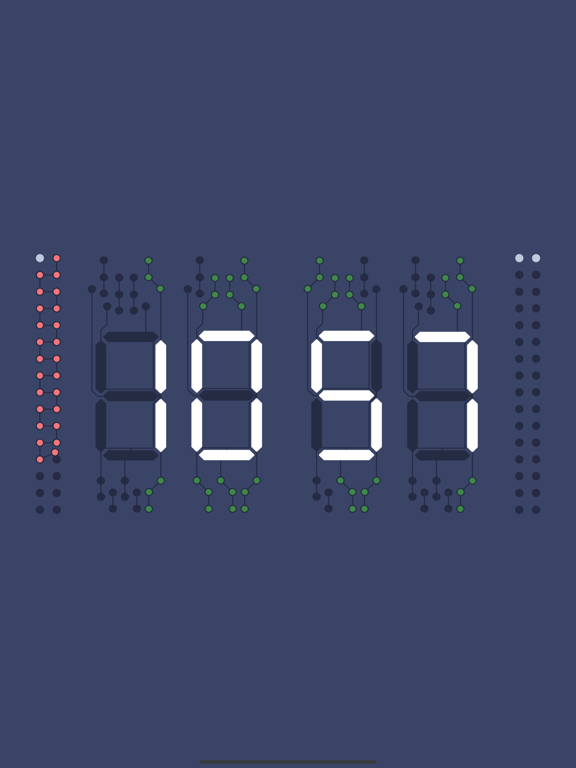
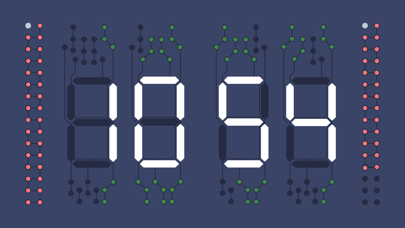
It is a digital clock that shows the time, using four digits to display both hours and minutes. You can watch a multitude of minutes and hours progress through time.

Add animated seconds to your flanks with an In-App Purchase. Pendulums will move into place with each second until the minute is complete. The pink pendulums will then fall or explode offscreen to allow the sequence to repeat itself. Minute after minute.

En voir plus...

Quoi de neuf dans la dernière version ?

Added dark & tinted icons.
  • Screenshot #1 pour Clock Watching
  • Screenshot #2 pour Clock Watching
  • Screenshot #3 pour Clock Watching
  • Screenshot #4 pour Clock Watching
  • Screenshot #5 pour Clock Watching
  • Screenshot #6 pour Clock Watching

Note

(0 note)

Détails sur l'application

Version
2.5.4
Taille
0.9 Mo
Version minimum d'iOS
17.0
Dernière mise à jour
08/12/2024
Publié par
David Thorpe

Newsletter App Store

Recevez chaque jour les meilleures promos

Actualité Apple

Image L’iPhone 17 Pro Max écrase la concurrence sur l’autonomie malgré une batterie standard
L’iPhone 17 Pro Max écrase la concurrence sur l’autonomie malgré une batterie standard
Image Les puces M5 Max et M5 Ultra d’Apple se dévoilent avec iOS 16.3
Les puces M5 Max et M5 Ultra d’Apple se dévoilent avec iOS 16.3
Image Release candidate pour iOS 26.3, macOS 26.3, watchOS 26.3, tvOS 26.3 et visionOS 26.3
Release candidate pour iOS 26.3, macOS 26.3, watchOS 26.3, tvOS 26.3 et visionOS 26.3
Image Studio Display 2 : 90 Hz et non 120 Hz pour l’écran d’Apple ?
Studio Display 2 : 90 Hz et non 120 Hz pour l’écran d’Apple ?
Partenaires : Actualité iPhone - Culture Geek
©2009-2026 i2CMedia | A propos |