Copycatt - Auto Paste Keyboard
iOS Universel / Utilitaires
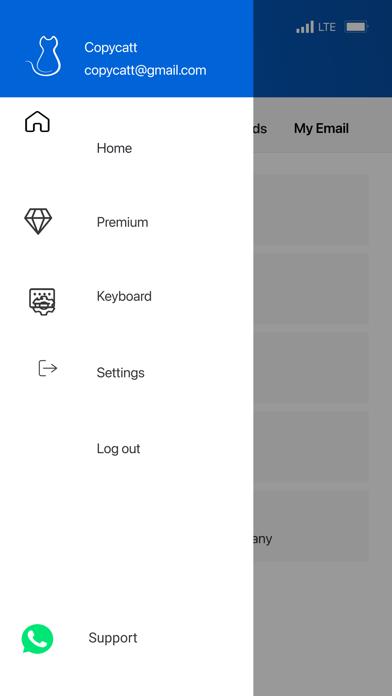
Copycatt is one of the easiest auto paste keyboard apps to use. With Copy Catt, you can save some of your constantly used information on your clipboard and send it to anyone you want within seconds. Also you can generate professional sales pitches for your products with using AI.
This application, which can be a game changer especially for those who work in customer service, contains great features.
Copycatt Keyboard All Features
-Store them all in one place and send them within a click with the Copycatt Auto Paste!
-Save time while sending messages & have more time for yourself!
-Generate professional sales pitches for your product with using AI!
-Avoid typos and grammar mistakes
-Backup safely all your data on the cloud & synchronize it across your devices
-Organize all your texts as templates and categorize them
-Customer support messages
-Marketing and sales emails & LinkedIn messages
-Onboarding steps for your users
-FAQ answers
-Common social media messages responses & comments
Auto Paste Keyboard Details
You can keep your critical information safe while using Copycatt Secure Keyboard. You can access confidential information such as Email address, Phone number, WIFI password with one touch.
Easy-to-Use
The most striking detail of Copycatt is that it is very easy to use. After logging into the app, you save the information you want. Then, when you open any other product that uses a keyboard, you can see this information in your keyboard. You can reach any of the information you choose in seconds.
Tap inside a text input area
Pull down your notification window from the top of your device
Tap the notification that reads, ‘Choose input method’
Tap the product you wish to use or tap outside of the selection box to cancel
What information can be recorded?
-Email address
-Phone number
-Wi-Fi Password
-Favourite emojis
-Repeating phrases
Get unlimited auto paste on the keyboard. Get 5 times per day translation limit on keyboard. Get a sales pitch generation limit of 20 times per month. Subscription is auto-renewable which means that once purchased it will be auto-renewed every month until you cancel it 24 hours prior to the end of the current period. Duration of the subscription is 1 Month with a charge of $2.99 every month. iTunes Account will be charged for renewal within 24-hours prior to the end of the current period with the cost of $2.99. Manage your Subscription and Auto-Renewal by going to your Account Settings.
Privacy Policy: https://copycatt.com/privacy-policy.html
Terms of use: https://copycatt.com/terms-of-use.html
Quoi de neuf dans la dernière version ?
Bug fixes