CW Keyboard
iOS Universel / Utilitaires
CW Keyboard turns your iPhone's keyboard into a Morse code input pad. Instead of a standard QWERTY layout, you type using taps and holds — a quick tap for a dot, a longer hold for a dash — just like sending Morse code (CW) on a radio key.
FEATURES
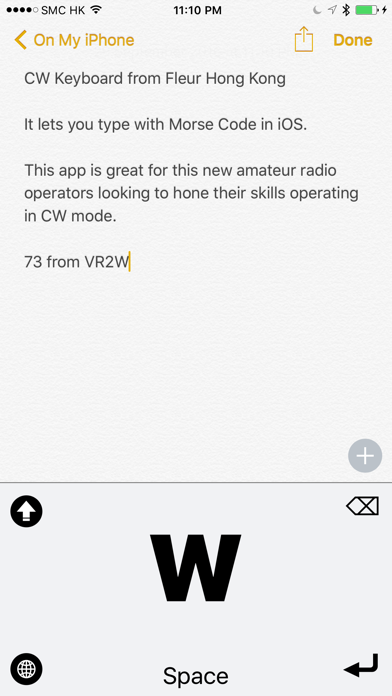
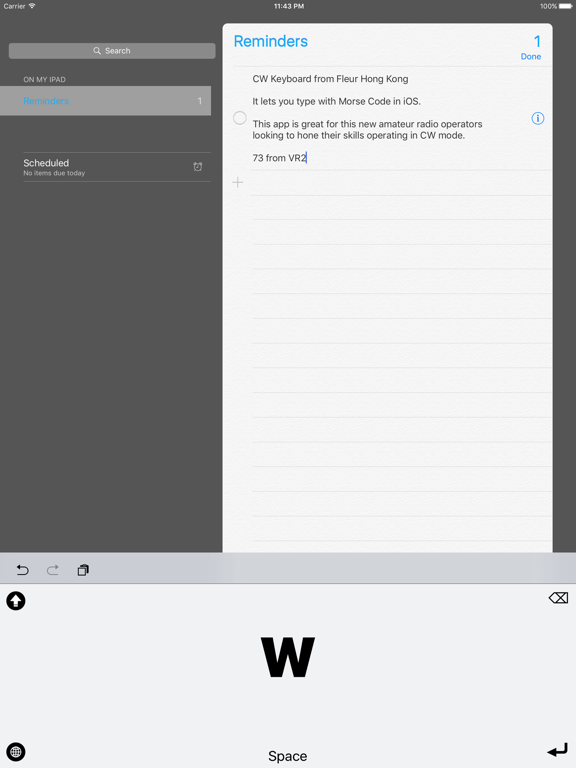
- Custom system-wide keyboard — use it in Messages, Notes, Mail, and any app that accepts text input
- Built-in Morse Code reference chart covering the full alphabet, numbers, and common punctuation
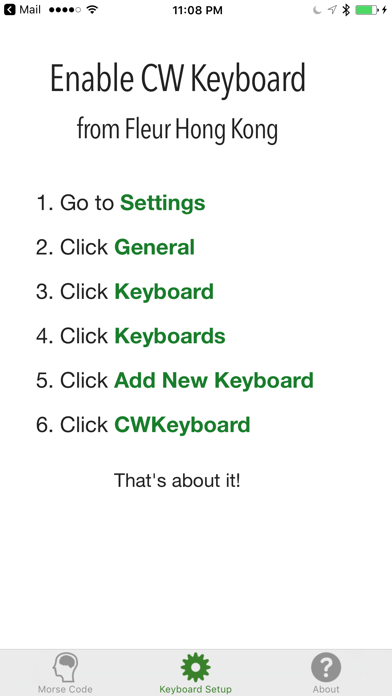
- Simple setup guide to get the keyboard enabled in a few taps
- Shift, backspace, space, and return controls alongside the Morse input pad
- Full support for Light and Dark Mode
WHO IT'S FOR
CW Keyboard is great for amateur radio operators practicing their Morse code sending skills, Morse enthusiasts, and anyone curious about learning CW. Get comfortable with dot-dash timing in a low-pressure way, right from the keyboard you already use every day.
HOW IT WORKS
Tap quickly for a dot, hold a bit longer for a dash. Pause briefly between letters, and the keyboard automatically decodes your taps into text and types it for you.
Quoi de neuf dans la dernière version ?
CW Keyboard has been completely rebuilt from the ground up:
- All-new native design throughout the app and keyboard
- Full support for Dark Mode
- A refreshed, built-in Morse Code reference chart
- Various layout and stability improvements to the keyboard extension