DGA OneVIEW
iOS Universel / Utilitaires
View and search video from your recorder on your mobile device with ease.
FEATURES:
• Single sign-on to load all recorder connection settings automatically
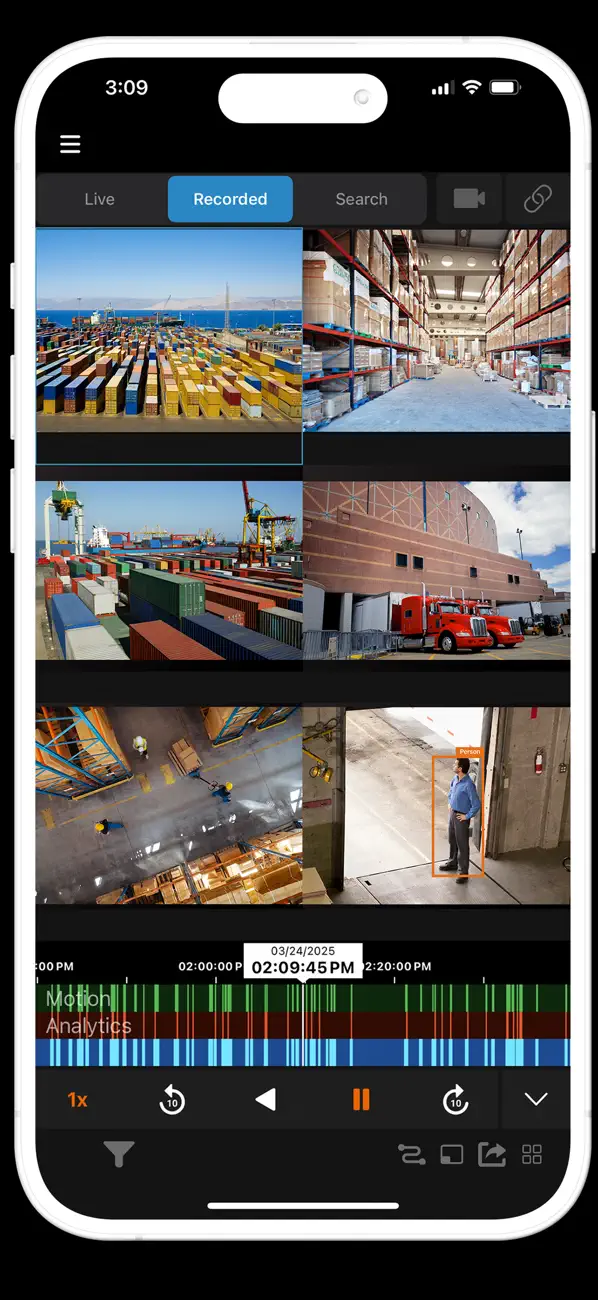
• Display video from multiple camera views
• Switch between cameras by swiping a finger
• Search video by time and date
• Digital Zoom for Live and Search
• PTZ control for supported cameras
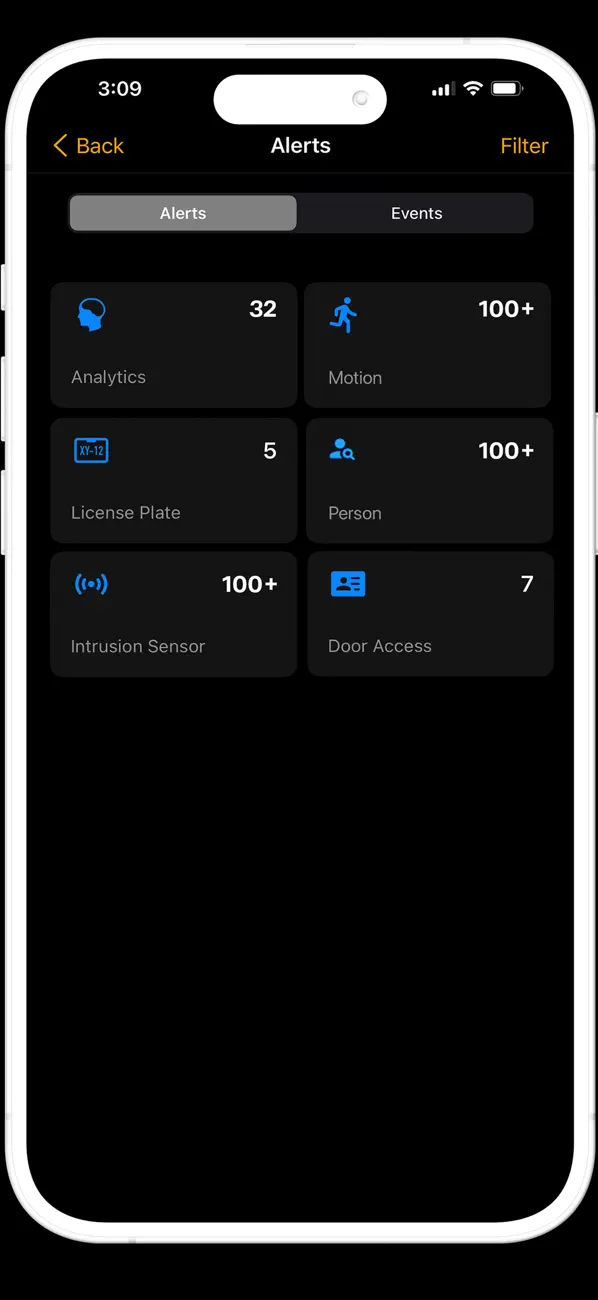
• Event Search
• Push Notifications
• Multi-factor authentication
• Export video clips to the cloud and share them with other users
• Remotely activate relays
• 360° view in live and recorded video with interactive PTZ control and zoom
· Remotely activate relay
It is strongly recommended this app be used on a secure Wi-Fi network. Streaming high definition video over cellular networks can consume large amounts of data and deplete battery life.
Quoi de neuf dans la dernière version ?
- Added support for iOS 26 to ensure optimal performance and full compatibility with the latest Apple devices.
- Updated the results view option names to Details and Full View in Search.
- Updated the Full View to automatically cycle through the five images when scrolling through the list of results.
- Updated the default behavior to display Locations containing devices with an expired license in the Location list.
- Updated access to Location arming, allowing users without video viewing permissions to set Arm and Disarm from the Locations list.
- Updated minimum requirements to support iOS version 18 or newer.
- Improved stability and security.
- Fixed an issue that caused the app to occasionally close unexpectedly when a location contained a 360 camera.
- Fixed an issue that caused the app to occasionally not display the video playback view when opened from a push notification.
- Fixed an issue that caused LPR events to occasionally display thumbnail images from an incorrect time.
- Fixed an issue that caused an incorrect camera to occasionally display when selected from the Cameras list.