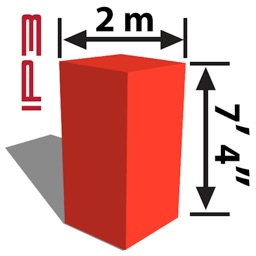
Dimension Marker iP3
iPad / Utilitaires
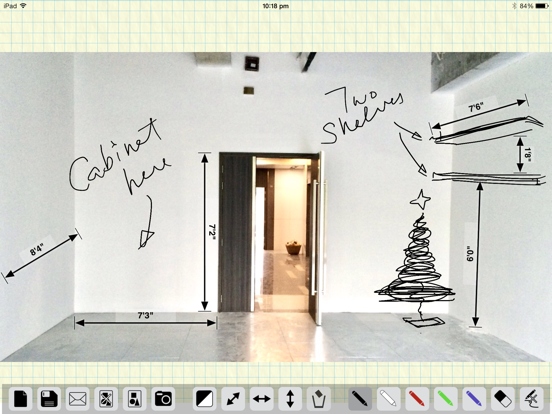
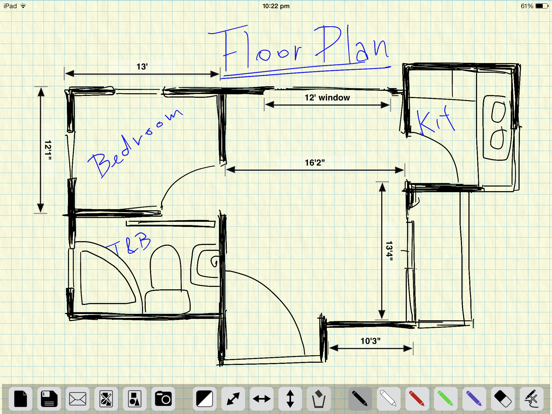
"Dimension Marker iP3" makes it easy to mark the dimensions of any space or object DIRECTLY on photos or sketches - turning your iPad into a great assistant whenever, for example:
- You need to fit new furnitures when you redecorate or renovate your home.
- You bump into a nice piece of home accessory and wondered if it fits somewhere in your home.
- You need to explain the dimension of a product to your customers, in many cases, it's better to email a picture with marked dimensions than to talk over the phone.
Few more examples when you need to remember sizes and dimensions during home improvement or rednovation:
- You want to pick the biggest possible flat panel TV that best fit the TV cabinet.
- You bump into a nice piece of decorative item and wondered if it fits into your bookshelf.
- There's a light switch on the wall and you want to find a bookshelf that's either short enough or narrow enough to leave the switch accessible.
- Need to measure the sizes of the 6 windows in the 3 bed rooms, living room and dinning room in order to get the right curtain for the right window.
- You want to get a new cabinet that's big enough but not blocking the power outlet and the picture hung on the wall.
We normally take text notes but sometimes it's confusing. The bed room may have 2 windows and there are 3 walls in the dinning room. Which wall is exactly "wall B" on my note? Which window is "window 1" on my note? I jotted down the "length" of the cabinet, but now I forgot whether I meant the width or height. To avoid mistakes and confusions, nothing's as straight forward as marking the sizes and measurements on the real photo or even a simple sketch. Remember, a picture worth thousands of words. And that's what Dimension Marker's for.
KEY FEATURES:
- Marks measurements and dimensions directly on photos or sketches
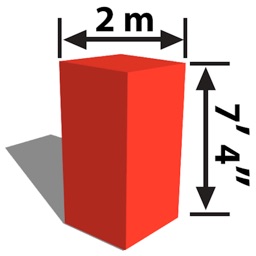
- Vertical, horizontal and arbitrary arrows
- Choice of Black or White arrows
- Marker pen in 5 different color
- Eraser
- Clear all sketches at once
- Insert photo from Photos Albums
- Save your note/work to Photo Album
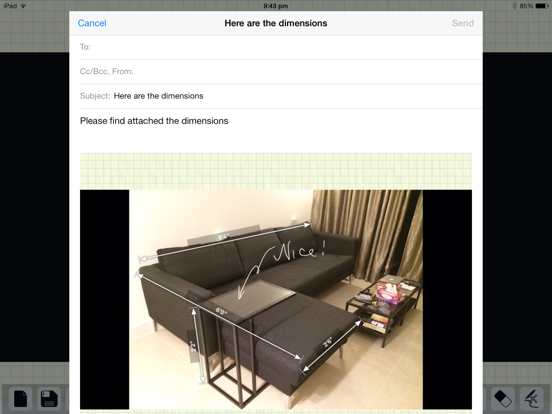
- Email your note/work within the app
QUICK TIPS:
- Drag arrow heads to adjust arrow lengths (and the angle of arbitrary arrows)
- Tab on the arrow text to edit
- Drag the arrow body (avoid the text area) to move the arrow
- Drag arrows onto the buttons panel (or onto the bin) to delete
- Press the Black/White square button to toggle new arrow color
Quoi de neuf dans la dernière version ?
This app has been updated by Apple to display the Apple Watch app icon.
Important Update!
- Fixed crash & compatibility issues on iOS8 or later
- Optimized for retina displays
- Improved sketch line quality